Transform Youtube Video to Script for Cinematic Production
Learn how to efficiently convert a youtube video to script using step-by-step AI-driven methods, ensuring clear, professional results for your next project.
Transform Youtube Video to Script for Cinematic Production

Every Social Media Manager and independent filmmaker knows the struggle of turning raw video ideas into polished, production-ready scripts. As projects scale from short promotional clips to ambitious cinematic pieces, the need for AI-powered video script generation grows urgent. From ensuring you have proper source permissions to extracting critical dialogue and refining narrative flow, these steps will give you an organized path to produce effective, industry-standard scripts no matter your project’s scope.
Table of Contents
- Step 1: Set Up Video Source And Permissions
- Step 2: Extract Key Scenes And Dialogue
- Step 3: Refine And Organize Script Elements
- Step 4: Customize Output For Project Needs
- Step 5: Verify Script Quality And Format
Quick Summary
| Key Point | Explanation |
|---|---|
| 1. Set Up Video Sources Properly | Ensure all video sources are legally compliant and correctly formatted for seamless script generation. |
| 2. Extract Key Narrative Elements | Identify and isolate critical scenes and dialogues that advance the plot and character development. |
| 3. Organize Script Elements Effectively | Structure your script by categorizing scenes, characters, and emotional tones for clarity and professionalism. |
| 4. Customize Script to Project Needs | Tailor the script by adjusting dialogue, pacing, and character interactions to fit your specific vision and audience. |
| 5. Verify Script Quality and Formatting | Rigorously check for technical accuracy and narrative coherence to ensure a polished, production-ready document. |
Step 1: Set Up Video Source and Permissions
In this critical initial stage, you will configure your video sources and establish the necessary permissions to generate accurate and legally compliant scripts for your cinematic project. Understanding how to properly manage video inputs is fundamental to successful AI-powered video script generation.
Begin by identifying your primary video source. Whether you are working with existing footage, online video links, or raw video files, the setup process requires careful attention to detail. AI script generation tools support multiple input formats, so you'll want to ensure compatibility and clean data transfer. Start by gathering all potential source materials and checking their resolution, format, and copyright status.
Verify that you have the appropriate permissions for each video source. This means confirming you either own the content, have licensed it properly, or have received explicit consent for transformation. Some platforms require detailed documentation proving your right to modify or reproduce the original material. Take screenshots, save email permissions, and maintain a clear audit trail of your content rights.
Pro tip: Always document your content permissions meticulously and keep digital and physical records of usage rights to protect yourself legally and professionally.
Step 2: Extract Key Scenes and Dialogue
In this crucial phase, you will learn how to pinpoint and extract the most compelling narrative elements from your video source to transform raw footage into a structured cinematic script. Video content summarization tools offer advanced techniques for identifying critical scenes and dialogue that drive your storytelling.
Begin by running your video through an AI-powered analysis that can detect narrative transitions, emotional peaks, and significant dialogue exchanges. Look for scenes with high dramatic intensity, character development moments, and plot turning points. Pay close attention to dialogue segments that reveal character motivations, advance the storyline, or provide critical exposition. YouTube Video Summarizer tools can help you quickly parse through lengthy content and isolate these key narrative components.
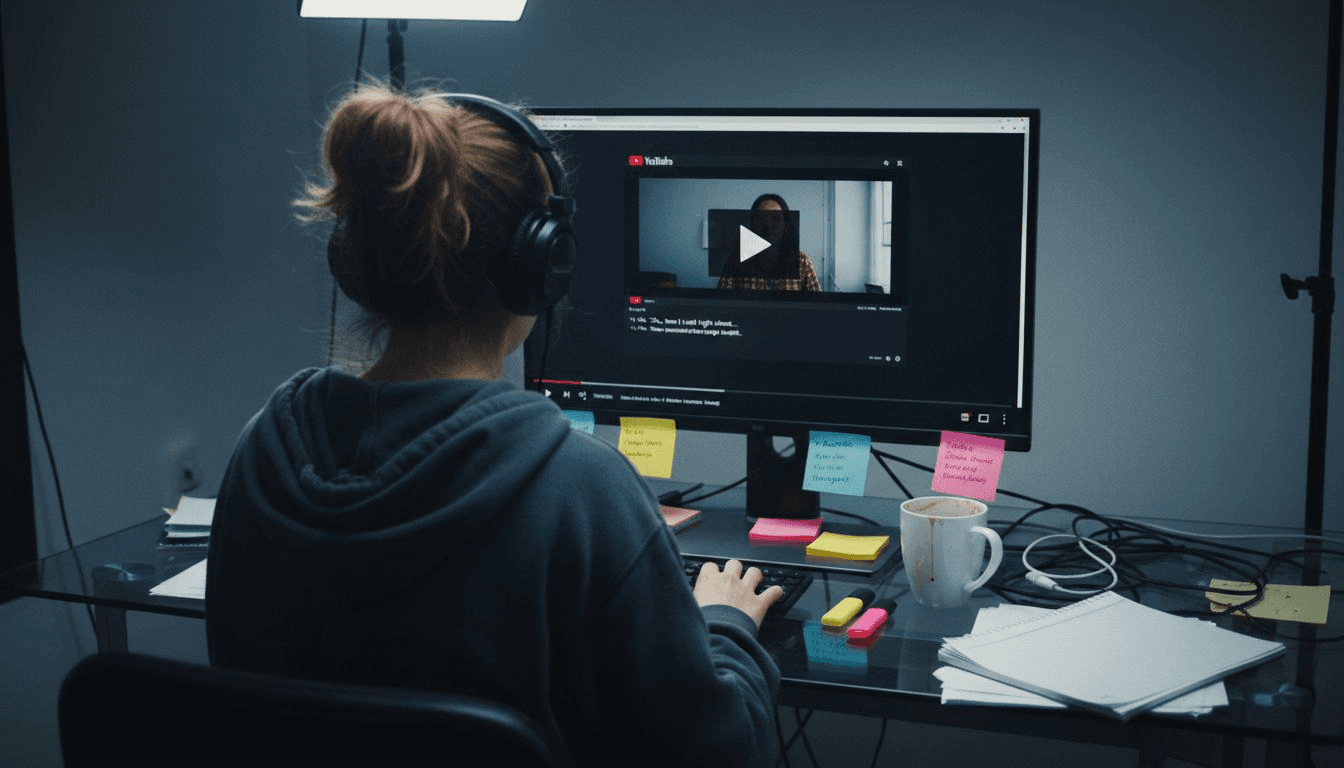
As you extract these scenes, create a chronological log that captures the essence of each segment. Note the timestamp, primary characters involved, emotional tone, and narrative significance. This methodical approach ensures you capture the nuanced storytelling elements that will form the backbone of your cinematic script.
Pro tip: Create a color-coded spreadsheet to track scene importance, character arcs, and narrative impact for easier script development and reference.
Step 3: Refine and Organize Script Elements
This critical stage transforms your raw narrative fragments into a structured, professional script ready for cinematic production. Script breakdown techniques will help you methodically organize and categorize every narrative component with precision and clarity.
Start by creating a comprehensive breakdown that segments your script into distinct elements. Categorize each scene by its primary characteristics such as location, characters present, time of day, and emotional tone. Production script organization methods recommend creating detailed logs that track character interactions, plot progression, and critical narrative transitions. Pay special attention to dialogue sequences, ensuring each character's voice remains consistent and each line advances the storytelling objective.
Next, develop a color-coded system that visually represents different script elements. Assign specific colors to character arcs, plot developments, and scene types. This visual approach allows you to quickly identify narrative patterns, potential plot holes, and areas requiring further refinement. Create separate documentation for technical requirements like props, costume changes, and specific scene demands that will guide your production team.
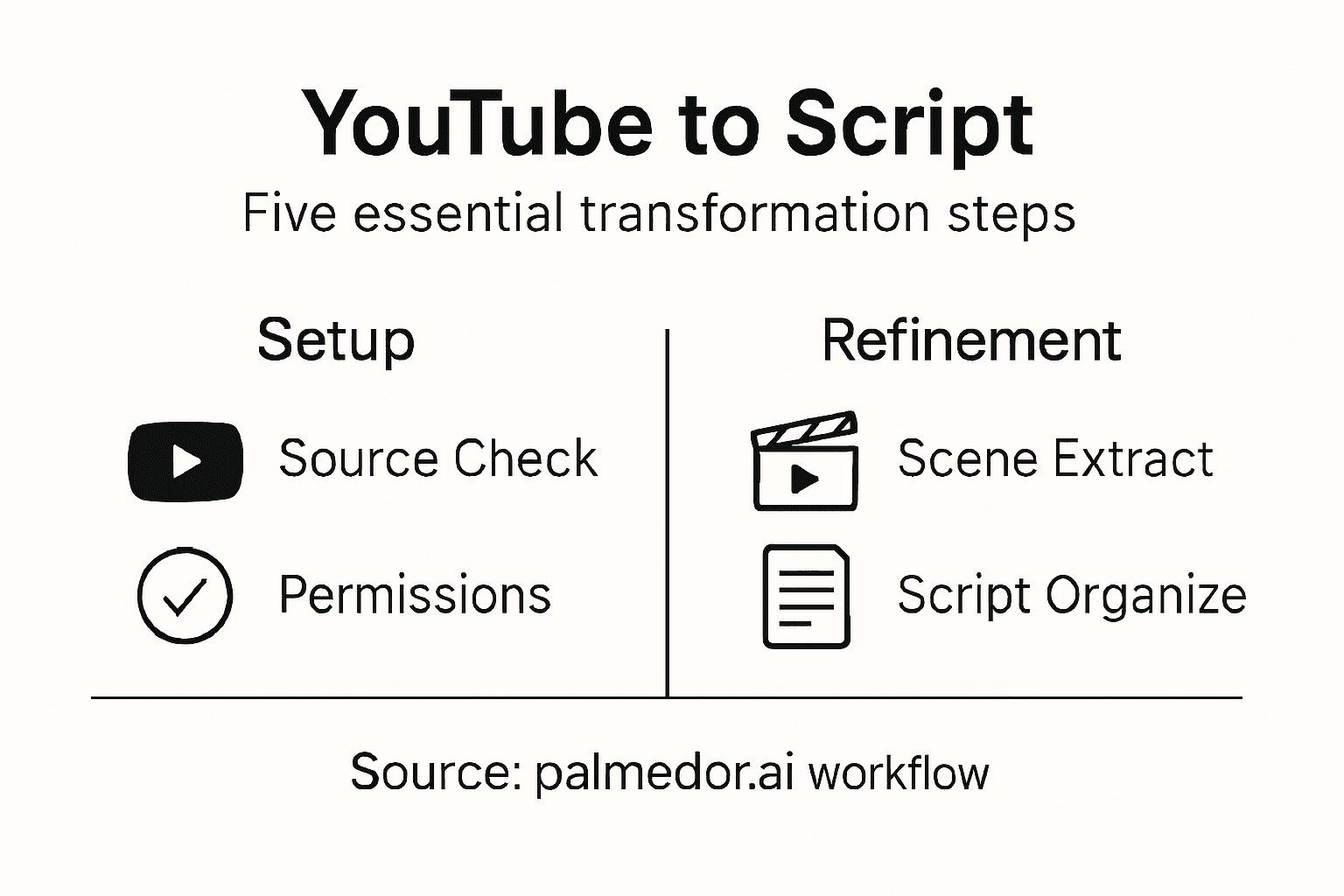
Here's a summary of key script elements to track during extraction and refinement:
| Element Type | Example Details | Why It Matters |
|---|---|---|
| Scene | Opening confrontation | Sets tone and context |
| Dialogue | "I must go now." | Reveals motivation |
| Character Arc | Protagonist's growth | Drives emotional connection |
| Plot Point | Major twist event | Advances storyline |
| Emotional Tone | Tension, relief, irony | Affects audience impact |
Pro tip: Use digital script management tools that allow real-time collaboration and version tracking to streamline your script refinement process.
Step 4: Customize Output for Project Needs
This crucial stage allows you to transform your generalized script into a precisely tailored narrative that meets the unique requirements of your specific cinematic project. Your goal is to fine-tune every aspect of the script to align perfectly with your creative vision and production constraints.
Begin by identifying the distinct characteristics of your project. Consider factors such as genre, target audience, intended platform, and overall storytelling approach. Adjust dialogue rhythms, scene pacing, and character interactions to match the specific emotional tone and narrative style you want to achieve. Evaluate technical parameters like script length, scene complexity, and dialogue density to ensure the output matches your production capabilities.
Next, leverage AI customization features to modify script elements. Experiment with different narrative structures, adjust character voice profiles, and refine scene transitions. Pay close attention to nuanced elements like character motivation, subtext, and emotional progression. Make incremental adjustments that preserve the core narrative while enhancing its unique storytelling potential. Verify that each modification serves your project's specific artistic and practical requirements.
Pro tip: Create multiple script variations and compare them side by side to identify the most compelling narrative approach for your specific project.
Step 5: Verify Script Quality and Format
This critical phase ensures your script meets professional industry standards and achieves the highest level of narrative precision. Screenplay formatting guidelines provide the essential framework for transforming your raw script into a polished, production-ready document.
Begin by conducting a comprehensive review of your script's technical elements. Check scene headings, dialogue blocks, and action descriptions for consistent formatting and clarity. Script formatting best practices recommend paying close attention to industry standard margins, font types, and spacing. Verify that character dialogue is properly centered, scene descriptions are concise and visually descriptive, and transitions between scenes flow logically and smoothly.
Develop a systematic verification process that examines both technical precision and narrative coherence. Read through the script multiple times, first focusing on formatting details, then on storytelling quality. Check for consistent character voices, plot logic, and emotional progression. Ensure each scene serves a clear narrative purpose and maintains the overall dramatic tension of your script. Use digital script analysis tools to catch potential formatting errors and narrative inconsistencies that might escape manual review.
Pro tip: Print out a physical copy of your script and read it aloud to catch formatting issues and narrative rhythm problems that digital screens might not reveal.
Compare these AI script generation steps and their primary objectives:
| Step | Main Focus | Key Outcome |
|---|---|---|
| Set Up Source | Legal and technical preparation | Safe, usable material |
| Extract Key Scenes | Identify important moments | Focused narrative structure |
| Organize Script | Structure and categorize | Professional draft ready |
| Customize Output | Tailor narrative details | Unique, project-aligned script |
| Verify Quality | Ensure industry standards | Ready for production review |
Unlock Cinematic Storytelling with Effortless Script Transformation
Struggling to convert YouTube videos into polished cinematic scripts while managing technical setups, scene extraction, and script refinement? The process of extracting key scenes, organizing narrative elements, and customizing output can feel overwhelming and time consuming. If you want to bypass these challenges and bring your video ideas to life with professional quality and minimal effort, Palmedor.ai is your solution.
Palmedor.ai offers an AI-powered platform that simplifies script generation, scene management, and output customization so you can focus on creative vision instead of technical hurdles. Whether you need to convert raw footage into structured scripts or tailor dialogues for your cinematic project, our platform streamlines the entire workflow from concept to completion. Discover how easy it is to transform your video content into captivating scripts ready for production by exploring our powerful tools at Palmedor.ai.

Ready to elevate your cinematic projects with AI driven video creation and script management? Visit https://palmedorai.com now and experience a new era of effortless storytelling tailored to your unique vision. Start your journey today and unlock unlimited creative potential with smart presets and customizable scripts designed just for you.
Frequently Asked Questions
How can I set up my video sources for transforming YouTube videos to a script?
To set up your video sources, identify the existing footage or YouTube links you want to use and check their compatibility. Gather your materials and ensure you have the necessary permissions, such as licenses or consent, by documenting them clearly.
What should I do to extract key scenes and dialogue from my YouTube video?
To extract key scenes and dialogue, run your video through an AI-powered analysis tool that detects significant narrative elements. Focus on identifying moments of high drama, character development, and critical dialogue that advance the storyline.
How do I organize my script elements after extracting scenes from a YouTube video?
Organize your script elements by creating a breakdown that categorizes each scene by location, characters, and emotional tone. Develop a color-coded system to track different narrative components easily, ensuring a clear structure for your cinematic script.
What steps should I take to customize the script for my specific cinematic project?
Begin by assessing the unique characteristics of your project, including genre and target audience, and adjust the script accordingly. Fine-tune dialogue, scene pacing, and character interactions to align the narrative with your production’s vision and technical constraints.
How can I verify the quality and format of my script before production?
To verify your script's quality and format, conduct a thorough review of technical elements like scene headings and dialogue formatting. Read through the script multiple times, checking for consistency in character voices and emotional flow, ensuring it meets industry standards for production readiness.