Video Script Outline: Powering Efficient Content
Video script outline essentials for marketing pros—types, process, AI tools, and scripts for social media and branding. Discover key steps and expert pitfalls.
Video Script Outline: Powering Efficient Content

Struggling to turn a big idea into a polished video script can stall even the most creative American marketer or content creator. Clarity and structure make all the difference when producing compelling social media videos, especially with AI tools now at your fingertips. This guide reveals how a video script outline transforms your workflow, offering actionable steps to streamline planning, boost collaboration, and ensure your message connects on every platform.
Table of Contents
- What Defines A Video Script Outline
- Essential Variations For Marketing Videos
- Core Elements And Workflow Breakdown
- Integrating AI In Script Generation
- Tailoring Outlines For Social Platforms
- Common Mistakes And Improvement Strategies
Key Takeaways
| Point | Details |
|---|---|
| Importance of a Script Outline | A video script outline serves as a structured plan, ensuring coherence and alignment throughout the production process. |
| Tailoring for Audience Engagement | Different types of marketing videos require distinct structures and tonal approaches to effectively engage viewers in various stages of their decision-making journey. |
| Essential Script Elements | Key elements such as sluglines, visual descriptions, dialogue, pacing notes, and calls-to-action are crucial for guiding production and maintaining clarity. |
| AI as a Creative Partner | Generative AI tools can enhance script development by providing variations and identifying structural issues, but human oversight is essential to maintain originality and brand voice. |
What Defines a Video Script Outline
A video script outline is your production roadmap. It's a structured plan that transforms your initial video concept into a clear, actionable document that guides every decision from filming to final edit. Rather than winging it on camera, you start with a blueprint that organizes your footage, dialogue, and visual elements into a coherent narrative. Think of it like the difference between building a house with detailed architectural plans versus trying to construct one without a blueprint.
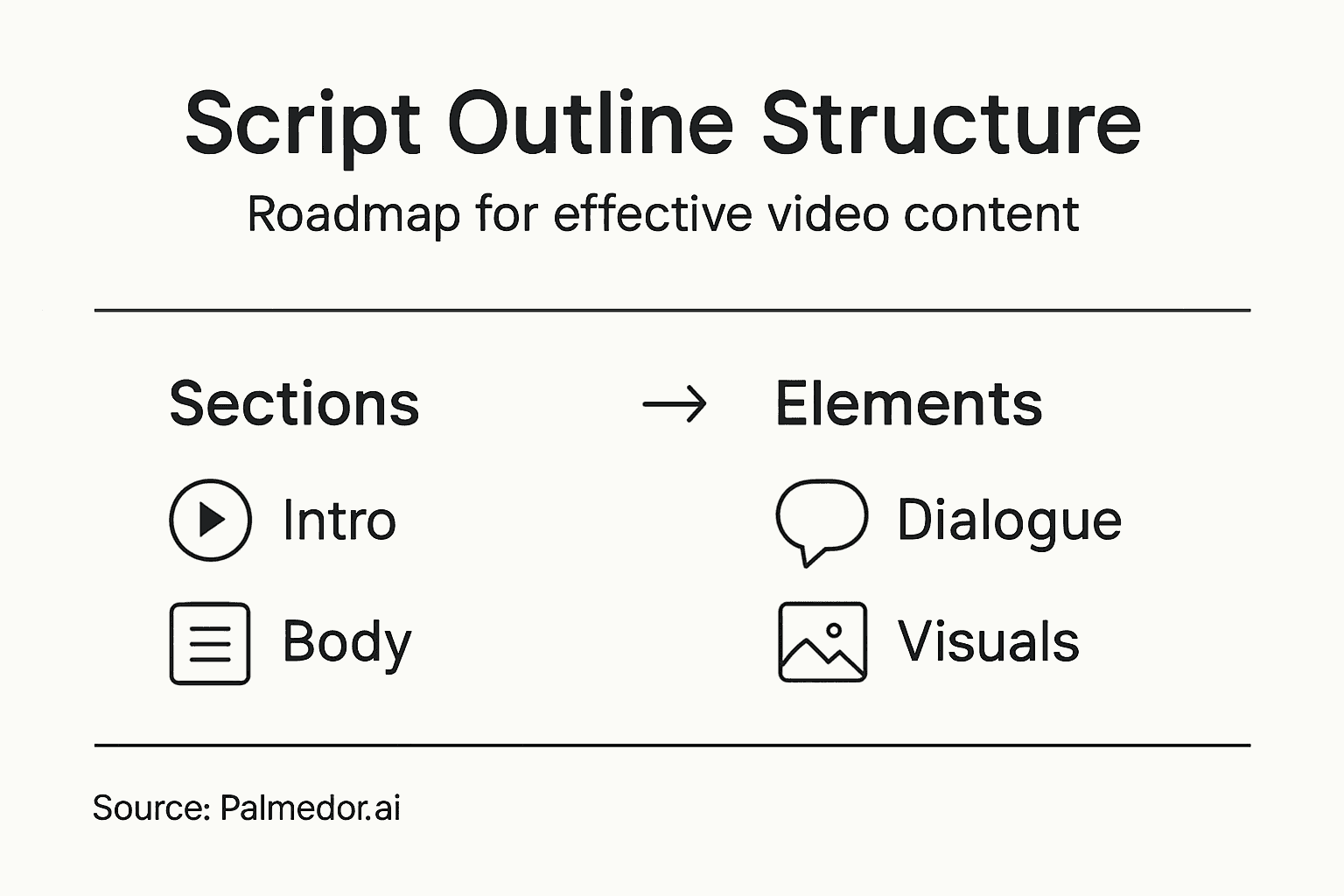
At its core, a video script outline organizes content into three fundamental sections: introduction, body, and conclusion. Your introduction hooks viewers immediately while establishing why they should care about what comes next. This is where you grab attention in the first few seconds, whether you're promoting a product, explaining a concept, or sharing a story. The body presents your key points with supporting examples and visual descriptions that show your production team exactly what needs to be captured. The conclusion ties everything together by summarizing your message or pushing viewers toward a specific action, whether that's subscribing, visiting your website, or trying a service.
What makes this structure so effective for content creators is that it keeps your video focused and conversational. Without a solid outline, you tend to ramble, repeat yourself, or lose your audience halfway through. Your script becomes a detailed blueprint that includes sluglines identifying each scene, character dialogue word-for-word, visual cues showing what appears on screen, and pacing details that control the rhythm of your video. This level of detail ensures clarity and consistency throughout your production process, whether you're filming solo in your home office or coordinating with a larger team. When your production team, editors, and collaborators all reference the same document, everyone stays aligned on the vision, messaging, and timing.
For marketing professionals and independent creators using AI-powered platforms, a solid script outline becomes even more valuable. It gives your AI video creation tools the specific direction they need to generate scenes, select appropriate visuals, and structure your narrative in ways that actually resonate with your audience rather than producing generic content.
Pro tip: Write your outline focusing on emotional beats and viewer benefits rather than just listing facts. When you clarify why each point matters to your audience, your AI tool or production team can match that intent with stronger visuals and pacing.
Essential Variations for Marketing Videos
Not every video serves the same purpose, and your script outline needs to reflect that reality. Marketing videos fall into distinct categories, each designed to move your audience through a specific stage of their decision-making journey. Understanding which type you're creating changes everything about how you structure your script, what you emphasize, and what results you can realistically expect.
Marketing videos serve different goals depending on where your audience sits in their awareness journey. Early-stage awareness videos introduce your brand or explain a problem your product solves, so your script needs a hook that stops scrolling and establishes relevance immediately. Mid-funnel consideration videos like product demos or explainer content dive deeper, showing how your solution works and why it matters. Your script here becomes more detailed, breaking down features and benefits in a logical sequence. Decision-stage videos like testimonials and case studies build trust by showcasing real results, so your script emphasizes social proof and specific outcomes. Each type demands a different tonal approach, pacing, and focus.
Beyond these primary categories, you have tactical formats that maximize different channels and audience behaviors. Social media shorts operate under severe time constraints, so your outline must hit emotional beats or key information within 15 to 60 seconds. Tutorials and webinars allow for longer formats where you can develop concepts more thoroughly. Promotional clips balance entertainment with messaging to drive immediate action. Video testimonials capture authentic responses that build credibility. The variation matters because a 30-second social clip fails if you structure it like a 5-minute explainer video.
Here's how different marketing video types differ in structure and focus:
| Video Type | Main Objective | Key Content Focus | Typical Tone |
|---|---|---|---|
| Awareness | Brand introduction | Capture attention quickly | Engaging, broad appeal |
| Consideration | Demonstrate benefits | In-depth feature explanation | Informative, relatable |
| Decision | Build trust | Evidence and testimonials | Authentic, persuasive |
| Social Shorts | Drive fast engagement | Emotional or visual impact | Fun, energetic |
| Tutorials | Educate viewers | Step-by-step guidance | Clear, helpful |
When you're working with AI-powered video creation tools, specifying your video type in your script outline gives the platform crucial context for scene generation and visual selection. An awareness-stage brand introduction video generates entirely different scenes than a product demo video. Your outline becomes the communication bridge between your marketing strategy and the production output. The more specific you are about your video's purpose within the marketing funnel, the better your results will be.
Here's what to include in your outline for any marketing video type:
- Primary objective: What action or awareness shift do you want?
- Target audience stage: Are they discovering you, evaluating options, or ready to buy?
- Key message: What's the one thing they need to remember?
- Call to action: What happens after they watch?
- Distribution channel: Is this for LinkedIn, TikTok, YouTube, or your website?
- Tone and style: Should it feel professional, conversational, humorous, or emotional?
Pro tip: Match your script outline's depth and length to your video type first, then choose your AI platform's settings accordingly. A 30-second social clip requires a completely different outline structure than a 5-minute explainer, so don't force them into the same template.
Core Elements and Workflow Breakdown
Your script outline doesn't exist in isolation. It sits at the center of a larger production workflow that moves your concept from idea to finished video. Understanding how your outline fits into this workflow, and what elements need to appear within it, determines whether your production stays on track or descends into chaos. The good news is that the structure remains predictable across most video projects.
A video production workflow typically moves through distinct phases: development, pre-production, production, post-production, and distribution. Your script outline lives primarily in the development and pre-production phases, but it influences decisions throughout every stage that follows. In development, you're establishing your core concept and capturing it in written form. Pre-production is where you break down your script into storyboards, identify locations, plan camera angles, and organize resources. When you move into production, your crew references your script constantly to stay aligned on what needs to be captured. During post-production, your editors use your outline to structure how footage gets assembled and paced. Finally, at distribution, your script's original messaging ensures the final video delivers what you promised.
Within your script outline itself, certain core elements need to appear for the document to function effectively. Sluglines identify each scene and location, giving your production team immediate clarity about what needs to be filmed where. Visual descriptions go beyond just saying what happens on screen, they paint a picture of the mood, camera movement, and visual style you're targeting. Dialogue or voiceover comes word-for-word, not paraphrased, so there's no ambiguity about messaging. Pacing notes indicate how long each section should feel, preventing your video from dragging or rushing critical moments. Call-to-action details specify exactly what you want viewers to do when the video ends. Without these elements in your outline, you're asking your production team to guess your intentions.
Below is a summary of essential script outline elements and their role in video production:
| Element | Purpose | Impact on Production |
|---|---|---|
| Sluglines | Indicate scene and location | Enable clear planning and filming |
| Visual Descriptions | Define look and mood | Guide shot selection and style |
| Dialogue/Voiceover | Deliver message | Ensure consistency and accuracy |
| Pacing Notes | Control timing | Prevent rushed or dull segments |
| Call-to-Action | Prompt viewer response | Drive targeted outcomes |
For independent creators using AI-powered platforms, your outline becomes the translation device between your vision and what the platform generates. The more complete and detailed your outline elements are, the better results you'll get. You're essentially giving the AI clearer instructions about mood, pacing, messaging, and visual style.
Pro tip: Create a simple template for your script outlines with sections for sluglines, visual descriptions, dialogue, pacing, and calls-to-action, then reuse it across projects. Consistency in structure reduces errors and makes your outlines easier for collaborators to follow.
Integrating AI in Script Generation
AI tools aren't here to replace your creativity. They're here to accelerate it. When you leverage generative AI for script development, you're tapping into a tool that can generate story concepts, identify structural problems in your narrative, and handle repetitive writing tasks so you focus on the creative decisions that actually matter. The key is understanding how to use AI effectively without letting it override your strategic direction.
Generative AI tools offer real opportunities in script development, from brainstorming initial story ideas to providing self-critique on script structure and pacing. You can prompt an AI tool to generate multiple opening angles for your video, then evaluate which one resonates with your marketing goals. You can ask it to identify pacing issues or suggest transitions between scenes. You can request variations on a script segment tailored to different audience segments or platforms. These are genuinely helpful applications that save hours of solo brainstorming. The catch is that AI generates content based on patterns it learned from existing material, which means it excels at producing competent, conventional scripts but struggles with breakthrough originality. You need creative confidence to recognize when AI output hits your vision and when it needs significant revision.
The real power emerges when you treat your AI tool as a brainstorming partner, not an oracle. You bring the strategic thinking, the understanding of your audience's pain points, and the knowledge of what your brand actually stands for. The AI brings speed and multiple variations you can evaluate quickly. You prompt it with specific parameters drawn from your earlier outline work. You generate three opening hooks and pick the strongest. You ask for scene descriptions matching your desired mood and visual style. You request call-to-action language that aligns with your conversion goals. The AI handles the grunt work of producing options, and you handle the judgment calls about what actually works.
However, acknowledge the limitations head-on. AI can inadvertently introduce bias into your narrative without you realizing it. Copyright concerns arise when AI trains on existing scripts and media. Your target audience might detect generic AI-generated phrasing and disengage. The solution isn't avoiding AI but using it thoughtfully. Review AI-generated content for bias and stereotypes. Customize and personalize what AI produces until it reflects your brand voice. Use AI to accelerate early drafts, but invest time in human refinement before final delivery.
Pro tip: Use AI to generate three to five script variations for your opening 15 seconds, then show them to trusted colleagues or a small sample of your target audience before committing to full production. This reveals which direction actually resonates before you invest in filming.
Tailoring Outlines for Social Platforms
One script outline doesn't work across every platform. The same video concept that crushes on TikTok might bore your LinkedIn audience. Instagram Reels demand different pacing than YouTube Shorts. Your script outline needs to reflect these platform-specific realities, from video length and aspect ratio to tone, pacing, and what actually drives engagement. Treating all social platforms the same is like using the same message for a billboard and a business card.
Effective tailoring of outlines for social platforms requires understanding your target audience on each platform and adapting your script accordingly. LinkedIn audiences expect professional, value-driven content with measured pacing and substantive messaging. Your outline here emphasizes expertise, data points, and clear business outcomes. TikTok audiences reward personality, speed, humor, and trend-awareness. Your outline needs to hit an emotional or entertainment beat within the first second and maintain momentum throughout. Instagram favors visual beauty and lifestyle connection, so your outline focuses on aspirational moments and relatability. YouTube allows longer formats where you can develop concepts more thoroughly, so your outline includes more detailed explanations and scene-by-scene breakdowns. Each platform's algorithm, audience behavior, and content consumption patterns demand different structural choices.

Your script outline should explicitly call out platform-specific requirements. Start by listing basic constraints: video length, aspect ratio (vertical for mobile, horizontal for desktop), and whether captions are required or optional. Then address pacing. How fast does the action need to move? Where do you need to hook attention? LinkedIn might need a slow reveal, while TikTok needs impact in the first three seconds. Consider tone. Should your voiceover sound professional or conversational? Should you include trending sounds or music, and if so, what rights do you need? Address interactive elements. Does this platform work better with on-screen text, hashtags, or calls to action during the video versus at the end? Your outline becomes a platform-specific instruction manual.
When you're using AI-powered video creation platforms, this specificity matters enormously. An AI tool that generates a 60-second YouTube explainer performs completely differently when asked to create a 15-second TikTok. Include your platform target in your initial outline prompt, then let the platform handle format optimization. The clearer you are about which specific platform you're targeting, the better the AI can tailor scene generation, pacing, and visual style to actual platform expectations.
Pro tip: Create separate outline sections for each platform targeting the same core message, then identify which platform delivers your best audience match before you invest in production. A message might resonate on YouTube but fall flat on TikTok, and your outline reveals that before you film.
Common Mistakes and Improvement Strategies
Most script outlines fail for predictable reasons, and fixing them is entirely within your control. The mistakes you'll encounter aren't failures of creativity or intelligence. They're usually the result of skipping steps, working in isolation, or not testing your script before production begins. Once you recognize these patterns, you can build safeguards into your process that catch problems early when they're still cheap and easy to fix.
Common scriptwriting mistakes include lack of clarity, overly complex language, and drifting off-topic, all of which tank viewer engagement. You've probably watched videos where the narrator dives into jargon you don't understand or rambles through a point you lost three sentences ago. That's what happens when creators write for themselves instead of their actual audience. Another frequent mistake is failing to hook viewers in the opening seconds. You spend 30 seconds on context and background before delivering anything interesting, by which time viewers have already scrolled away. Similarly, many outlines pack too much content into the available time, forcing rushed pacing that leaves viewers confused. You end up with a script that tries to do everything and does nothing well.
The improvement strategies are straightforward and worth implementing now rather than after you've filmed everything. Start by reading your script aloud before you finalize it. Your ear catches awkward phrasing and unnatural rhythm that your eyes miss. You'll hear where you're using jargon and where sentences drag. Ask yourself: would I actually say this to a friend, or does it sound like corporate documentation? Next, get feedback from someone outside your expertise. If you're marketing a technical product, show your outline to someone who isn't technical. If they get confused at specific points, that's where your script needs revision. Your outline should be so clear that a stranger understands your message without additional context. Edit ruthlessly for brevity. Remove every word that doesn't serve your core message. If a story takes two sentences to tell but you've written four, cut it down. Tighter scripts maintain pacing and respect viewer attention.
Once you've addressed these fundamentals, test your outline against your platform requirements. Does a 60-second outline actually fit within 60 seconds when read at conversational speed? Many creators estimate timing poorly and end up with compressed, rushed final videos. Count on roughly 130 to 150 words per minute for comfortable speaking pace. Finally, build revision into your timeline. Don't finalize your outline the day before you film. Write it, let it sit for a day, then revise with fresh eyes. You'll catch issues you missed during the initial draft.
Pro tip: Record yourself reading your outline at normal speaking pace, then play it back at 1.5x speed to see how it lands when edited with background music and sound effects. This reveals pacing problems before production starts.
Streamline Your Video Script Outline with AI-Powered Precision
The challenge of crafting a detailed, emotionally engaging, and platform-specific video script outline can slow even the most experienced creators. As highlighted in the article, your outline shapes pacing, dialogue, and visual cues to ensure clarity and resonance—but manually managing all these elements often leads to errors and wasted time. Key pain points include maintaining consistent tone, tailoring content for different social platforms, and integrating smooth production workflows without overwhelming complexity.
Palmedor.ai solves these challenges by transforming your script outline into a professional-grade video with unmatched ease. With AI-driven script generation, smart scene management, and customizable output for multiple formats Palmedor.ai empowers you to create cinematic videos that align perfectly with your marketing goals and audience needs. Whether you need a fast social media short or a detailed brand film, Palmedor.ai’s platform handles the heavy lifting so you can focus on creativity and impact. Explore how to bring your video script outlines to life at Palmedor Landing Page with insights on script generation and efficient production workflows.

Ready to elevate your video scripting and production process? Visit Palmedor.ai now to start turning your structured outlines into engaging, high-quality videos that captivate and convert. Don’t let script complexity hold you back—experience effortless video creation today.
Frequently Asked Questions
What is a video script outline?
A video script outline is a structured plan that organizes a video concept into a clear, actionable document. It guides filming, editing, and ensures a coherent narrative.
Why is it important to have a structured video script outline?
A structured video script outline prevents rambling and helps maintain focus, ensuring that the content is engaging and aligned with the intended message throughout the production process.
How do different types of marketing videos affect the script outline?
Different types of marketing videos, such as awareness, consideration, and decision stage videos, require different structures, tonal approaches, and focuses in the script to effectively guide the audience through their decision-making journey.
What key elements should be included in a video script outline?
A video script outline should include sluglines for scenes, visual descriptions, dialogue or voiceover, pacing notes, and call-to-action details to ensure clarity and consistency throughout the production process.