7 Best Video Editing Tools for Social Media – Expert Comparison 2025
Discover the top 7 video editing tools for social media with our expert comparison, perfect for enhancing your video content.
7 Best Video Editing Tools for Social Media – Expert Comparison 2025
Making videos used to mean heavy equipment and hours of editing, but now a few clicks can turn scripts and images into shareable, polished clips. Creative teams, marketers, and solo creators all have new tools powered by artificial intelligence that promise cinematic results without the technical headaches. Some focus on speed and preset templates while others promise hands-on control or multilingual voiceovers. Whether you want to whip up a quick social ad or craft a brand film for a big campaign, these platforms claim to cut down production time and bring pro quality within reach. With so many options that use smart automation and flexible features, it can be tough to know where to start. Which ones actually make life easier and which trade speed for creative power? The answer depends on what matters most to you.
Table of Contents
Palmedor AI

At a Glance
Palmedor AI is an AI-powered platform that turns simple prompts and reference images into high-quality, cinematic videos in minutes. It streamlines the entire creative chain—from script generation and scene management to smart presets and final output customization—so you can produce brand films, social clips, or short narratives without technical expertise. If you want professional-looking video fast, Palmedor AI delivers predictable, polished results with minimal setup. A few trade-offs, like pricing and an initial learning curve, are clearly intentional design choices to prioritize production quality and flexibility.
Core Features
Palmedor AI creates cinematic videos from prompts and images, offers full script editing before production, and includes smart presets for pacing, music, subtitles, and voiceovers. You can upload and analyze existing content for tailored video creation, use AI screenplay and scene management tools for granular control, and export with flexible output options across multiple formats and resolutions. The platform also supports audio, cast descriptions, and moodboards, enabling a complete end-to-end workflow from concept to render.
Pros
- User-friendly for non-experts: The interface and AI-driven defaults let creators without technical backgrounds produce cinematic results quickly and confidently.
- High-quality cinematic output: The platform focuses on professional visual and narrative quality, producing videos that look like they were made with traditional production resources.
- Customizable scripting and scenes: You retain creative control with full script editing and scene management tools that let you fine-tune pacing and story beats.
- Multiple output formats: Flexible export options ensure content is optimized for social, web, or longer-form presentations in the correct resolutions.
- Pre-production and preview controls: Smart presets for music, subtitles, and voiceovers speed up iteration while maintaining consistent production values.
Who It's For
Palmedor AI is ideal for content creators, filmmakers, marketers, and entrepreneurs who need an easy, reliable way to produce high-quality video without hiring full production teams. It's especially useful for marketing and creative teams that must turn concepts into multiple social clips quickly, and for independent filmmakers or agencies prototyping scenes and visualizing screenplays.
Unique Value Proposition
Palmedor AI’s strength lies in combining AI-driven speed with cinematic quality and hands-on control. Unlike template-first tools, it starts from prompts and reference images, then builds story-driven scenes with smart presets that respect pacing, sound, and subtitling needs. That means you get both automation and the ability to intervene: full script editing, scene-level adjustments, and tailored output options. For teams, this translates to dramatically faster concept-to-delivery workflows and fewer production bottlenecks. The pricing tiers and credit top-ups are structured to support both short social outputs and longer projects, positioning Palmedor AI as a flexible, scalable platform for agencies and creators who need premium results without traditional overhead.
Real World Use Case
A marketing agency uses Palmedor AI to convert client briefs into social ad variations in hours rather than days, drafting scripts, testing pacing presets, and exporting platform-specific formats—all while reducing production costs and speeding campaign launches.
Pricing
Creator Plan: $28/month (200 seconds of video; includes voiceover and scene editing). Producer Plan: $184/month (300 seconds, 1080p quality, priority support). Options to top-up credits are available for larger needs.
Website: https://palmedorai.com
Synthesia
At a Glance
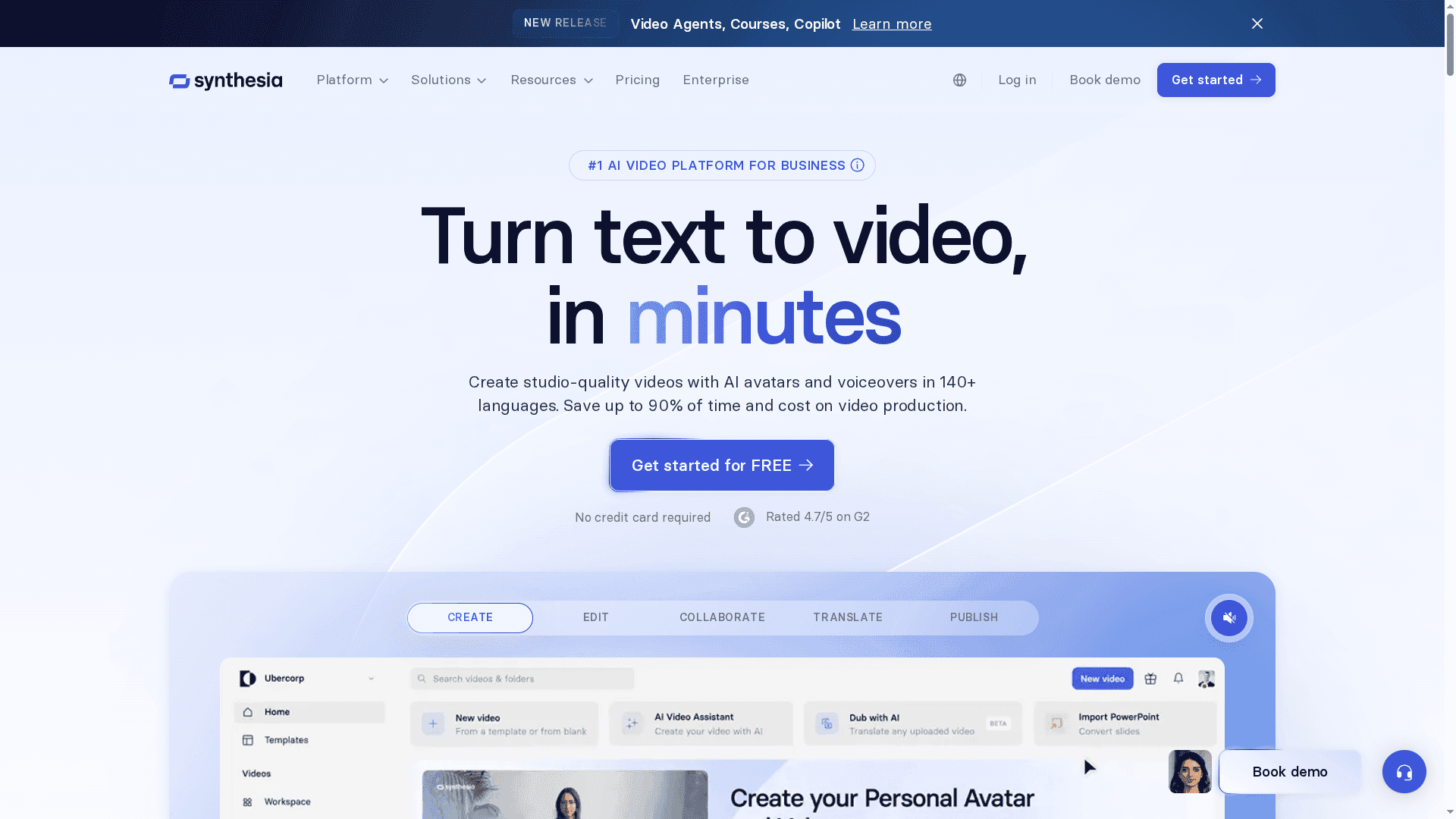
Synthesia is an AI video platform built for businesses that need fast, studio-quality video at scale. It converts scripts, documents, or simple ideas into polished videos using AI avatars and voiceovers in 140+ languages, which slashes production time and cost. The platform is clearly enterprise-minded, with collaboration, analytics, and compliance features aimed at teams rather than solo creators. If you need repeatable, localized video at scale, Synthesia delivers — with some cost and connectivity trade-offs.
Core Features
Synthesia’s core capabilities center on automated video creation and localization: create videos with AI avatars and natural-sounding voiceovers in over 140 languages, transform existing text or links into finished video, and handle translations and localization with one-click workflows. Team collaboration happens in real time with version control and branding options, while integrations with LMS and analytic dashboards support distribution and performance measurement. The platform also supports editing and updates to published assets, which is critical for enterprise content lifecycles.
Pros
- Fast, scalable content production: You can create many videos quickly without a full studio crew, which speeds up campaigns and internal programs.
- Extensive language support: With 140+ languages, localization becomes operational rather than experimental, enabling consistent messaging across markets.
- Collaboration and brand control: Real-time collaboration and version control help teams maintain brand consistency and accelerate review cycles.
- Integrations and analytics: LMS integrations and detailed performance metrics let you link video production to learning platforms and measure impact.
- Enterprise-ready security and compliance: Built for business use, the platform emphasizes security, making it suitable for regulated environments and large organizations.
Cons
- Pricing can be high for larger teams or heavy usage: Costs rise quickly as you scale video volume or add seats, which may pressure marketing or training budgets.
- Key features may require add-ons: Elements like custom avatars are available but typically as paid extras, increasing total cost of ownership.
- Platform dependency on internet and stability: Because workflow and rendering happen in the cloud, your output depends on a reliable internet connection and platform uptime.
Who It's For
Synthesia is designed for businesses, organizations, and educational institutions that must produce high-quality, multilingual videos at scale without building an in-house production pipeline. If you manage training, marketing, product demos, or global communications and need repeatable, brand-safe outputs, Synthesia is a practical choice.
Unique Value Proposition
Synthesia’s unique value lies in turning text and documentation into localized, studio-quality video quickly and consistently across many languages. That combination of automation, localization breadth, and enterprise features moves video production from specialized projects to an operational capability.
Real World Use Case
A global corporation uses Synthesia to create localized onboarding and compliance training across multiple regions, reducing external production costs and shortening rollout times from weeks to days while keeping content centrally managed and tracked.
Pricing
Starts from $18/month for basic plans, with additional tiers and custom enterprise options depending on features, seat counts, and usage.
Website: https://synthesia.io
InVideo
At a Glance
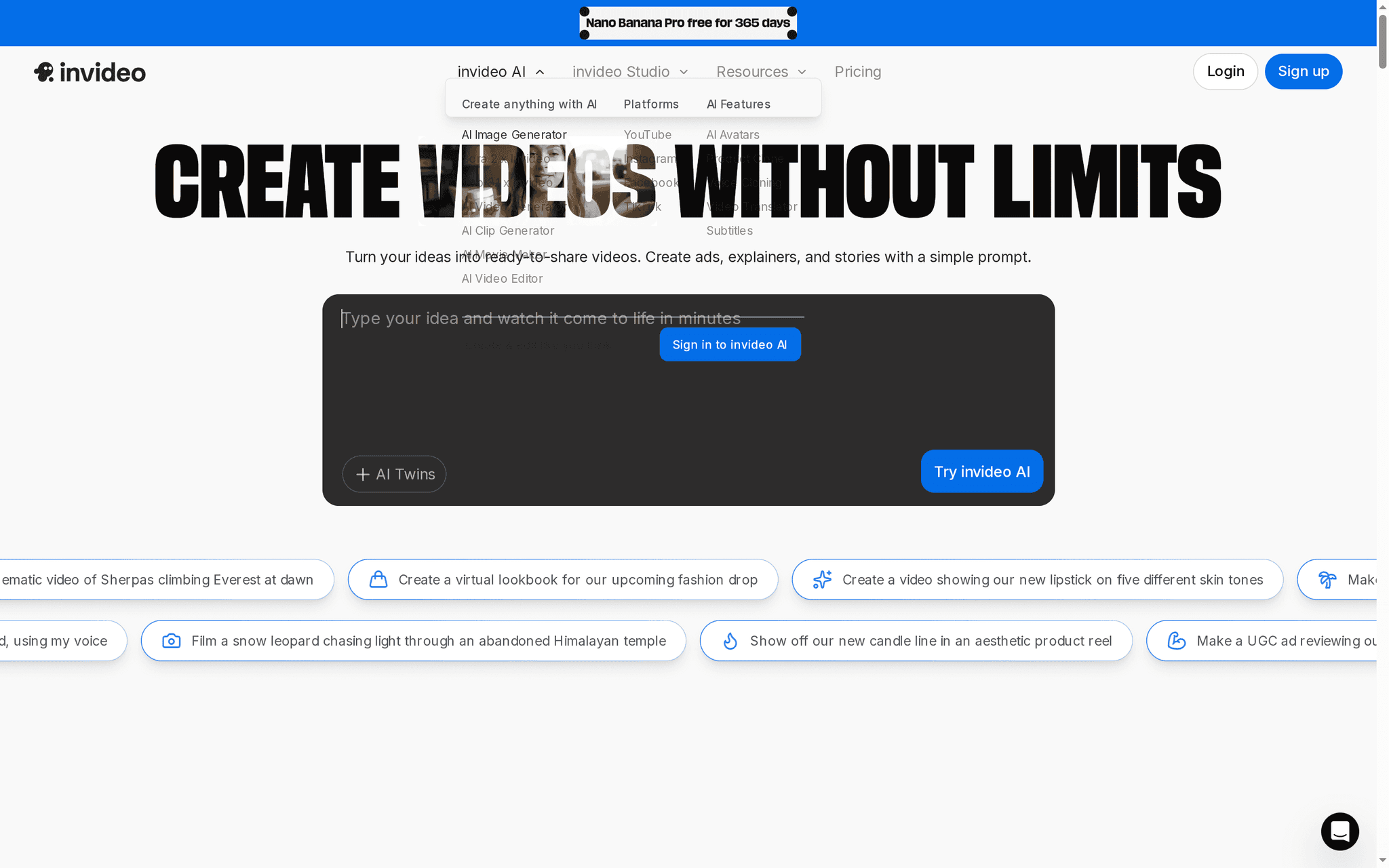
InVideo is a template-driven video creation platform that converts ideas into shareable videos quickly, with a clear focus on social and marketing content. Its AI-assisted tools—like simple-prompt video creation and AI twins—speed up the creative process while a broad template library covers ads, explainers, and stories. The interface is designed for both beginners and pros, though key AI features and higher export quotas sit behind paid plans. Overall, InVideo is a strong pick if you need fast, flexible video production without a steep learning curve.
Core Features
InVideo combines prompt-based AI video creation, a large template library, and AI twins for cinematic looks and lookbooks. It includes voiceover and caption tools plus background music and audio customization, so you can build finished social clips without juggling third-party apps. The platform also advertises flexible pricing and enterprise options, which suggests scalability from solo creators to larger teams.
Pros
- User-friendly interface suitable for beginners and professionals: The layout and toolset are positioned to let newcomers assemble videos quickly while offering enough controls for experienced editors.
- Wide range of templates and tools for different video types: Templates for ads, explainers, and stories reduce setup time and keep output consistent across campaigns.
- AI-powered features for enhanced creativity and efficiency: Prompt-driven video creation and AI twins help generate cinematic scenes and accelerate ideation.
- Flexible plans including a free trial and custom enterprise options: You can start with a free plan and scale to paid or enterprise tiers as needs grow.
- Large user base across 190 countries: Broad adoption suggests the platform handles diverse content needs and formats.
Cons
- Some features are limited in the free version: Expect constraints on advanced capabilities if you rely solely on the free tier.
- Advanced generative AI features require paid plans: The most powerful AI tools are gated behind subscription levels, which can slow experimentation for budget-conscious users.
- Quota limitations for video exports and AI credits in free plan: Export and AI usage caps may force frequent upgrades for heavy or professional workloads.
Who It's For
InVideo suits content creators, marketers, social media managers, educators, and businesses that need quick, polished video content without deep editing expertise. If your priority is speed, templated consistency, and AI-assisted creativity rather than frame-by-frame control, this platform will save time and reduce production overhead.
Unique Value Proposition
InVideo’s value lies in bringing AI-driven idea-to-video workflows into a template-rich environment. By combining prompt-based generation, cinematic AI twins, and integrated audio tools, it shortens the path from concept to publish-ready social clips—especially helpful when you need volume and consistent branding.
Real World Use Case
A small business can use InVideo to produce weekly promotional ads and short product demos: pick a template, refine scenes with AI prompts, add voiceover and music, then export for social feeds. That workflow can lift brand visibility without hiring a full production team.
Pricing
A free plan is available with limited features and quotas; paid plans start from $0 per month with expanded features and higher export or AI credits, and enterprise solutions are custom priced.
Website: https://invideo.io
Lumen5

At a Glance
Lumen5 is an AI-driven video maker that turns text—blogs, scripts, or ideas—into on-brand videos quickly, helping teams scale content without heavy production overhead. It emphasizes ease of use with a drag-and-drop editor and branded templates, and it claims broad adoption since 2017. If you need repeatable, fast marketing and communication videos with consistent brand control, Lumen5 delivers; if you require advanced frame-by-frame editing, you may find limits.
Core Features
Lumen5’s core strength is its AI-powered workflow that transforms text into a storyboard and then into a polished video using branded templates and stock assets. The editor combines drag-and-drop simplicity with a library of photos, clips, icons, and music, plus multiple output resolutions (720p and 1080p) and custom branding elements such as fonts, colors, and watermarks. Enterprise-focused capabilities include team collaboration, brand control, and security features designed to keep large-scale production consistent.
Fast. Branded. Repeatable.
Pros
- Easy to use with no scripting or technical expertise required: The platform’s AI and drag-and-drop editor let non-editors produce shareable videos in minutes.
- Fast video production, reducing turnaround time: Automated storyboarding and reusable templates accelerate output for social campaigns and internal training.
- Wide range of templates and customization options: Prebuilt templates with branding controls make it simple to maintain visual consistency across assets.
- Enterprise features including brand control, team collaboration, and security: Larger teams get workflows and permissions that support scale and governance.
- Good support and customer success services: The product data highlights responsive support, which helps onboarding and problem resolution for teams.
Cons
- Pricing can be high for advanced plans: The most capable tiers are aimed at teams and enterprises and can be expensive compared with entry-level tools.
- Some features limited in lower-tier plans: Access to the full template library, higher resolutions, or advanced branding settings may require an upgrade.
- Video customization options depend on plan level: Fine-grained editing and premium assets are gated behind paid plans, which constrains flexibility for small users.
Who It's For
Lumen5 is best for marketing teams, content creators, and businesses of all sizes that prioritize speed, brand consistency, and volume. If your goal is to repurpose written content into short social clips, create product showcases, or produce internal training videos without a full post-production team, this tool fits well. If you demand frame-perfect editing or advanced motion graphics, consider complementary tools.
Unique Value Proposition
Lumen5’s unique value is its ability to automate video creation from text while enforcing brand consistency at scale—making it ideal for teams that need repeatable, on-brand outputs quickly rather than bespoke, time-consuming edits.
Real World Use Case
Large organizations have used Lumen5 to convert blog posts and corporate announcements into engaging video assets that increase reach and engagement. Companies like Cisco, Siemens, Swiss Re, and Emerson have reportedly used the platform to scale marketing and internal communications efficiently.
Pricing
Plans range from a free tier with basic features to enterprise plans with custom pricing. Paid plans are billed yearly and include Basic ($19/month), Starter ($59/month), Pro ($149/month), and custom enterprise pricing.
Website: https://lumen5.com
Runway ML
At a Glance
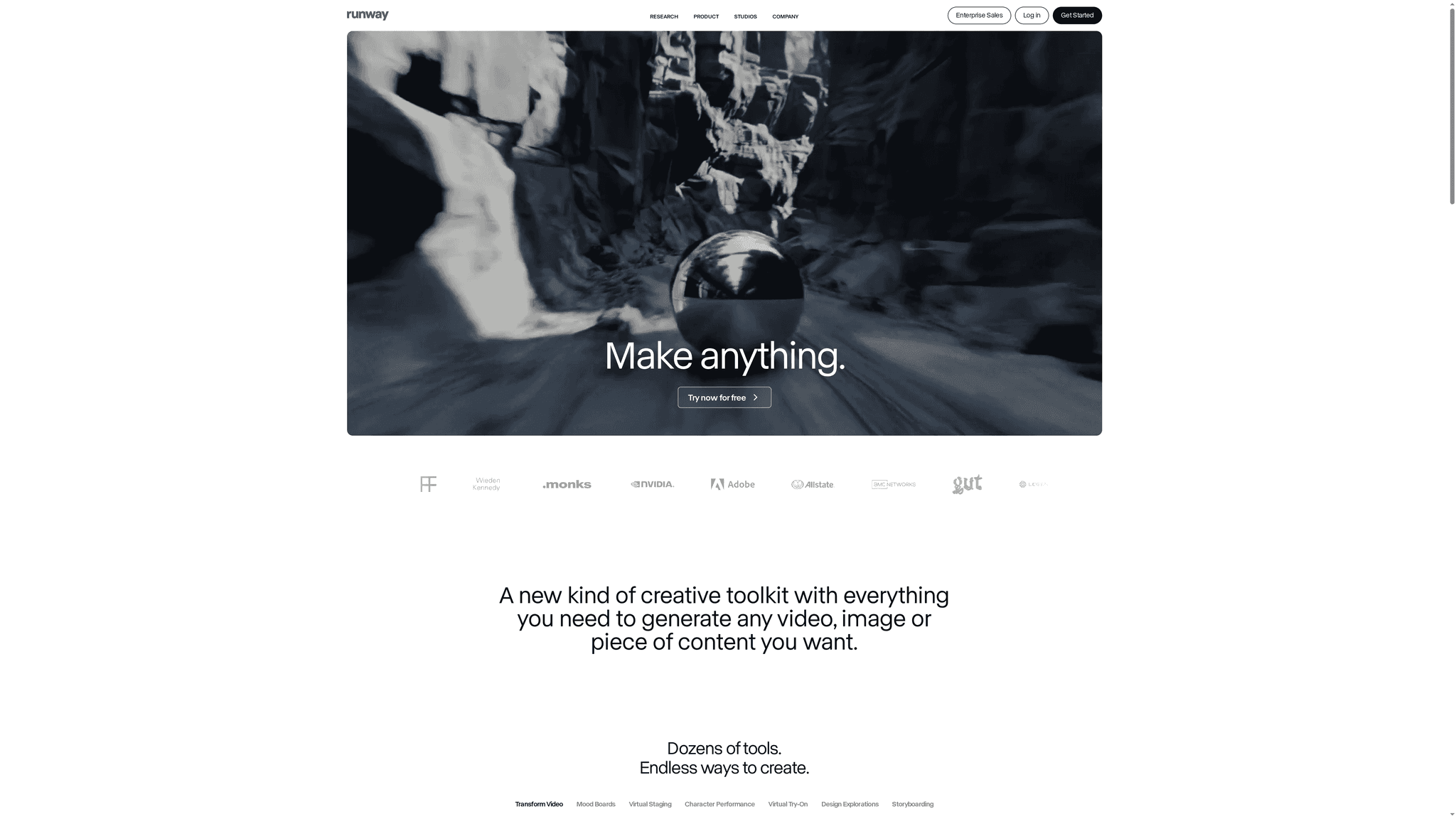
Runway ML is an AI-driven creative toolkit that brings video and image generation into reach for artists, creators, and production teams. It combines generative models with practical editing apps so you can remove objects, relight scenes, and upscale footage without deep technical setup. The platform scales from solo creators testing ideas to organizations running full production workflows, but expect a learning curve and potentially higher costs for large-scale needs. Overall: powerful, versatile, and evolving fast.
Core Features
Runway ML provides an array of AI-powered tools to generate videos, images, and mixed media from prompts or existing assets. You can transform mood boards into animatics, perform virtual staging and virtual try-on, and retarget character performance. Editing features include background removal, object removal, relighting, upscaling, and adding dialogue. A key capability is chaining models and steps into custom workflows, plus a library of apps—remove from video, upscale, change style, relight scenes, and more—that let you assemble end-to-end content pipelines.
Pros
- Wide range of AI-powered creative tools: Runway ML bundles generation and editing tools so you can move from concept to polished clip inside one environment.
- Flexible workflows for advanced customization: You can chain models and modalities to create repeatable, automated production steps tailored to your project.
- Scalable plans for individuals to enterprises: The platform supports single creators and scales to accommodate team or enterprise needs with expanded credits and storage.
- Ongoing updates and new tools: Runway regularly adds new models and apps, which keeps the toolkit fresh and expanding in capability.
- Strong industry use cases and customer stories: Documented work across advertising, VFX, and entertainment suggests the platform handles production-level demands.
Cons
- Complexity might require learning curve for new users: Beginners will need to invest time to understand model behavior and to build effective workflows.
- Pricing can be high for large-scale enterprise features: Costs rise as you add credits, storage, and enterprise capabilities, which may strain larger productions.
- Some tools might be limited in trial versions: Trial credits and restricted access to advanced apps can slow evaluation for serious production testing.
Who It's For
Runway ML is ideal for artists, creators, small teams, and production departments that want to accelerate creative experimentation and scale AI-assisted workflows. If you produce social clips, ads, VFX tests, or rapid prototyping for campaigns, Runway provides an accessible bridge between concept and deliverable. It fits teams that can tolerate a learning curve in exchange for automation and creative flexibility.
Unique Value Proposition
Runway stands out by combining generative creation with practical, production-minded editing apps and the ability to chain models into bespoke workflows. That mix lets you iterate faster—generate concepts, refine them, then automate repetitive steps—without switching tools. It’s both a sandbox for experimentation and a foundation for repeatable production pipelines.
Real World Use Case
Production teams can run full video and content workflows—from initial concept to deliverable—on projects like TV commercials, episodic content for streaming, or archival restoration for documentary channels, applying upscaling, relighting, and scene edits guided by AI.
Pricing
Free for individuals with limited credits; paid plans range from $12 to $76 per user per month, offering more credits, storage, and features depending on the plan.
Website: https://runwayml.com
Pictory.ai
At a Glance
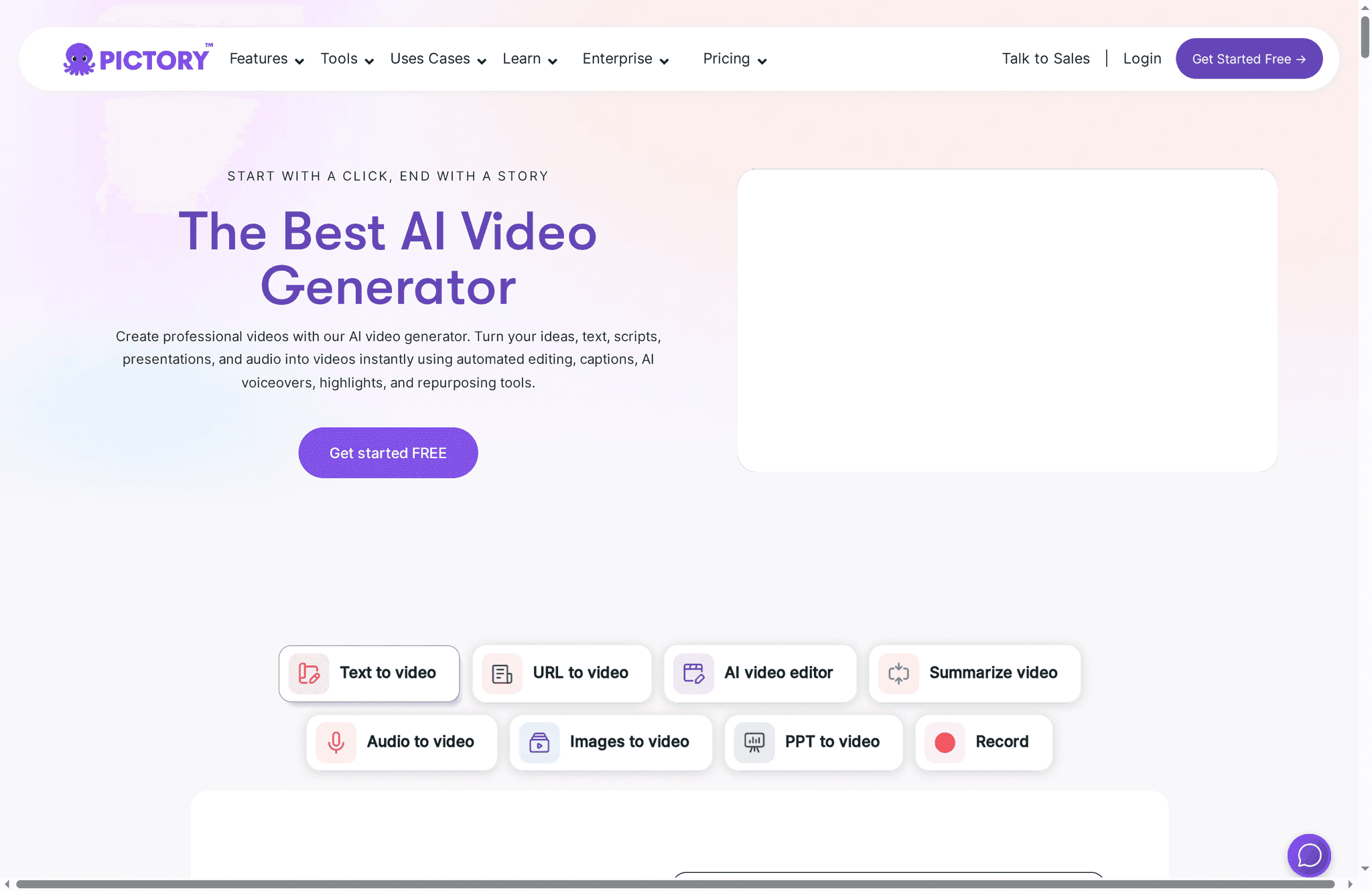
Pictory.ai is an AI-powered video generator that converts text, URLs, scripts, images, and audio into polished videos quickly. It streamlines routine editing tasks—like captioning, trimming silences, and adding music—so teams can produce social clips, explainers, and training content at scale. The platform emphasizes speed and ease of use, making it a strong choice for creators and marketing teams who need reliable, brand-consistent output without heavy manual editing.
Core Features
Pictory.ai offers automated video creation from multiple input types: text, full scripts, web URLs, images, and audio files. Its AI-powered editing toolkit automatically cuts silences, inserts captions, and applies music to match pacing. The platform can summarize longer videos into highlights and transform raw audio into captioned visual pieces. Studio features pull from high-quality stock libraries and let you convert images and PPT slides into videos while customizing branding elements like logos, fonts, and colors. It also supports voiceovers, animation generation, team collaboration workflows, and automation with API integrations.
Pros
- Fast and automated video creation: The AI does much of the heavy lifting so you can produce finished videos in a fraction of the time required by manual workflows.
- User-friendly interface suitable for beginners: The layout and guided workflows make it approachable for non-editors, shortening the learning curve for teams.
- Wide range of outputs for different needs: You can generate social media formats, explainers, ads, and training videos from the same platform, reducing tool sprawl.
- Customizable branding and visuals: Templates and studio options let you embed logos, choose fonts, and apply color schemes to keep videos on-brand.
- Supports multiple languages for voiceovers and subtitles: Multilingual output helps teams adapt content for diverse audiences without separate tools.
Cons
- Advanced editing features may be limited compared to traditional editing software: Power users will notice fewer granular controls than a timeline-based desktop editor.
- Some features like avatars are upcoming and not yet available: Planned capabilities aren’t fully live yet, which may affect projects that need those specific elements.
- Pricing can be relatively high for enterprise plans: Larger teams should expect higher costs for enterprise-grade features and scale.
Who It's For
Pictory.ai is ideal for content creators, marketers, educators, and teams that require scalable, automated video production. If your priority is speed, brand consistency, and the ability to repurpose existing content into shareable formats, Pictory reduces production friction so you can focus on strategy and distribution.
Unique Value Proposition
Pictory.ai’s strength is its end-to-end automation that turns disparate inputs—text, audio, and images—into cohesive videos with minimal manual work. That focus on rapid, brandable output makes it a practical hub for teams repurposing content across social, training, and marketing channels.
Real World Use Case
A marketing team uses Pictory to convert long-form blog posts and scripts into short, engaging videos for social campaigns, saving production time while preserving brand guidelines and accelerating campaign rollouts.
Pricing
Starter Plan: $14/month, Professional Plan: $24/month, Team Plan: $99/month, Enterprise plans available with custom pricing.
Website: https://pictory.ai
Descript
At a Glance
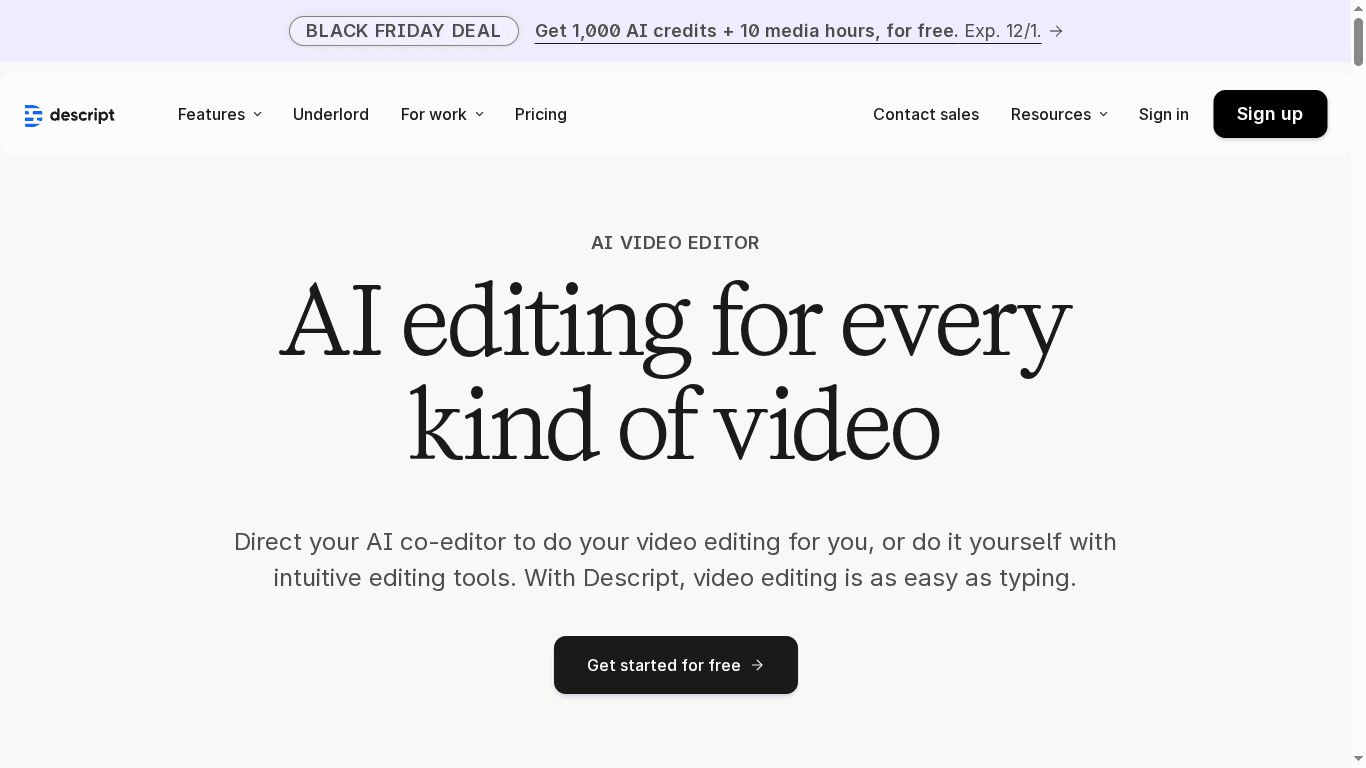
Descript is an AI-powered video and audio editor that makes content production faster by letting you edit with text, automate repetitive tasks, and generate media with AI. Its strengths are robust automation and versatile audio/video tools that benefit teams and solo creators alike. Expect a modest learning curve if you dive into advanced AI features, and note that higher tiers add significant capability at a cost.
Core Features
Descript combines text-based video editing and transcription with an AI video editor (Underlord) and tools for automated design layouts and transitions. The platform offers green screen removal, eye contact correction, Studio Sound noise reduction, filler-word removal, multilingual transcription and captions, AI voice cloning, text-to-speech, avatar creation, translation and dubbing, and integrated screen recording. Collaboration and team management, plus a flexible media and AI credits system, round out a feature set aimed at streamlining production workflows from script to final export.
Pros
- Robust AI tools that streamline content creation: Descript’s AI features automate time-consuming tasks like transcription, filler removal, and layout, letting you focus on storytelling.
- Versatile editing options for video and audio: The platform supports both podcast and video workflows with features such as Studio Sound and screen recording to cover common production needs.
- Text-based editing simplifies workflows: Editing video by manipulating a transcript feels intuitive and reduces the friction of traditional timeline editing for many social formats.
- Automated features save time and effort: Automated transitions, design layouts, and caption generation speed up batch content creation and social repurposing.
- Supports team collaboration and enterprise solutions: Built-in collaboration and team management features make it practical for marketing teams and agencies producing frequent content.
Cons
- Complexity for new users may require a learning curve: The depth of AI features and text-based paradigms can be overwhelming until you build a few projects.
- Premium features and higher usage tiers can be costly for smaller teams or individuals: Advanced capabilities like extensive AI credits, voice cloning, or enterprise workflows are gated behind higher-priced plans.
- Some AI features may have limitations depending on plan: Access to certain AI-generated media and high-usage functions depends on your subscription and credit allocation.
Who It's For
Descript is ideal for content creators, marketing teams, podcasters, educators, and any organization that needs efficient audio and video production without a full post-production crew. If you publish frequent social clips, podcasts, or training videos and want to compress production time, Descript is a strong fit.
Unique Value Proposition
Descript’s unique value is its text-first editing approach combined with advanced AI utilities — you can cut a video like you edit a document, then apply AI fixes (sound, eye contact, dubbing) and automated layouts to produce polished, platform-ready assets quickly.
Real World Use Case
A marketing team uses Descript to turn long-form interviews into dozens of social clips: they transcribe episodes, remove fillers, auto-generate captions, apply branded layouts, and export platform-specific formats in a single, repeatable workflow.
Pricing
Free plan available with limited features; Hobbyist at $16/month per user; Creator at $24/month per user; Business at $50/month per user; enterprise solutions are customized. Prices often vary based on plan and usage.
Website: https://descript.com
AI Video Creation Tools Comparison
This table provides a concise overview of AI-powered video creation platforms, highlighting their unique features, pros, cons, and pricing to help you choose the best tool for your needs.
| Tool | Unique Features | Pros | Cons | Pricing |
|---|---|---|---|---|
| Palmedor AI | Cinematic video from prompts/images; script editing; smart presets | User-friendly; cinematic quality; customizable scenes; multiple output formats | Pricing can be high; initial learning curve | Creator: $28/month; Producer: $184/month |
| Synthesia | AI avatars and voiceovers in 140+ languages; enterprise collaboration | Fast production; extensive language support; analytics | High pricing for teams; add-ons may increase costs; internet dependency | From $18/month |
| InVideo | Template-driven creation; AI twins for cinematic effects | User-friendly; wide template range; free trial available | Features limited in free version; advanced AI needs paid plan | Free; starts at $0/month |
| Lumen5 | AI converts text to video with branded templates | Easy to use; fast production; wide customization options | High pricing for advanced plans; limits in lower tiers | Free; Basic: $19/month; Pro: $149/month |
| Runway ML | Diverse AI editing tools; customizable workflows | Wide tool range; flexible scaling; frequent updates | Learning curve; high costs for large enterprises | Free trial; Paid: $12-$76/month |
| Pictory.ai | Automates video creation from text, URLs, and scripts | Fast and automated creation; user-friendly; customizable branding | Limited advanced editing features; upcoming features not yet available | Starter: $14/month; Team: $99/month |
| Descript | Text-based video/audio editing; AI automation | Robust AI tools; versatile editing; intuitive workflows | Complexity for new users; costly premium features | Free; Hobbyist: $16/month; Business: $50/month |
Elevate Your Social Media Videos with AI-Driven Cinematic Quality
Creating standout social media content means overcoming challenges like limited time, technical hurdles, and the need for professional polish. The article highlights how the best video editing tools must offer speed, ease of use, and high-quality output all at once. If you want to turn simple prompts or images into engaging, cinematic videos without wrestling complex software or outsourcing production, Palmedor AI is the solution designed for you. It bridges creativity and technology by generating scripts, managing scenes, and customizing output formats tailored to social platforms or brand films.
Why struggle with multiple tools and slow edits when you can streamline your workflow? Palmedor AI empowers marketers and creators to produce professional-grade videos quickly while keeping full creative control. Whether you want social clips or longer narratives, the platform adapts flexibly to your project needs.
Are you ready to transform your video production process with AI that understands storytelling and cinematic pacing?
Explore how Palmedor AI can boost your video editing efficiency and quality today by visiting Palmedor AI. Learn more about how our platform supports your creative journey on the landing page. Discover success stories and FAQs that guide you to produce stunning content effortlessly at Palmedor AI. Don’t wait to make your social media videos truly shine. Try Palmedor AI now and create films that captivate.
Frequently Asked Questions
What features should I look for in video editing tools for social media?
Look for features like intuitive interfaces, template libraries, and tools for quick social media export. Prioritize capabilities such as AI-driven enhancements, customizable presets, and integrations with popular social platforms to streamline your workflow.
How can I choose the best video editing tool for my content creation needs?
Evaluate each tool based on your specific requirements, such as ease of use, export formats, and available editing features. Test out free trials or basic versions to experience the functionality firsthand before making a commitment.
Can I create videos for multiple social media platforms with the same editing tool?
Yes, many video editing tools support various export formats optimized for multiple social media platforms. Check the tool’s features to ensure it provides templates and resolution options tailored for platforms like Instagram, Facebook, and TikTok.
How do I enhance the quality of my videos using editing software?
Utilize features such as filters, transitions, and sound editing functions to elevate your video quality. Experiment with cutting, color correction, and audio balancing techniques to improve the overall viewing experience through trial and error.
Is it necessary to have technical skills to use video editing tools?
Most modern video editing tools are designed to be user-friendly and do not require extensive technical skills. Choose tools with comprehensive tutorials and support resources that simplify the learning process for new users.
How long does it typically take to create a polished video for social media?
The time it takes depends on the complexity of the project and the features of the editing tool you choose. Simple projects can often be completed in under an hour, while more elaborate productions may take several hours or longer.