Video Editing Essentials for Impactful Storytelling
Discover what matters in video editing: vital techniques, workflow optimization, quality control, and AI tools for pro-level results.
Video Editing Essentials for Impactful Storytelling
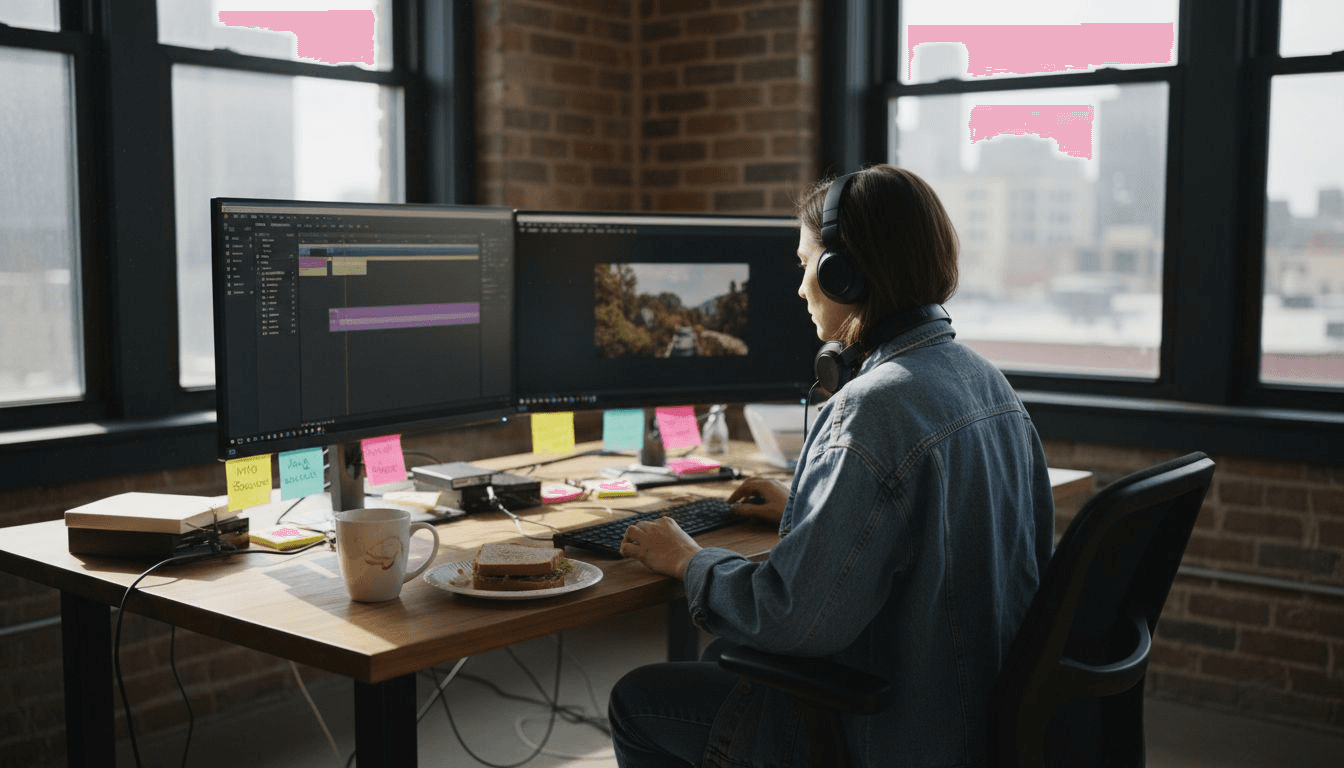
Over 90 percent of social media users prefer videos that feel professionally edited yet authentic. As an American or global creator, striking that balance can be tough without high-end software or expert-level skills. Efficient video editing matters because attention spans keep shrinking and competition skyrockets across platforms. This guide reveals practical approaches and top techniques to help you produce stunning videos, whether you want to elevate your independent film or engage your social media audience with visual storytelling.
Table of Contents
- Defining Video Editing and Its Role
- Major Video Editing Styles and Techniques
- Critical Tools and Workflow Strategies
- Optimizing Quality and Output Formats
- Common Pitfalls and How to Avoid Them
Key Takeaways
| Point | Details |
|---|---|
| Importance of Video Editing | Video editing transforms raw footage into engaging narratives through techniques like pacing and sound design to enhance emotional impact. |
| Editing Techniques | Familiarity with various editing approaches, such as continuity editing and cross-cutting, helps maintain viewer engagement and narrative flow. |
| Workflow and Tools | An effective video editing workflow leverages organization, suitable hardware, and advanced software to streamline the editing process. |
| Avoiding Pitfalls | Recognizing common editing mistakes, such as poor audio quality and excessive effects, is crucial for maintaining professionalism in the final product. |
Defining Video Editing and Its Role
Video editing is the strategic process of transforming raw visual footage into a compelling narrative that captures audience attention. Video editing involves cutting, arranging, and organizing digital footage to create a seamless storytelling experience across multiple mediums.
At its core, video editing goes beyond simple splicing of clips. Professional editors utilize sophisticated techniques to shape emotional resonance, control pacing, and guide viewer perception. By carefully selecting shots, implementing smooth transitions, and integrating sound design, editors can dramatically alter the fundamental message and impact of visual content. Different editing approaches like continuity editing help maintain narrative flow and evoke specific emotional responses.
The scope of video editing spans numerous industries and platforms, including:
- Film production
- Television broadcasting
- Social media content creation
- Corporate marketing videos
- Documentary storytelling
- Online educational materials
Modern video editing requires both technical skill and creative intuition. Editors must understand visual composition, storytelling principles, and technical software capabilities to transform raw footage into polished, engaging content that resonates with target audiences.
Pro tip: Always review your rough cut multiple times, focusing on different aspects like narrative flow, emotional impact, and technical precision during each pass.
Major Video Editing Styles and Techniques
Video editing techniques represent a sophisticated toolkit for transforming raw visual content into compelling narratives. Film editing is an evolving art form combining features of multiple artistic mediums to deliver effective storytelling, with each technique serving a unique purpose in creating engaging visual experiences.
Traditional editing styles encompass several fundamental approaches that help creators manipulate viewer perception and emotional engagement:
- Continuity Editing: Maintains seamless narrative flow by creating logical connections between scenes
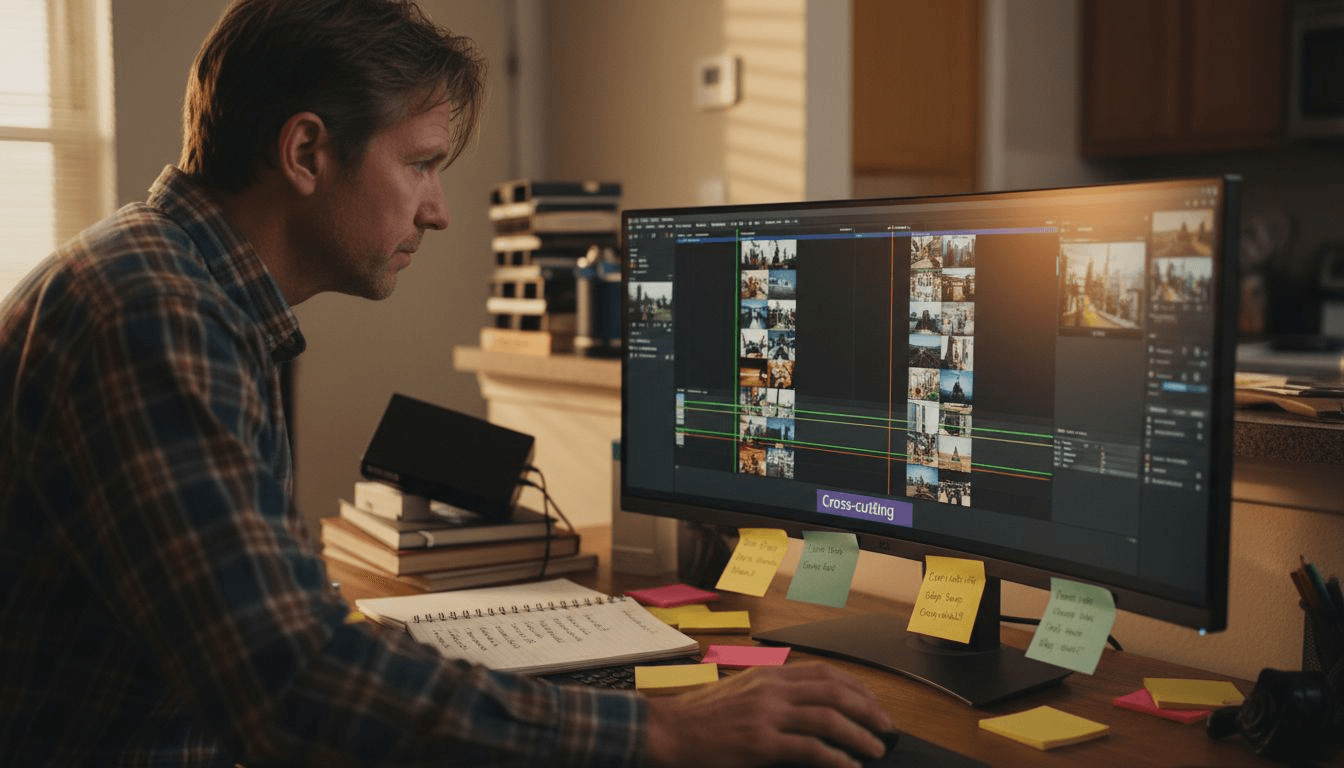
- Cross-Cutting: Alternates between different scenes or perspectives to build tension and show simultaneous actions
- Montage: Combines multiple shots to condense time, communicate complex ideas, or create rhythmic visual sequences
- Dissolves and Fades: Transition techniques that signal passage of time, dream sequences, or thematic shifts
Modern video editing has expanded beyond traditional linear techniques, incorporating advanced digital methods that provide unprecedented creative flexibility. Contemporary editors can now manipulate time, space, and narrative perspective with unprecedented precision, using tools that allow for complex visual storytelling strategies.
Professional editors typically combine multiple techniques within a single project, strategically selecting approaches that best serve the specific storytelling requirements. Understanding these techniques enables creators to move beyond simple clip arrangement and craft truly immersive visual experiences.
Here's a summary comparing traditional and modern video editing techniques:
| Editing Approach | Key Characteristics | Creative Potential |
|---|---|---|
| Traditional | Linear, manual cuts | Consistent pacing, realism |
| Modern (Digital) | Precise, non-linear edits | Complex effects, flexibility |
| Hybrid/Professional | Combines multiple styles | Tailored to narrative needs |
Pro tip: Practice analyzing films and videos by identifying specific editing techniques and understanding how they contribute to the overall narrative and emotional impact.
Critical Tools and Workflow Strategies
Video editing workflows require strategic planning and sophisticated technological support to transform raw footage into compelling visual narratives. Intelligent video editing tools now focus on automating complex editing tasks by abstracting video manipulation processes beyond traditional frame-level editing, introducing unprecedented efficiency and creative potential.
Key components of an effective video editing workflow include:
- Project Organization
- Systematic file management
- Clear folder structures
- Consistent naming conventions
- Hardware Considerations
- High-performance computer
- Dedicated graphics processing unit
- Sufficient RAM and storage
- Software Selection
- Professional editing platforms
- Color grading tools
- Audio mixing capabilities
Advanced editing workflows now integrate AI-powered technologies that streamline time-consuming tasks. These intelligent systems can automatically suggest cuts, analyze footage for optimal sequencing, and provide metadata-driven editing recommendations. This technological evolution allows editors to focus more on creative decision-making and storytelling rather than getting bogged down in technical minutiae.
Professional video editing requires a holistic approach that balances technical proficiency with creative vision. Successful editors develop personalized workflows that leverage both cutting-edge tools and individual artistic intuition, creating a seamless process that transforms raw footage into engaging visual experiences.
Pro tip: Develop a consistent pre-production checklist to standardize your editing workflow and minimize potential technical complications during post-production.
Optimizing Quality and Output Formats
Video quality optimization represents a critical aspect of professional video editing, requiring careful consideration of technical parameters and creative objectives. Understanding the nuanced relationship between resolution, compression, and intended distribution platform enables creators to produce visually stunning content that maintains artistic integrity across different viewing environments.
Key considerations for output format selection include:
- Resolution Options
- Standard Definition (SD): 640x480 pixels
- High Definition (HD): 1280x720 pixels
- Full High Definition (FHD): 1920x1080 pixels
- 4K Ultra High Definition: 3840x2160 pixels
- Compression Techniques
- Lossless compression
- Lossy compression
- Variable bitrate encoding
- File Format Compatibility
- MP4
- AVI
- MOV
- WMV
Modern video editing workflows demand flexibility in output configurations. Creators must balance technical specifications with platform-specific requirements, considering factors such as file size, streaming capabilities, and target audience viewing devices. Different platforms like YouTube, Vimeo, Instagram, and professional broadcast networks have unique technical specifications that influence optimal output strategies.
Advanced video optimization involves understanding color spaces, bit depth, frame rates, and codec selections. Professional editors develop sophisticated workflows that preserve visual quality while ensuring efficient file distribution and compatibility across multiple digital platforms.
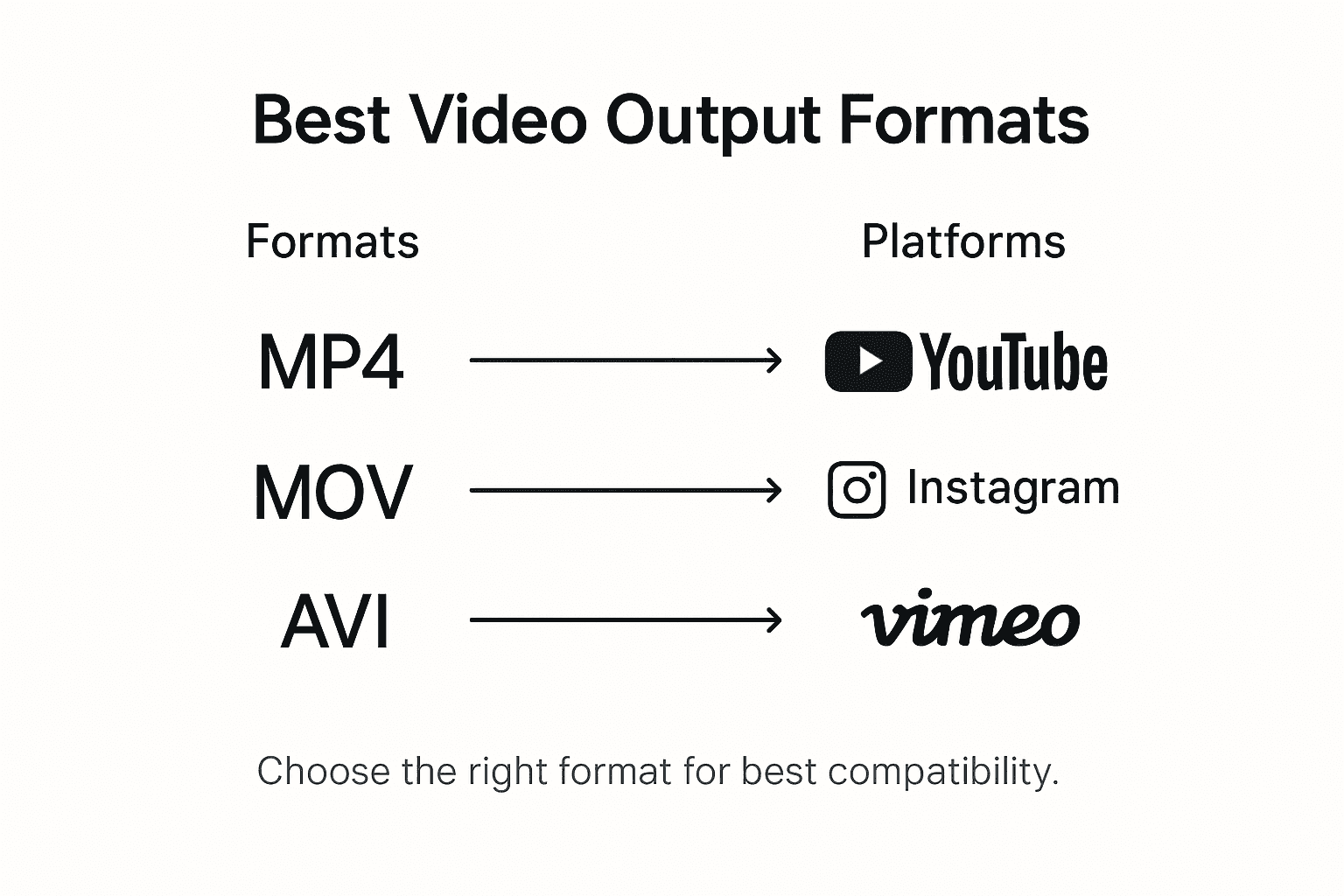
Below is a quick reference guide to popular video output formats and their typical usage:
| Format | Best For | Platform Compatibility |
|---|---|---|
| MP4 | Online sharing | YouTube, Instagram, most web |
| MOV | High-quality editing | Apple devices, Pro workflows |
| AVI | Archiving, legacy use | Windows, older systems |
| WMV | Streaming, PC use | Microsoft platforms |
Pro tip: Always export multiple resolution versions of your final video to ensure maximum compatibility and reach across different digital platforms.
Common Pitfalls and How to Avoid Them
Video editing mistakes can significantly undermine the quality and impact of visual storytelling. Common video editing pitfalls include overusing transitions, neglecting audio quality, excessive jump cuts, and poor color grading, which can distract viewers and diminish the professional quality of the final product.
Most frequent editing challenges fall into several critical categories:
- Technical Errors
- Inconsistent audio levels
- Poor color correction
- Inappropriate frame rates
- Compression artifacts
- Narrative Mistakes
- Excessive jump cuts
- Disrupted story flow
- Ineffective pacing
- Misaligned visual storytelling
- Stylistic Missteps
- Overusing visual effects
- Distracting transitions
- Ignoring visual hierarchy
- Inconsistent design language
Maintaining a clean editing timeline and focusing on storytelling flow are essential strategies for avoiding common production pitfalls. Professional editors understand that technical perfection must always serve the narrative, not compete with it. Each edit should intentionally advance the story, maintain viewer engagement, and communicate the intended emotional experience.
Successful video editing requires a delicate balance between technical precision and creative intuition. By developing a systematic approach to reviewing and refining your work, you can minimize errors and elevate the overall quality of your visual storytelling.
Pro tip: Create a personal editing checklist that includes technical, narrative, and stylistic review points to systematically catch and correct potential mistakes before final export.
Elevate Your Storytelling with AI-Powered Video Editing Solutions
Crafting impactful narratives through video editing requires mastering complex techniques and avoiding common pitfalls. This article highlights the challenges of maintaining narrative flow, optimizing output formats, and integrating creative vision with technical precision. If you want to streamline your video editing workflow while producing professional-grade, cinematic content without the steep learning curve traditional methods demand, then embracing AI-driven tools can be your game changer.

Discover how Palmedor.ai simplifies video editing by transforming your ideas into polished videos through intelligent script generation, scene management, and flexible output customization. Whether you aim to produce brand films, social clips, or engaging narrative content, our platform empowers both professionals and creators to bypass technical hurdles and focus on storytelling. Take the next step to enhance your creative impact and avoid common editing mistakes with Palmedor.ai's cutting-edge solutions. Unleash your vision today by visiting palmedorai.com.
Frequently Asked Questions
What are the key steps in the video editing process?
The video editing process includes organizing raw footage, selecting and cutting clips, applying transitions, integrating audio, and optimizing the final output for distribution.
What techniques can enhance the emotional impact of a video?
Techniques such as continuity editing, cross-cutting, and montage can heighten emotional engagement by shaping narrative flow and building tension throughout the video.
How can I optimize the video quality for different platforms?
To optimize video quality, consider factors like resolution, compression techniques, and file format compatibility to ensure your content looks great on platforms like YouTube and Instagram.
What are common mistakes to avoid during video editing?
Common mistakes include inconsistent audio levels, excessive jump cuts, poor color grading, and overusing visual effects. It’s essential to maintain narrative flow and technical quality throughout the editing process.