Create Effective Video Audio Script Template Fast
Learn how to craft a professional video audio script template step by step. Streamline your production workflow and ensure high-quality, consistent results.
Create Effective Video Audio Script Template Fast

Most American creators underestimate how much impact a well-defined video purpose can have on audience engagement. Knowing exactly who you want to connect with and why may be the key difference between a video that gets ignored and one that earns real results. With over 80 percent of successful videos carefully crafted for a specific audience, this practical guide shows how to build a foundation that sets your content apart from the start.
Table of Contents
- Step 1: Define Your Video's Purpose And Audience
- Step 2: Organize Scenes And Audio Elements Logically
- Step 3: Write Script Lines And Audio Cues Clearly
- Step 4: Integrate Visual And Audio Timing Precisely
- Step 5: Review And Test Script Template For Quality
Quick Summary
| Key Point | Explanation |
|---|---|
| 1. Define Your Purpose and Audience | Understanding your video's goal and target audience shapes your content and its effectiveness. Be specific about who you are speaking to. |
| 2. Organize Media Elements Logically | Systematic categorization of video scenes and audio enhances workflow efficiency. Create folders for different content types to streamline the editing process. |
| 3. Write a Clear and Concise Script | Crafting a detailed script that flows naturally is essential. Use conversational language and precision in audio cues to elevate storytelling. |
| 4. Synchronize Visuals and Audio Precisely | Ensure visual elements align with audio cues for a professional feel. Timing enhances emotional impact and viewer immersion. |
| 5. Review and Refine Your Script | Rigorous testing of your script ensures it meets communication goals. Gather feedback to eliminate awkward phrasing and enhance engagement. |
Step 1: Define Your Video's Purpose and Audience
Crafting a successful video starts with crystal clear understanding of why you're creating it and who will be watching. Every great video has a focused purpose that drives its content strategy. Whether you're aiming to educate, entertain, inspire, or sell, knowing your core objective sets the foundation for everything that follows.
Begin by asking yourself critical questions about your target audience. Understanding the audience's background and expectations allows you to create more targeted and impactful messaging. Who are they? What challenges do they face? What motivates them? Demographic details matter less than deep psychological insights. A 25-year-old marketing professional and a 45-year-old small business owner might have completely different pain points and communication preferences.
Pro tip: Create a specific audience persona. Give them a name, describe their professional background, list their goals and frustrations. This helps transform abstract demographics into a real person you can speak to directly. By crystallizing your purpose and audience, you transform a generic video into a precision instrument designed to connect, resonate, and drive action.
As you move forward, this foundational work will guide every subsequent decision in your video production process.
Step 2: Organize Scenes and Audio Elements Logically
Creating a seamless video requires strategic organization of your scenes and audio elements before you start editing. Think of your video production like assembling a complex puzzle where every piece must fit perfectly to tell a compelling story.
Creating systematic bins for different content types will dramatically streamline your workflow. Start by categorizing your media assets into clear groups: interview footage, B-roll, background music, voice over recordings, and ambient sound clips. Color-code or label these folders so you can quickly locate specific elements during the editing process. This approach prevents the common pitfall of getting lost in a sea of unorganized media files.

When organizing audio, pay close attention to capturing clear sound and framing your scenes thoughtfully. Match audio tracks to their corresponding visual scenes and create a master audio track that balances dialogue, background music, and sound effects. Professional video creators know that great audio can elevate mediocre visuals, but poor audio will destroy even the most beautifully shot footage.
Pro tip: Always create a backup of your original media files before starting any organization process. This ensures you have a safety net if something goes wrong during editing or file management.
With your scenes and audio elements now logically structured, you are ready to move into the next phase of video production.
Step 3: Write Script Lines and Audio Cues Clearly
Transforming your video concept into a compelling narrative requires precision in scripting and strategic audio planning. Your script is the blueprint that will guide every visual and auditory element of your production.
Start by creating a detailed script that breaks down each scene with clarity. Film production techniques like J-cuts and L-cuts can help maintain a natural flow between different visual segments and interview footage. These editing techniques allow audio from one scene to bleed into another, creating smooth transitions that feel organic and professional.
When writing script lines, focus on concise and conversational language. Imagine you are speaking directly to your target audience. Each line should serve a specific purpose either advancing the narrative, providing critical information, or evoking an emotional response. For audio cues, include precise timing and tone descriptions. Note where background music should swell, where dialogue should pause, and how sound effects can enhance the storytelling.
Pro tip: Read your script aloud. If something sounds awkward or unnatural when spoken, rewrite it. The best scripts sound like genuine conversation, not formal presentations.
With your script and audio cues now carefully crafted, you are ready to move forward in bringing your video vision to life.
Step 4: Integrate Visual and Audio Timing Precisely
Precision in video production is the difference between an amateur project and a professional masterpiece. Your goal is to synchronize visual elements and audio tracks so seamlessly that viewers feel immersed in the story without noticing the technical mechanics behind the scenes.
Begin by creating a detailed timeline where each visual transition matches its corresponding audio cue. Watch for moments where dialogue, background music, and sound effects can create emotional resonance. Professional video creators understand that timing is not just about technical alignment but about crafting an emotional journey. Align your audio peaks with visual drama moments timing soundtracks to match the intensity of on screen action.
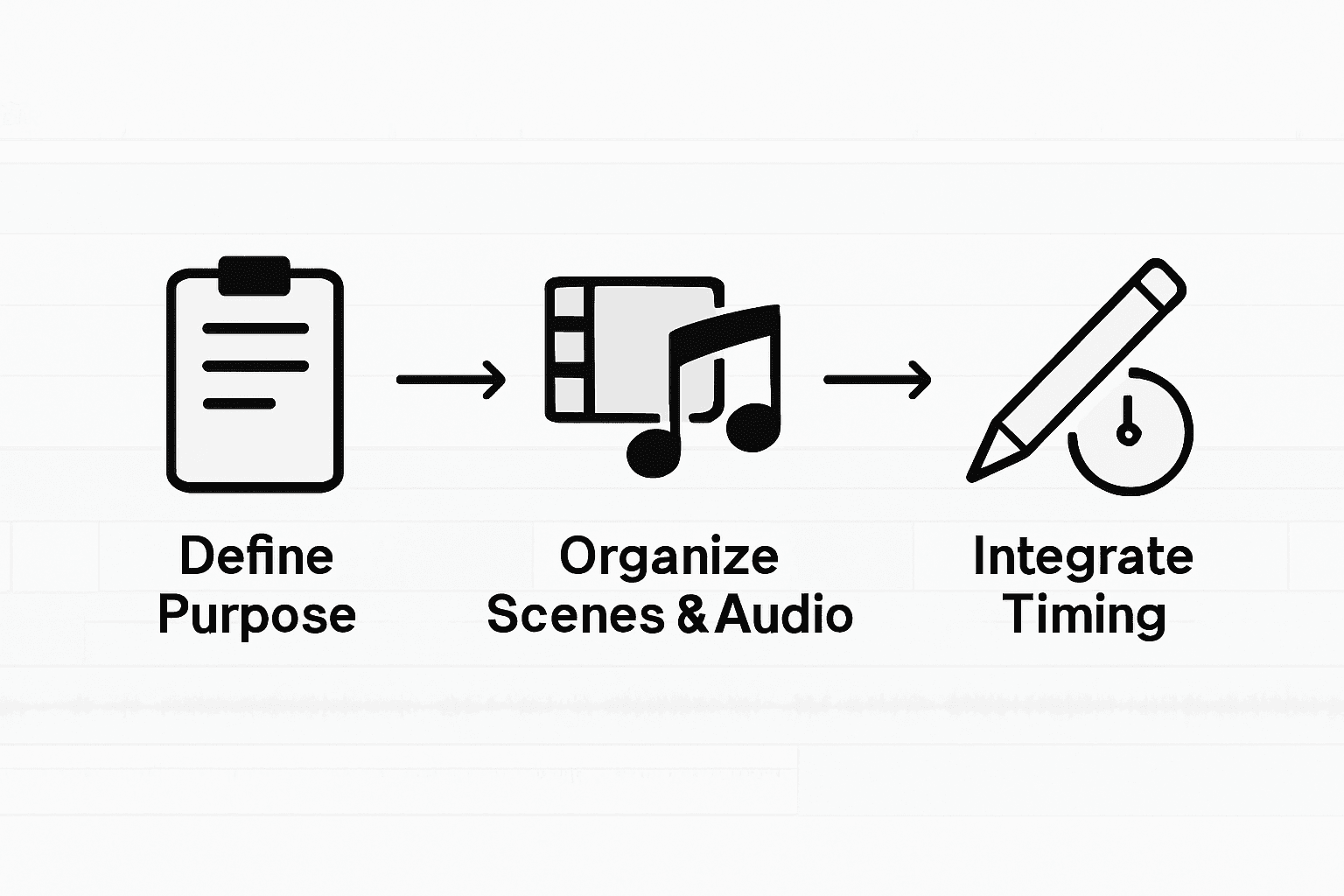
Carefully map out your audio waveforms against your visual sequences. Listen for natural rhythms and opportunities to enhance storytelling through strategic sound placement. Some moments might require a subtle musical underscore while others demand complete silence to create dramatic impact. Pay attention to how slight audio shifts can dramatically change the viewer's emotional experience.
Pro tip: Always use headphones during the timing process. This helps you catch subtle audio nuances that might be missed through regular speakers and ensures a more precise synchronization.
With your visual and audio elements now precisely integrated, you are ready to refine the final details of your video production.
Step 5: Review and Test Script Template for Quality
The final stage of script development is a critical quality checkpoint that separates professional productions from amateur attempts. Your script template needs rigorous testing to ensure it meets your original communication objectives and resonates with your intended audience.
Defining clear goals and key messages is essential for script refinement. Begin by conducting a comprehensive review that goes beyond simple grammar and spelling checks. Read your script from multiple perspectives: first as the creator, then as a potential viewer, and finally as a critical editor. Ask yourself pointed questions about narrative flow, emotional impact, and whether each scene genuinely serves your core message.
Implement a multilayered testing approach. Read the script aloud to check natural speech patterns and timing. Record yourself performing the script to evaluate how it sounds when spoken. Gather feedback from peers or potential audience members who can provide honest perspectives. Watch for moments that feel forced, unclear, or unnecessarily complicated. The goal is a script that feels effortless and engaging while maintaining laser focus on your communication objectives.
Pro tip: Create a checklist of your original video goals and systematically verify that each script section meets those specific objectives. This prevents script drift and ensures your final product remains true to its initial vision.
With your script thoroughly reviewed and refined, you are now prepared to move into the final stages of video production.
Elevate Your Video Scripts with AI-Powered Precision
Creating effective video audio script templates quickly requires clear purpose, logical organization, and precise integration of visuals and sound. This article highlights challenges like balancing audio cues with scripted lines and maintaining a natural flow through editing techniques such as J-cuts and L-cuts. If you face these common hurdles and want to transform your video production workflow with powerful, streamlined tools then Palmedor.ai is the solution you need.
Palmedor.ai uses advanced AI technology to generate professional cinematic videos starting from your simple prompts or images. It automates script generation, scene management, and audio synchronization so you can focus on creativity without the usual technical frustrations. By leveraging smart presets and customizable outputs, you save precious time while producing content that truly connects with your audience. Explore how you can bring your story to life with unmatched ease on Palmedor.ai.

Ready to stop struggling with tedious script formatting and audio timing? Visit Palmedor.ai today and experience a smarter way to create videos that resonate and drive action. Dive deeper into professional video workflows and scripting strategies to maximize your creative impact with our expert-backed platform. Make your next video project effortless, engaging, and exceptional now.
Frequently Asked Questions
How can I define my video's purpose effectively?
To define your video's purpose, identify the key objective behind your project, whether it's to educate, entertain, inspire, or sell. Ask yourself about your target audience's expectations and challenges to create a focused message.
What steps should I follow to organize my scenes and audio elements?
Start by categorizing your media assets into clear groups, such as interview footage, B-roll, and sound effects. Use color-coding or labels for easy navigation; this organization will speed up your editing process significantly.
How do I write an effective script for my video?
Create a detailed script that breaks down each scene clearly, using concise and conversational language. Read the script aloud to ensure it sounds natural; revise any awkward phrasing to enhance fluency.
What is the best way to integrate visual and audio timing?
Map out a detailed timeline that synchronizes visual transitions with corresponding audio cues. This alignment enhances the viewer's emotional experience and makes your storytelling feel seamless.
How can I ensure my script meets quality standards?
Conduct a comprehensive review of your script, focusing on clarity, flow, and emotional impact. Gather feedback from peers or potential audience members to identify areas for improvement before finalizing your script.