Top Video Creation Platforms – Expert Comparison 2025
Discover the top video creation platforms with our comparison of 4 leading tools for seamless video content creation in 2025.
Top Video Creation Platforms – Expert Comparison 2025
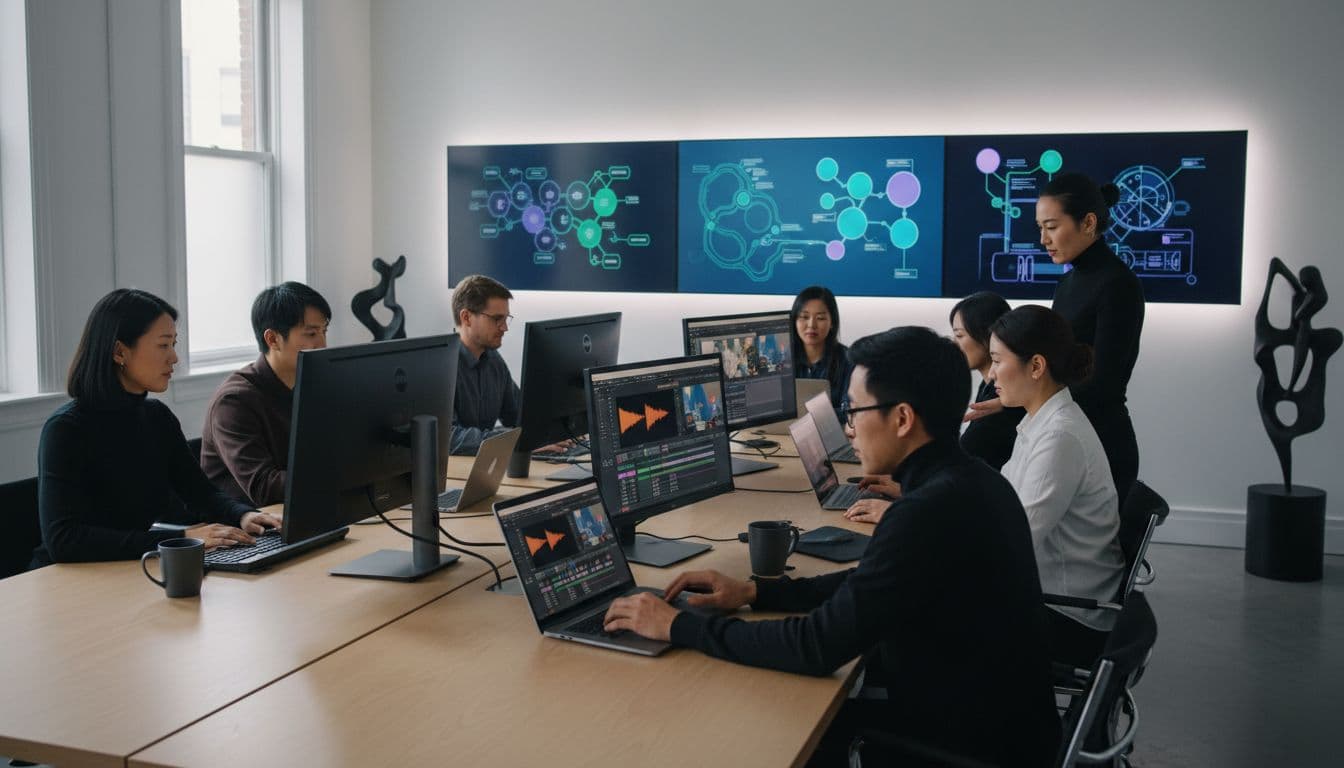
Creating high quality videos is no longer reserved for big studios or seasoned professionals. Now anyone can transform ideas into polished clips with just a few clicks and a bit of imagination. With so many platforms making bold promises about speed, creativity, and control, choosing the right tool leaves many people curious. Some focus on cinematic storytelling from simple prompts, others use digital avatars or advanced editing to bring content to life. Each offers a fresh way to share stories, build brands, or grab attention online. Ready to see how these new video tools stack up against each other? The possibilities might surprise you.
Table of Contents
Palmedor AI

At a Glance
Palmedor AI is a cinematic video creation platform powered by AI that turns simple prompts and images into high-quality, story-driven videos in minutes. It blends script editing, scene management, and production-grade rendering into a single, user-friendly workspace. If you need rapid, professional-looking brand films, social clips, or short narratives without a steep learning curve, Palmedor AI delivers consistently polished results.
Core Features
Palmedor AI converts concepts into cinematic videos quickly, transforming prompts and reference images into story-driven sequences. Smart presets let you optimize pacing, music, subtitles, and voiceovers with a few clicks, while full script editing gives you creative control before production. Scene management tools organize your storyboard and shots, and flexible output options support multiple formats and resolutions so you can export social clips, promos, or longer films ready for distribution.
Pros
- User-friendly platform that simplifies video creation: The interface guides you from concept to render with clear controls and accessible presets so even nontechnical creators can produce polished videos.
- High-quality, professional results: Production-grade rendering and cinematic templates help maintain consistently high visual and audio standards across projects.
- Various customization options including script editing and scene management: You can refine narrative beats, reorder scenes, and tweak pacing without rebuilding your project from scratch.
- Multiple pricing plans to suit different needs: Tiered plans let teams scale usage based on project length and output quality.
- Supports a wide range of video purposes from short clips to full-length films: The platform is flexible enough for social ads, promotional spots, moodboard visualizations, and narrative drafts.
Who It's For
Palmedor AI fits content creators, filmmakers, marketing teams, brand managers, and creative agencies that need cinematic results fast. If you’re testing ad concepts, visualizing film ideas from moodboards, or producing social-first content at scale, Palmedor AI reduces production overhead while preserving creative control. It’s especially useful for teams that prioritize speed and professional appearance without hiring a full production crew.
Unique Value Proposition
Palmedor AI’s core strength is its ability to convert a brief idea—a prompt and a set of images—into a fully structured, production-ready video workflow. Unlike tools that force manual assembly of assets, Palmedor AI automates scene creation, pacing, and rendering while keeping editable script and scene layers. That combination delivers cinematic quality without demanding technical expertise, so teams can iterate faster, test more concepts, and bring consistent visual language to campaigns. Design choices favor automated, repeatable workflows: smart presets standardize tone and timing across outputs, and flexible exports let you adapt a single project into multiple formats. Those choices prioritize creative velocity and predictable quality, which is why production teams will find Palmedor AI particularly compelling.
Real World Use Case
A marketing team uses Palmedor AI to generate a series of social media ads from simple prompts and a moodboard. In hours they produce multiple cut variations, adjust scripts for region-specific messaging, and export platform-optimized clips for testing—cutting production time from weeks to days and enabling rapid A/B testing.
Pricing
Creator plan at $28/month, starting with 200 seconds of video per month; Producer plan at $184/month, starting with 300 seconds of video per month, includes 1080p quality.
Website: https://palmedorai.com
Synthesia
At a Glance
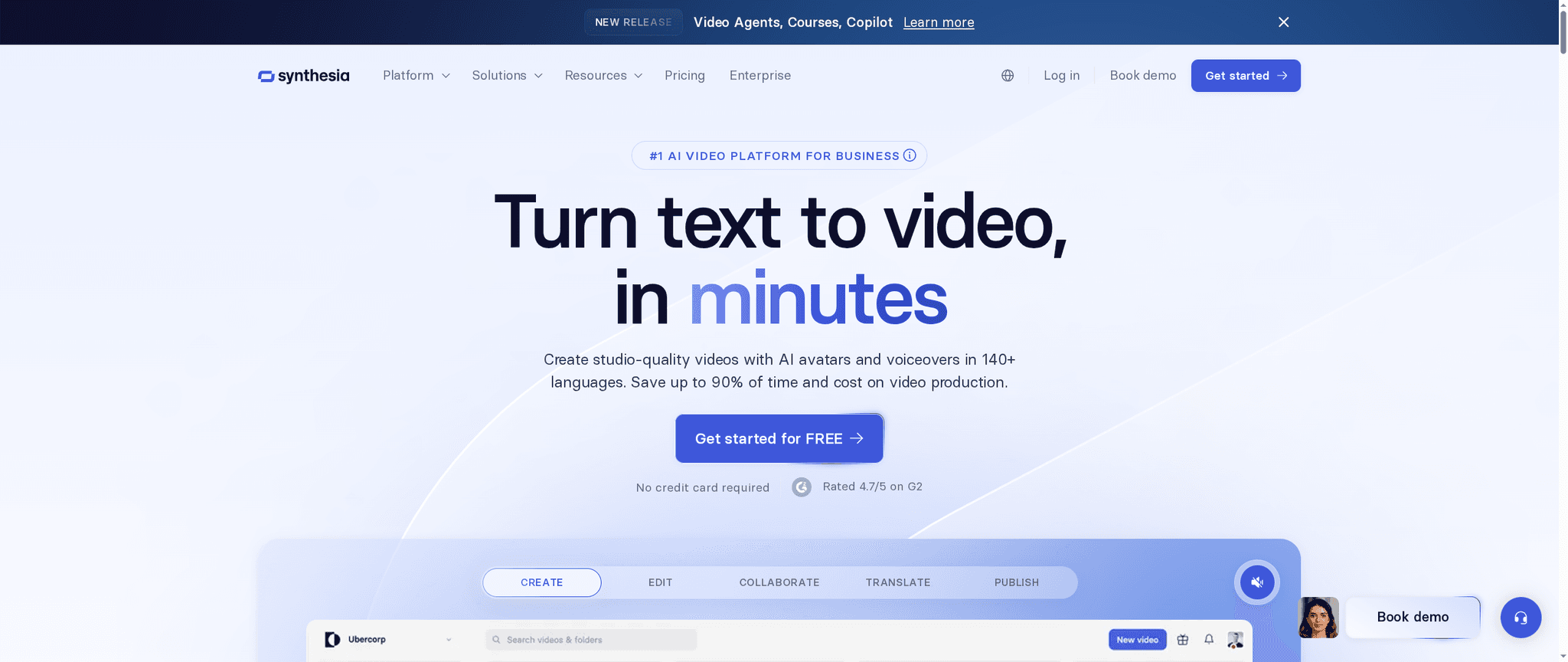
Synthesia is an AI-driven video platform built for business use, enabling teams to produce studio-quality videos with AI avatars and voiceovers in more than 140 languages. Trusted by over 50,000 companies and rated 4.7/5 from 2,000+ G2 reviews, it’s clearly tailored for scale and consistency. The platform drastically shortens production cycles and reduces costs, though smaller teams should weigh pricing against expected volume. If your goal is fast, localized, and brand-consistent video at scale, Synthesia is a strong contender.
Core Features
Synthesia converts documents, links, and concepts into finished videos using AI avatars, voiceovers, and automated scene generation; it supports real-time collaboration and one-click translation into multiple languages. The product includes an AI screen recorder and instant transcripts for streamlined editing, plus custom branding options (logos, colors, styles) and export choices such as SCORM for LMS integration. Built-in analytics track engagement and performance so you can iterate on content and measure ROI.
Pros
- Easy-to-use platform with a minimal learning curve that lets non-technical team members produce professional videos quickly.
- Dramatically speeds up video production, turning processes that once took weeks into hours or minutes for many workflows.
- Extensive customization for branding and localization ensures videos match company guidelines and regional nuances without bespoke shoots.
- Robust collaboration features enable distributed teams to work together in real time, reducing review cycles and version confusion.
- High security standards, including SOC 2 and GDPR compliance, make it suitable for corporate training and sensitive internal communications.
Cons
- Pricing can be a concern for smaller teams or individual creators who may not have the volume to justify subscription costs.
- Advanced features and deeper customizations often require higher-tier plans or add-ons, which can add complexity to budgeting.
- Processing times for certain avatar customizations may be lengthy, creating bottlenecks when rapid iteration is needed.
Who It's For
Synthesia is ideal for businesses and organizations that need scalable, cost-effective video production without investing in full studio resources. Learning and development teams, corporate comms, marketing groups, and global operations teams will get the most value—especially when localization and consistency across regions are priorities.
Unique Value Proposition
Synthesia’s core advantage lies in converting existing content into localized, brand-aligned video at scale. By combining AI avatars, multi-language voiceovers, automated scene creation, and LMS-ready exports, it removes most traditional production overhead while maintaining a polished, consistent output.
Real World Use Case
A multinational company uses Synthesia to produce localized training videos across dozens of markets, cutting production time from weeks to minutes and ensuring consistent messaging across regional offices. The result: faster onboarding, lower costs, and measurable engagement through built-in analytics.
Pricing
Plans start from $18/month billed annually, with multiple tiers based on features and usage levels; higher tiers unlock advanced customizations and enterprise-grade options. Smaller teams should assess expected monthly video volume to determine the most cost-effective plan.
Website: https://synthesia.io
Pictory AI
At a Glance
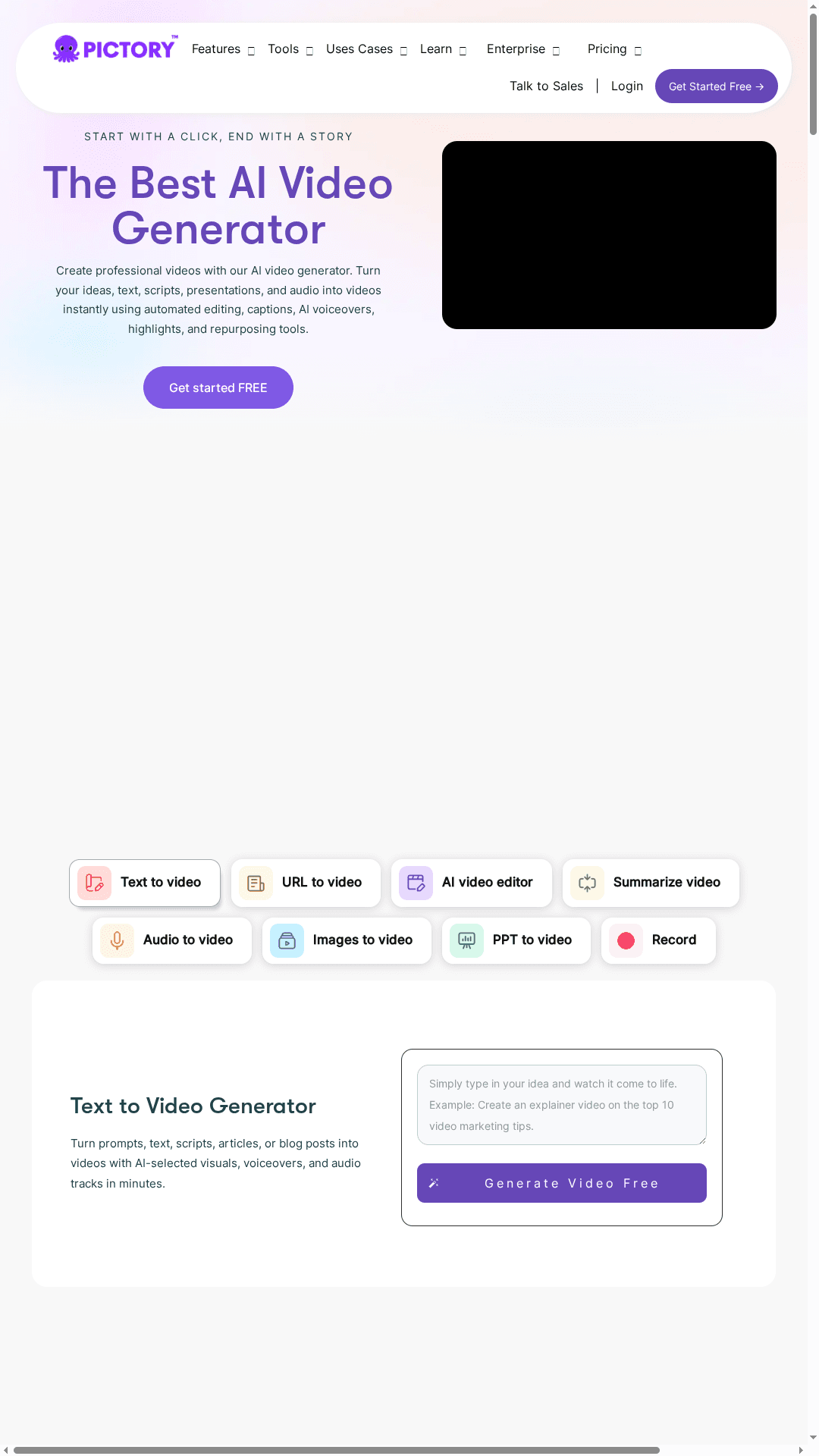
Pictory AI is an AI-driven video generator that turns text, scripts, URLs, images, and audio into polished videos with minimal manual work. It speeds up production through automated editing, captioning, and voiceover options while preserving room for brand customization. For marketers, educators, and growing teams, it’s a practical way to scale video output without a full production crew. Expect a modest learning curve and plan budget accordingly for heavier usage.
Core Features
Pictory AI automates video creation from a variety of inputs—text, URLs, audio, and images—and offers editing tools to trim silences, add captions, and layer music. It summarizes long videos into highlights and converts audio into matching visuals. The platform includes an AI studio for image-to-video work, robust templates and storyboard creation, custom branding controls (logos, colors, fonts), realistic AI voice generators (including ElevenLabs voices), and automatic resizing for platform-specific aspect ratios. Developers can integrate and automate workflows through APIs.
Pros
- Fast and automated production: Pictory dramatically reduces manual editing time by automating scene assembly, captioning, and basic cuts.
- Versatile content transformation: You can convert blogs, long webinars, or audio files into shareable clips or summaries with the same toolchain.
- Strong branding controls: The platform supports custom logos, color palettes, and fonts so your videos stay on-brand across campaigns.
- Multilingual and advanced AI features: Support for multiple languages and realistic AI voices expands reach and simplifies localization.
- Good for scaling output: Teams aiming to produce many short videos will find the pipeline efficient for repeatable content creation.
Cons
- Pricing can be expensive for larger teams or heavy use: Subscription tiers may become a significant recurring cost when you scale production volume.
- Some advanced features are not yet available: Promised additions like AI avatars are listed as coming soon, which limits capabilities for users seeking fully realized character-driven content today.
- Learning curve for beginners: New users may need time to master templates, storyboard workflows, and integration options to get consistent professional results.
Who It's For
Pictory AI fits marketers, content creators, educators, and businesses from small teams to enterprises that need fast, repeatable video production without hiring a large post-production team. If your primary goal is to repurpose written or audio content into short, platform-ready videos while keeping brand consistency, Pictory is geared for you.
Unique Value Proposition
Pictory blends automated editing and content transformation in one package—turning long-form assets into polished social clips, tutorials, or internal comms quickly—while offering deep branding controls and realistic AI voice options to keep output professional and consistent.
Real World Use Case
A marketing team converts blog articles and webinar recordings into a series of social clips and campaign explainer videos. The team uses automated summarization and captioning to produce multiple variants for different platforms, saving hours of manual editing while maintaining brand identity.
Pricing
Starter plan at $25/month, Professional at $49/month, Team at $119/month, with enterprise options available at custom pricing.
Website: https://pictory.ai
Runway ML
At a Glance
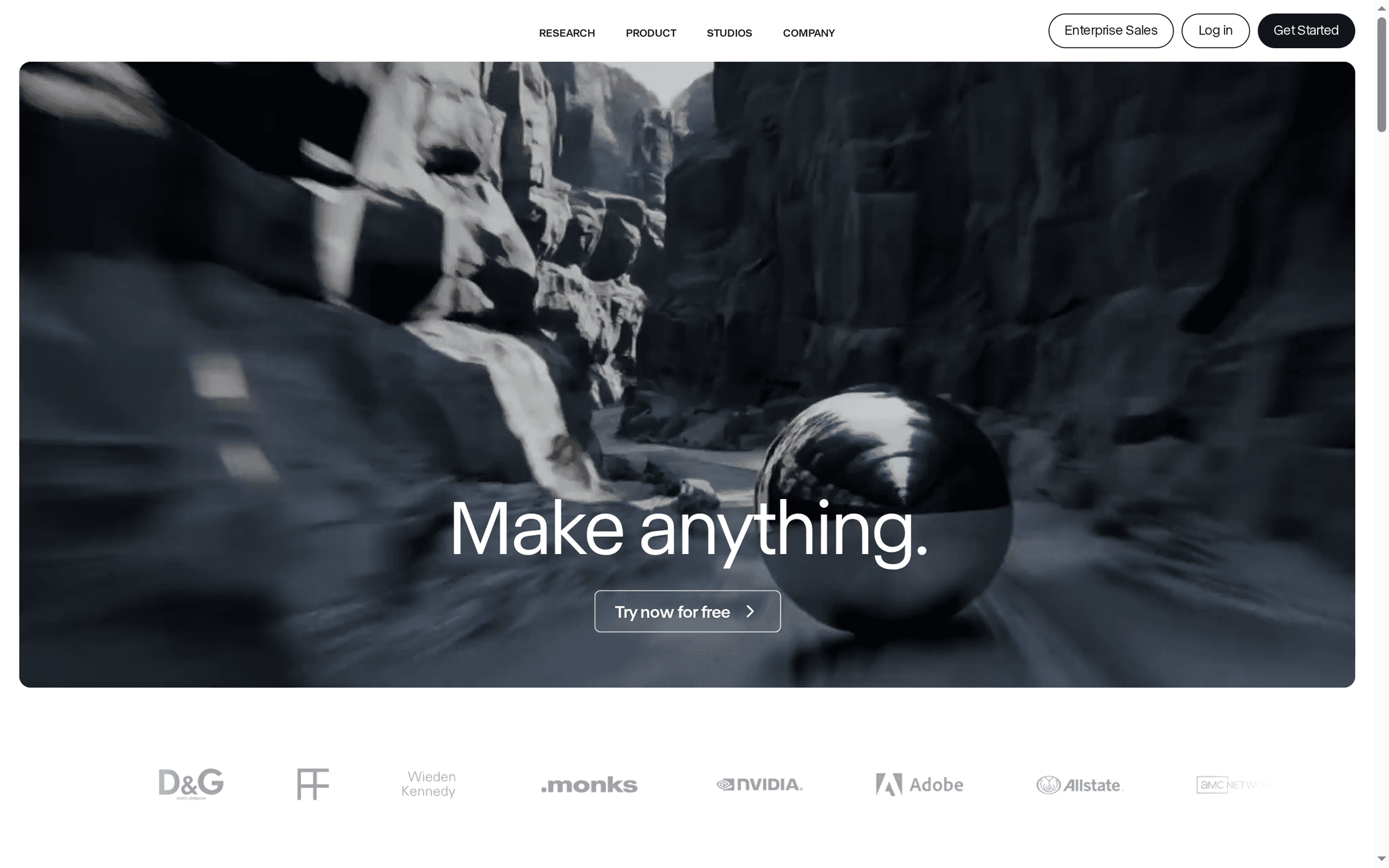
Runway ML is a comprehensive AI-driven creative toolkit that turns prompts and media into polished videos and images with minimal manual editing. It combines generation, transformation, and traditional editing tools in one platform, making it suitable for advertising, film, gaming, and studio workflows. While its breadth of apps and enterprise-ready features are impressive, advanced workflows can require time to master and its pricing can scale quickly for large teams.
Core Features
Runway ML offers AI for both video and image generation, multiple dedicated apps for content creation, and practical editing tools like object removal, one‑click upscaling, and background and lighting changes. The platform supports adding dialogue and animating characters digitally, voice and performance mapping, and the creation of custom workflows for complex projects. It also includes collaboration and security features designed for enterprise-scale pipelines, enabling teams to integrate Runway into broader content production environments.
Pros
- Extensive AI toolset: Runway ML provides a wide range of AI-powered apps that cover generation, editing, and transformation, giving creators many ways to iterate on visual ideas.
- Flexible plans for different users: The platform supports individuals, small teams, and enterprise customers with tiered plans and custom options to match varied production needs.
- Supports complex workflows and integrations: Runway can be adapted into larger content pipelines through custom workflow creation and enterprise collaboration features.
- Active feature development: The team continuously adds new apps and capabilities, which keeps the platform evolving for emerging creative techniques.
- Strong editing and transformation focus: Tools like background replacement, object removal, and upscaling make it practical for finishing and refining professional content.
Cons
- Pricing can be expensive at scale: The available tiers and enterprise solutions may become costly for larger teams or heavy-usage production houses.
- Advanced workflows have a learning curve: Creators need time to learn and optimize the custom workflows and app combinations to get the best results.
- Cloud dependence requires stable internet: Many features rely on cloud processing, which means performance and accessibility depend on a reliable internet connection.
Who It's For
Runway ML is ideal for artists, filmmakers, content creators, and enterprises that need advanced AI-driven video and image creation plus collaborative production features. If you produce advertising spots, episodic visual effects, or virtual production content and want to accelerate iteration, Runway’s toolset and enterprise capabilities will fit into your workflow.
Unique Value Proposition
Runway ML’s unique value is its all-in-one approach: a single platform that blends generative AI with practical editing and team collaboration, enabling creators to move from concept to final frame without stitching together multiple disparate tools.
Real World Use Case
Runway has been used in professional media projects, including work for Amazon’s hit series by House of David, and visual effects or advertising projects for the History Channel and Under Armour, demonstrating its capacity for high-end production and commercial pipelines.
Pricing
Runway offers a free tier for individuals, with paid options including Pro ($28/user/month) and Explore ($76/user/month), plus enterprise solutions billed annually or on custom terms.
Website: https://runwayml.com
AI Video Creation Tools Comparison
This table provides a concise comparison of four AI video creation platforms, highlighting their main features, benefits, drawbacks, intended users, and pricing.
| Product | Key Features | Pros | Cons | Pricing |
|---|---|---|---|---|
| Palmedor AI | Converts prompts and images to videos; Script editing; Scene management | User-friendly; High-quality results; Customization options; Flexible output | Advanced users may need more features | Creator: $28/month Producer: $184/month |
| Synthesia | AI avatars and voiceovers; 140 languages; Translations; Real-time collaboration | Easy to use; Fast production; Extensive branding; Collaboration features; High security | Expensive for small teams; Advanced features cost more | Starts at $18/month |
| Pictory AI | Text, URL, image to video; Automated editing; AI voices; Branding controls | Fast production; Versatile transformation; Strong branding; Multilingual | Expensive at scale; Advanced features pending; Learning curve for beginners | Starter: $25/month Professional: $49/month Team: $119/month |
| Runway ML | Video/image generation; Editing tools; Seamless collaboration | Extensive AI tools; Flexible plans; Supports complex workflows; Regular updates; Strong editing focus | Pricing for large teams; Learning curve; Cloud dependence | Free tier; Pro: $28/user/month Explore: $76/user/month |
Accelerate Your Video Creation with Palmedor AI
The "Top Video Creation Platforms – Expert Comparison 2025" article highlights common challenges such as the demand for rapid production, professional cinematic quality, and easy customization without a steep learning curve. You want to bring brand films and social clips to life without endless complexity. Palmedor AI meets these goals by transforming simple prompts and images into polished, story-driven videos with smart presets and full script control. It solves the pain point of balancing speed and quality so you can focus on creativity instead of technical hurdles.
Experience seamless scene management, production-grade rendering, and versatile output formats all in one platform. Whether you need quick social clips or longer narratives, Palmedor AI supports your vision with flexible pricing and straightforward workflows. Check out the Palmedor AI main site to see how you can test your ideas fast and confidently. Learn more about how our technology empowers creators by visiting the landing page for detailed features and real-world use cases.
Ready to turn ideas into cinematic videos with ease? Start your journey today with Palmedor AI and discover a faster way to produce consistent, professional video content that captivates your audience.
Explore the future of video creation now at Palmedor AI. Unlock your creative potential and deliver stunning videos faster than ever before.
Frequently Asked Questions
What are the key features to look for in video creation platforms?
When choosing a video creation platform, consider features like automated editing, customization options, usability, and collaboration tools. Prioritize platforms that allow for flexible output formats and efficient content transformation to enhance your workflow.
How do I determine which video creation platform fits my project's needs?
Evaluate your project requirements by assessing the type of videos you want to create, the necessary customization levels, and your team's technical skills. Create a checklist of essential features and test platforms to see which aligns best with your usage needs.
Can I speed up my video production process with these platforms?
Yes, many video creation platforms, like those mentioned, are designed to reduce production time significantly. For example, automating scene assembly and editing can cut your production time from weeks to days, allowing for quicker project turnaround.
What are the cost considerations when selecting a video creation platform?
Cost can vary widely depending on the features and usage tiers of each platform. Analyze your budget against expected monthly video volume, and opt for a plan that offers the best value based on your anticipated production needs.
Are these video creation platforms suitable for non-technical users?
Absolutely! Most platforms are designed with user-friendliness in mind, allowing non-technical users to create high-quality videos easily. Start by exploring tutorials or demonstrations to familiarize yourself with the interface and basic functions.
How can I ensure brand consistency across videos created on these platforms?
To maintain brand consistency, choose a platform that offers robust customization options like logos, color palettes, and fonts. Regularly review your branding guidelines and apply them to all video projects to keep your visual identity intact.