Script from Video: Create Ready-to-Use Drafts Easily
Learn how to generate an accurate script from video using step-by-step AI tools. Perfect for marketers wanting effective, fast content workflows.
Script from Video: Create Ready-to-Use Drafts Easily

More than 80 percent of American marketing campaigns now include video as a central component, reflecting just how crucial efficiency and quality are for agencies aiming to stand out. For global marketing managers, the pressure to produce polished scripts quickly can feel relentless, especially when client expectations are rising in cities like London, Singapore, and Berlin. This guide reveals how organizing and utilizing the right AI-powered tools from the start transforms your entire video script workflow for sharper branding and compelling content delivery.
Table of Contents
- Step 1: Set Up Your Project and Gather Source Videos
- Step 2: Upload Videos and Select Script Generation Option
- Step 3: Customize Script Extraction Settings
- Step 4: Review and Refine Generated Script
- Step 5: Export and Share Your Finalized Script
Quick Summary
| Key Point | Explanation |
|---|---|
| 1. Define Project Objectives | Establish clear goals to identify relevant and high-quality source videos for your script. |
| 2. Organize Videos Systematically | Create a structured folder system to streamline the retrieval and review of source videos during script drafting. |
| 3. Customize Script Extraction Settings | Tailor script generation settings to enhance accuracy using features like dialogue scope and language processing specific to your project. |
| 4. Conduct Thorough Script Review | Edit the generated script for accuracy, clarity, and coherence by comparing it to the original video content. |
| 5. Choose Appropriate Export Formats | Select file formats that ensure compatibility and maintain formatting integrity when sharing the final script with collaborators. |
Step 1: Set Up Your Project and Gather Source Videos
When diving into video script creation, your first mission is collecting and preparing the right source videos that will form the foundation of your project. Think of this stage as assembling your creative toolkit preparing the raw materials that will transform into a compelling narrative.
Start by defining your project objectives and identifying high-quality source videos. The Library of Congress recommends carefully curating source materials from trusted archives to ensure your script has a robust and authentic foundation. This means reviewing potential video sources for accuracy, relevance, and storytelling potential. Look for videos that not only match your project goals but also provide rich visual and contextual information you can leverage during script generation.
Organize your selected videos systematically, creating a clear folder structure that allows easy access and review. Group videos by theme, date, or project segment to streamline your workflow. This preparatory work might seem tedious, but it pays massive dividends when you begin the actual script drafting process.
Here's a summary of important video organization criteria for strong script foundations:
| Criterion | Why It Matters | Example Organization Method |
|---|---|---|
| Source Accuracy | Ensures factual reliability | Verify archive or creator authenticity |
| Thematic Grouping | Streamlines narrative building | Create folders by topic or segment |
| Visual Quality | Improves script relevance | Inspect lighting and resolution |
| Audio Clarity | Facilitates speech extraction | Test for background noise level |
Pro tip: Create a spreadsheet or digital tracking system to log key details about each source video including runtime, key themes, and potential script extraction points.
Step 2: Upload Videos and Select Script Generation Option
Now that you have your source videos organized, it is time to upload them and prepare for script generation. This step transforms your collected materials from raw footage into a potential script draft through strategic platform selection and upload.
In educational technology contexts, video platforms enable AI driven script generation technologies that can dramatically streamline your content creation workflow. Begin by selecting a platform that supports robust script extraction capabilities. Look for tools that offer advanced processing features like automatic speech recognition, contextual understanding, and customizable output formats. Pay attention to file compatibility requirements most platforms support standard video formats like MP4, MOV, and AVI.
During the upload process, ensure your videos are clear, well-lit, and have high quality audio. Some platforms might require additional metadata like project tags or content descriptions to optimize script generation. Take your time to review upload settings and generation options carefully to maximize the accuracy of your script extraction.
Pro tip: Run a quick test upload with a short video segment to verify the platform's script generation accuracy before processing your entire project.
Step 3: Customize Script Extraction Settings
With your videos uploaded, you will now fine tune the script extraction process to ensure the most accurate and useful output for your specific project needs. This critical stage allows you to transform automated processing into a precision tool tailored to your unique content requirements.

Information extraction techniques provide flexible customization of script parameters to dramatically improve your script generation workflow. Navigate to the platform's settings panel and explore options like dialogue scope, language processing specifics, and output formatting. Consider the nuanced details of your project select recognition algorithms that match your video content type whether it is an interview, narrative film, documentary, or professional presentation. Pay special attention to language dialect settings, speaker identification features, and technical vocabulary recognition to capture the most authentic representation of your source material.
Experiment with different extraction settings to find the optimal configuration for your specific video. Some platforms offer preview modes that allow you to see how different settings impact script generation. Look for features like contextual understanding, speaker separation, and audio clarity adjustments. These granular controls can significantly enhance the quality and precision of your generated script draft.
Pro tip: Create a test project with a short video segment to experiment with extraction settings before processing your entire collection.
Step 4: Review and Refine Generated Script
With your script now generated, it is time to transform the raw output into a polished narrative that accurately reflects your original video content. This crucial editing phase turns an automated draft into a professional quality script ready for production.
Good Documentation Practices emphasize critically reviewing generated outputs to ensure the highest standards of accuracy and clarity. Begin by reading through the entire script carefully comparing it against your original video. Check for contextual accuracy speaker identification precision and overall narrative coherence. Pay special attention to technical terminology industry specific language and any nuanced dialogue that automated systems might misinterpret. Look for opportunities to refine sentence structures smooth out awkward phrasings and correct any transcription errors that could impact the script's readability or professional presentation.
Consider breaking your review into multiple passes. First focus on overall content accuracy and completeness. Then zoom in on grammatical structure and language flow. Finally review formatting and visual presentation to ensure the script meets your specific project requirements. Many platforms offer side by side comparison tools that allow you to view the original video transcript and edited script simultaneously making the refinement process more efficient and precise.
Pro tip: Read the script aloud to catch subtle linguistic nuances and natural speech patterns that might not be apparent in silent review.
Step 5: Export and Share Your Finalized Script
With your script meticulously reviewed and refined, you are now ready to export and distribute your professionally crafted document to collaborators, clients, or production teams. This final stage transforms your script from a working draft into a shareable asset ready for the next phase of your project.
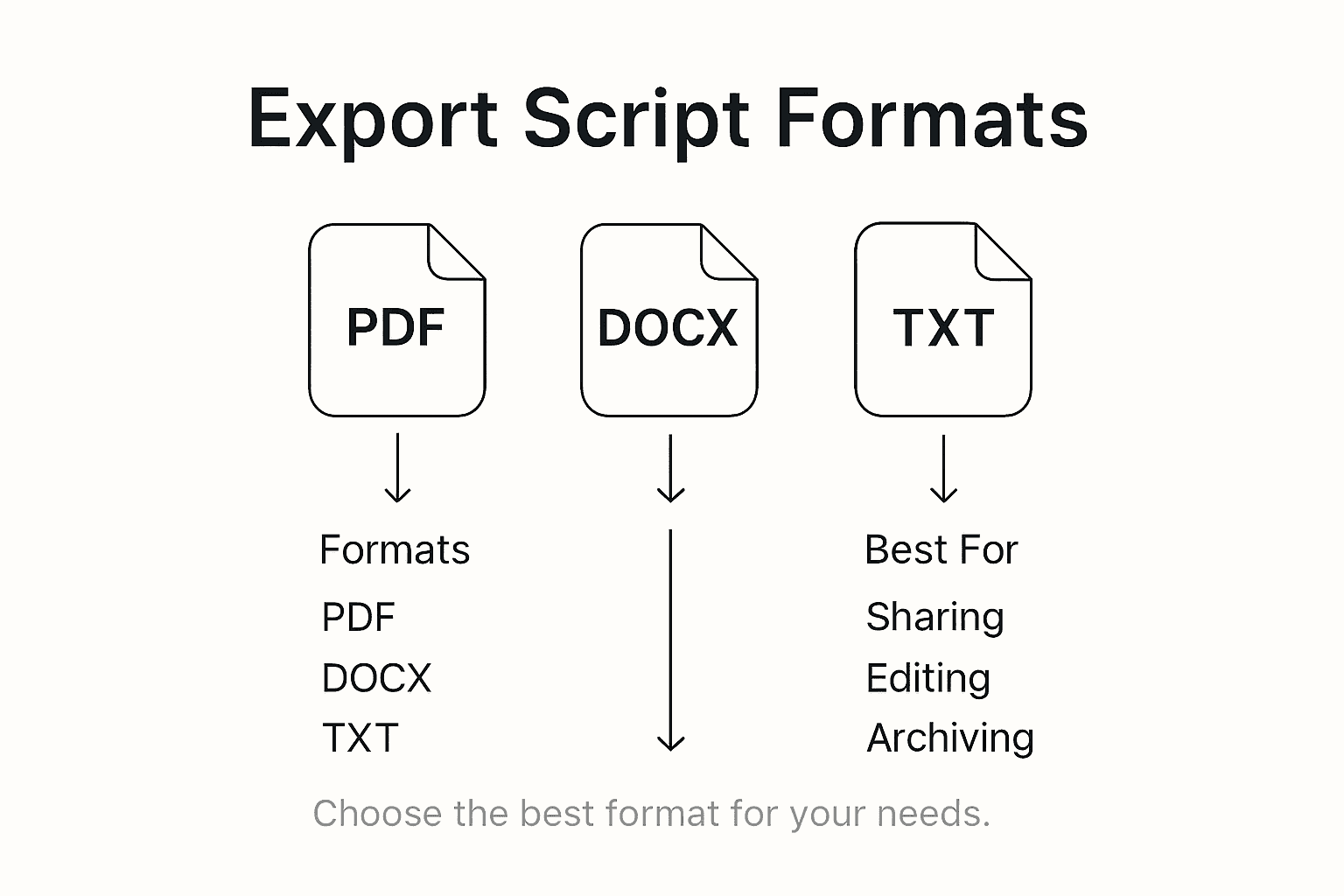
International trade documentation guidelines recommend selecting appropriate export formats that maximize accessibility and compatibility. Choose file formats that preserve your script's formatting and are universally readable such as PDF for final versions and editable formats like Microsoft Word or Google Docs for collaborative reviews. Consider the specific needs of your target audience some may prefer compact formats while others require fully formatted professional documents. Check that your exported script maintains all critical elements including scene descriptions dialogue formatting and any additional production notes.
Comparison of popular script export formats and their ideal uses:
| Format | Best For | Collaboration Suitability |
|---|---|---|
| Final distribution | Limited editing | |
| Word Document | Team reviews and edits | Seamless track changes |
| Google Docs | Real-time group editing | Easy sharing and comments |
Before sharing, perform a final quality check to ensure the exported document looks exactly as intended. Many platforms offer preview modes that let you verify formatting across different devices and applications. When sharing sensitive or professional scripts utilize secure file sharing platforms that provide controlled access and tracking. Some services allow you to set permissions limit downloads or require authentication ensuring your intellectual property remains protected throughout the distribution process.
Pro tip: Create a standardized naming convention for your exported scripts that includes project name version number and date to simplify file management and tracking.
Streamline Your Video Script Creation with Palmedor.ai
The challenge of transforming diverse video footage into polished, ready-to-use scripts is a familiar one. From organizing source videos and customizing script extraction settings to reviewing and refining generated drafts, this process can demand time and precision. The article highlights pain points like handling audio clarity, speaker identification, and ensuring narrative coherence while managing complex editing workflows. If you seek a solution that turns your ideas into professional scripts and cinematic videos without overwhelming technical steps, Palmedor.ai offers the perfect answer.
Palmedor.ai is an AI-powered video creation platform designed to simplify every step from initial concept to final production. Whether you upload raw videos or generate content from prompts and images, the platform automatically handles script generation, scene management, and output customization to produce high-quality results tailored to your needs. By combining smart presets with flexible output formats, you can overcome the exact challenges described, accelerating your workflow and enhancing narrative quality.

Experience how effortless video scripting can become when paired with a platform engineered for creators like you. Visit Palmedor.ai now to explore features that help you customize scripts, manage scenes, and export your work efficiently. Don’t let tedious manual editing hold you back. Start transforming your video ideas into cinematic reality today with Palmedor.ai.
Frequently Asked Questions
How do I gather source videos for script creation?
To gather source videos, start by defining your project objectives and searching for high-quality videos that align with your goals. Organize these videos into a clear folder structure, grouping them by theme or project segment to streamline your workflow.
What should I consider when selecting a script generation platform?
When selecting a script generation platform, look for features like automatic speech recognition and customizable output formats. Verify that the platform supports standard video formats and offers advanced processing capabilities to suit your specific content needs.
How can I customize the script extraction settings effectively?
To customize script extraction settings, explore the platform’s settings panel and adjust parameters such as dialogue scope and language processing specifics. Experiment with different configurations to find the best match for your video content type, whether it's an interview or a professional presentation.
What steps should I take to review and refine the generated script?
Begin by carefully comparing the generated script with your original video to check for accuracy and coherence. Break your review into multiple passes, focusing first on overall content and then on grammatical structure to ensure the script meets your professional standards.
What is the best format to export my finalized script?
The best export format for your finalized script depends on your sharing needs. Use PDF for distribution and final versions, while Microsoft Word or Google Docs are better for collaborative reviews, allowing for easy edits and comments.
How can I ensure my exported script maintains quality across devices?
To ensure quality, perform a final quality check of the exported script by previewing it on different devices. This step will help you confirm that the formatting remains intact and meets your project requirements.