How to Plan Video Shoots for Cinematic Results Easily
Learn how to plan video shoots step by step, from concept to quality check, for high-quality, cinematic videos. Perfect your workflow for flawless results.
How to Plan Video Shoots for Cinematic Results Easily
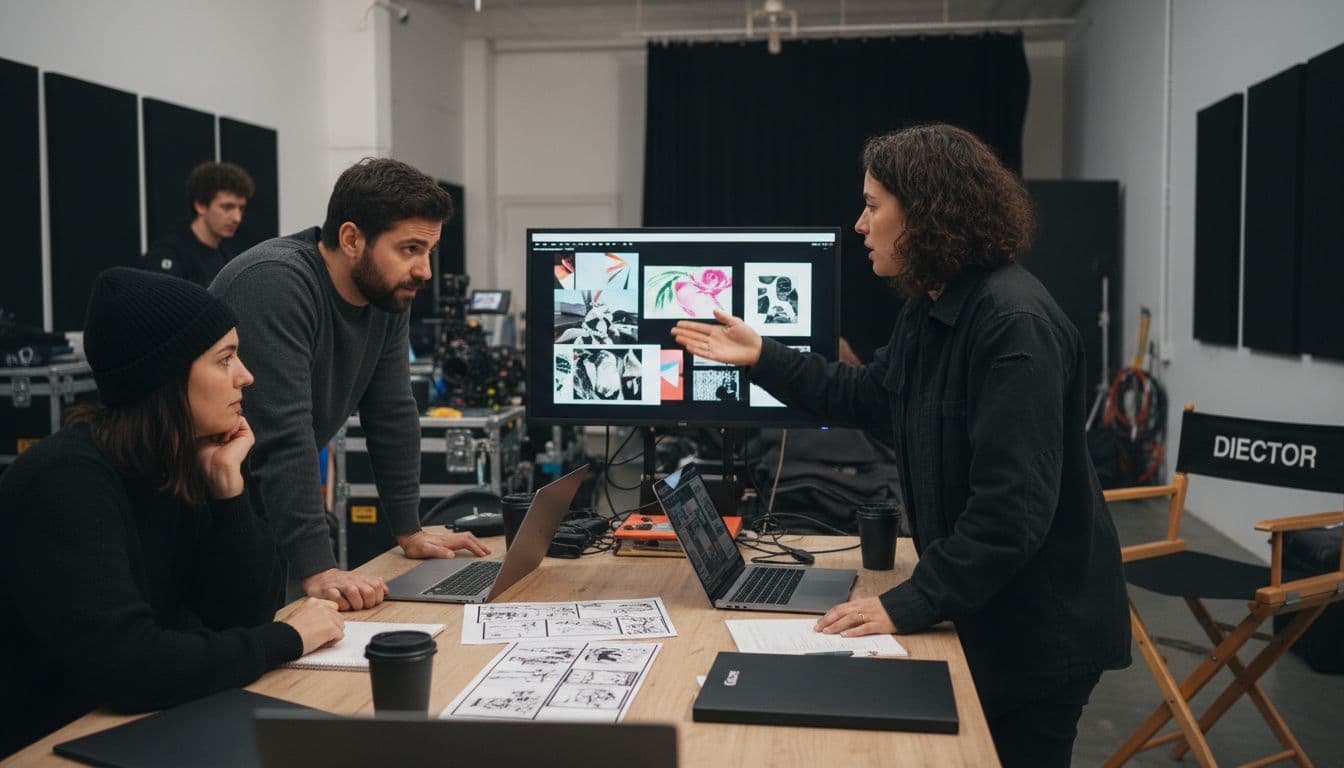
Nearly 80 percent of video productions face costly delays due to poor pre-production planning. Setting clear project goals and building a solid creative direction are what keep teams focused and projects on track. When you define these elements from the start, you lay the groundwork for a smooth shoot and a story that grabs your audience. This guide takes you step by step through the planning process so you can avoid setbacks and create videos that truly resonate.
Table of Contents
- Step 1: Define Project Goals And Creative Direction
- Step 2: Develop Detailed Scene Outlines And Shot Lists
- Step 3: Organize Locations, Cast, And Equipment Needs
- Step 4: Leverage AI Tools To Streamline Pre-Production
- Step 5: Review, Adjust, And Finalize Your Shooting Plan
Quick Summary
| Key Point | Explanation |
|---|---|
| 1. Define clear project goals | Establishing goals helps shape your video shoot's direction and messaging for better audience engagement. |
| 2. Create detailed shot lists | A shot list organizes the specifics of each scene, guiding filming and managing resources effectively. |
| 3. Organize locations and cast thoroughly | Documenting logistics for locations, cast profiles, and equipment ensures smooth shooting operations. |
| 4. Leverage AI tools for planning | Integrating AI can streamline pre-production tasks, making planning more efficient and creative. |
| 5. Review and adjust your shooting plan | Systematic review of all plans helps identify gaps and prepare for unexpected challenges during production. |
Step 1: Define project goals and creative direction
Defining your project goals and creative direction is the critical first step in planning a successful video shoot. This foundational phase sets the entire trajectory for your visual storytelling, determining how effectively you will communicate your message and engage your audience.
Start by conducting a thorough creative brainstorming session where you clearly outline your core objectives. Ask yourself key questions: What story are you trying to tell? Who is your target audience? What emotional response do you want to evoke? According to MasterClass, a shot list is created during preproduction to precisely outline the visual specifics of capturing each scene. This means your goals need to be crystal clear from the beginning.
As you develop your creative direction, create a detailed mood board or reference document that captures the visual aesthetic you want to achieve. This might include color palettes, stylistic references, lighting approaches, and specific visual metaphors that align with your project objectives. Adobe highlights that film sets can be chaotic environments where things frequently go wrong. By establishing a clear creative roadmap upfront, you create a robust framework that helps your entire production team stay aligned and focused.
Pro tip: Document your creative goals in a shared digital workspace that all team members can access. This ensures everyone understands the project vision and can reference the core objectives throughout production.
Once you have defined your goals and creative direction, you are ready to move into the next critical phase of video production planning.
Step 2: Develop detailed scene outlines and shot lists
Developing detailed scene outlines and shot lists transforms your creative vision from abstract concept to concrete production plan. This crucial step provides a precise roadmap for capturing every visual element needed to tell your story effectively.
According to StudioBinder, a shot list serves as a visual blueprint that meticulously details camera angles, movements, framing, and shooting sequence. Start by breaking down each scene into specific shots. For each scene, ask yourself: What are the key emotional moments? What camera perspectives will best communicate the story? What visual information needs to be captured?
Begin drafting your shot list by creating a grid or spreadsheet that tracks critical details for each shot. Include columns for scene number, shot description, camera angle, lens type, movement, and specific blocking instructions. Edition Video Pro recommends thinking through all potential shots beforehand to streamline your production process. Pro tip: Use visual references or rough sketches to help your team understand exactly what you want to capture in each shot.
Remember that a well-prepared shot list not only guides your filming but also helps manage time, resources, and team expectations. Your next step will be translating these detailed outlines into a practical production schedule.
Step 3: Organize locations, cast, and equipment needs
Organizing your locations, cast, and equipment is the logistical backbone of your video production that transforms your creative vision into a practical shooting plan. This step requires meticulous coordination and strategic planning to ensure smooth execution of your project.
As highlighted by Wikipedia, a production board allows you to create a color coded chart that displays information about each scene and helps you strategically sequence your shooting schedule. Start by creating a comprehensive spreadsheet that tracks all critical production elements. For locations, document specific details like address, permissions, accessibility, electrical outlets, parking, and potential challenges. For casting, compile detailed profiles including availability, contact information, wardrobe requirements, and any specific performance notes.
When considering equipment needs, plan for multiple scenarios. Wikipedia notes the advantages of multiple camera setups, which can provide more shooting flexibility and reduce overall production time. Create a detailed equipment inventory that includes cameras, lenses, lighting gear, sound equipment, and backup options. Pro tip: Always have contingency plans and backup equipment to prevent potential production delays. Include rental costs, transportation requirements, and technical specifications for each piece of gear.
Your thorough organization in this phase will create a solid foundation for a smooth and efficient video production.
 The next step involves translating these detailed plans into a comprehensive shooting schedule.
Step 4: Leverage AI tools to streamline pre-production
Leveraging AI tools can dramatically accelerate and enhance your video production pre-production process, transforming complex planning tasks into streamlined workflows. This step is about using intelligent technologies to reduce manual work and increase creative precision.
Research from ArXiv highlights the potential of advanced language systems in filmmaking, describing how AI can now understand and interpret cinematic storytelling through sophisticated shot description technologies. Begin by exploring AI powered tools that can help generate initial storyboards, script drafts, and scene breakdowns. Look for platforms that offer intelligent scene analysis, automated script formatting, and predictive shot recommendations based on your creative goals.
ArXiv demonstrates emerging AI technologies capable of analyzing shot types and understanding complex visual compositions. Integrate these tools into your pre-production workflow by uploading your initial concept materials and allowing the AI to generate suggested shot lists, scene structures, and creative recommendations. Pro tip: Always review and refine AI generated suggestions with your human creative perspective.
These tools are powerful assistants but should complement rather than replace your artistic vision.
By strategically incorporating AI technologies, you can significantly reduce pre-production time and unlock new creative possibilities. Your next step will involve translating these AI assisted plans into a comprehensive production strategy.
Step 5: Review, adjust, and finalize your shooting plan
Reviewing, adjusting, and finalizing your shooting plan is the critical bridge between meticulous pre-production planning and successful video execution. This final preparation stage ensures that every detail is refined and every potential challenge is anticipated before cameras start rolling.
According to MIT, screening your preparatory materials with a strategic eye is essential. Conduct a comprehensive review of your shot lists, location details, equipment inventory, and creative briefs. Gather your key team members for a collaborative walkthrough where you systematically examine each aspect of the production plan. Look for potential logistical gaps, time constraints, equipment redundancies, or creative inconsistencies that might derail your shooting schedule.
Wikipedia emphasizes the importance of precise metadata capture during production planning. Create a master document that includes detailed timecodes, shot descriptions, equipment specifications, and contingency protocols. Pro tip: Build in buffer time for unexpected challenges and have backup plans for critical shots or potential equipment failures. Your final shooting plan should be a living document that balances rigid structure with flexible adaptability.
With your shooting plan meticulously reviewed and finalized, you are now prepared to transition from planning to actual production. The groundwork you have laid will be the foundation of a smooth and successful video shoot.
Streamline Your Cinematic Video Production with AI Power
Planning video shoots for cinematic results can be overwhelming when juggling creative goals, detailed shot lists, and complex logistics. If you find yourself wanting to simplify scene management, organize locations and cast effortlessly, and bring your creative vision to life without technical hurdles, you are not alone. From defining project goals to finalizing shooting plans, every step demands precision and seamless coordination.

Take control of your video production workflow today by exploring how Palmedor.ai can transform your planning process. Our AI-powered video creation platform helps turn your ideas and scripts into professional-grade cinematic videos swiftly. With features for smart presets, AI-driven scene generation, and flexible output options, you can focus on creativity while minimizing manual effort. Start your journey now, and elevate your video shoots with ease at Palmedor.ai.
Frequently Asked Questions
How do I define project goals for my video shoot?
To define project goals for your video shoot, start by outlining your core objectives. Ask key questions like what story you want to tell and who your target audience is to guide your creative direction.
What is a shot list and why is it important for video shoots?
A shot list is a detailed outline of camera angles, movements, and framing for each scene in your video. Create one to streamline your production process and ensure you capture all necessary visual elements effectively.
How can I organize my locations and cast for a video shoot?
Organize locations and cast by creating a comprehensive spreadsheet that includes details such as address, permissions, availability, and wardrobe requirements. This will help you avoid any logistical delays on shooting day.
What role do AI tools play in the pre-production phase of video planning?
AI tools can help streamline pre-production by generating storyboards, script drafts, and shot lists based on your creative input. Incorporate these tools to save time and enhance your planning process, checking their recommendations against your vision.
How should I review and finalize my shooting plan?
Review and finalize your shooting plan by conducting a comprehensive walkthrough with your team to identify potential gaps or inconsistencies.
 Document detailed timecodes and shot descriptions, ensuring you have contingency protocols for any unexpected challenges.