How to Drive Engagement With AI Video Content
Learn how to drive engagement using AI-powered video creation with actionable steps to boost interaction and audience reach for your creative projects.
How to Drive Engagement With AI Video Content
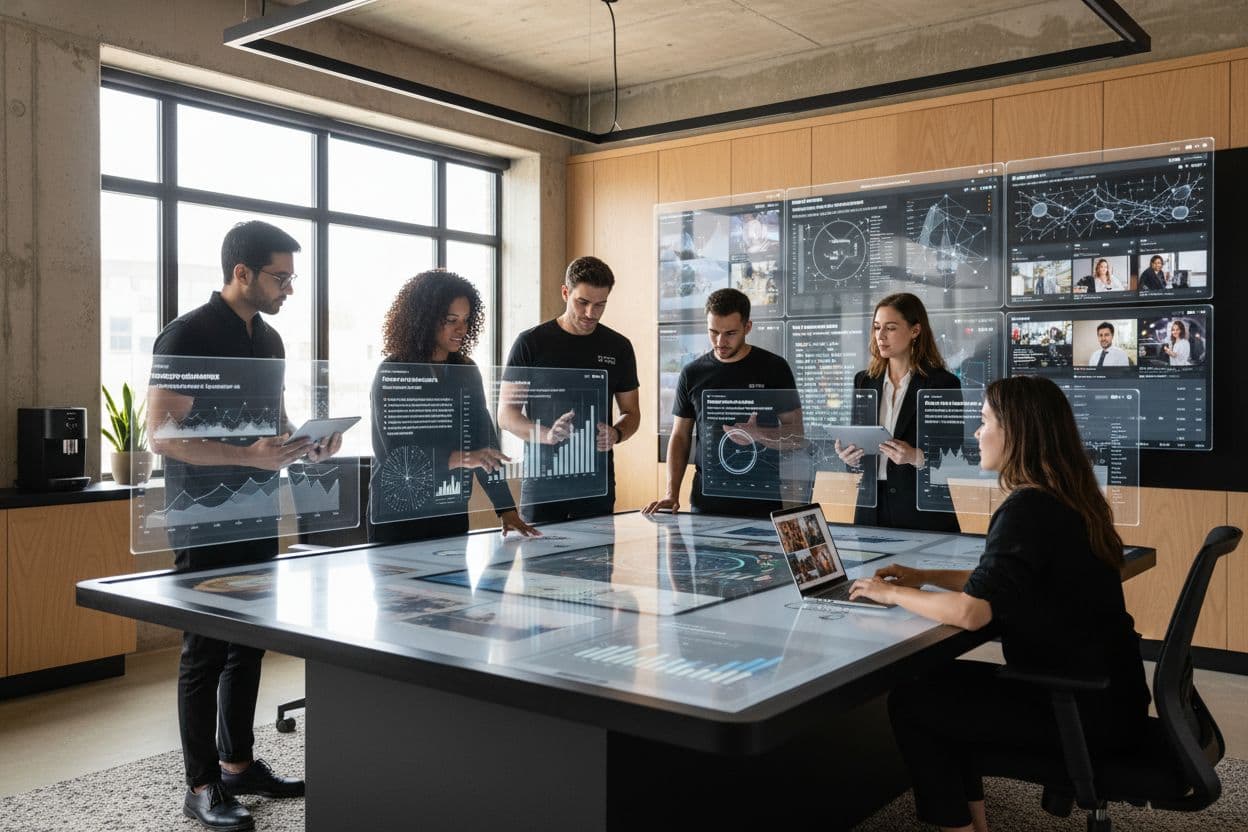
Did you know that personalized AI video content can improve engagement metrics by as much as 8.6%? Crafting videos that truly resonate with your audience has become more important than ever in a world where viewers have endless options and short attention spans. By understanding your goals and tracking the right data, you can fine tune your strategy and create content that leaves a lasting impact on your viewers.
Quick Summary
| Key Point | Explanation |
|---|---|
| 1. Define clear audience goals | Understand what actions you want viewers to take after watching your video, such as increasing brand awareness or generating leads. |
| 2. Track nuanced engagement metrics | Focus on metrics like watch time and emotional response to better gauge audience connection than traditional view counts. |
| 3. Craft detailed prompts and storyboards | Use specific, emotionally charged descriptions to guide AI in generating compelling visual narratives effectively. |
| 4. Integrate interactive elements | Add polls, quizzes, and clickable features to engage viewers actively, boosting retention and overall interaction rates. |
| 5. Analyze and optimize video performance | Continuously monitor viewer behavior and refine future content based on engagement insights to enhance effectiveness. |
Table of Contents
- Step 1: Define Audience Goals And Engagement Metrics
- Step 2: Craft Compelling Prompts And Storyboards
- Step 3: Leverage AI Tools For Dynamic Scene Generation
- Step 4: Customize Formats And Interactive Elements
- Step 5: Monitor Results And Optimize Future Videos
Step 1: Define Audience Goals and Engagement Metrics
Setting clear audience goals and tracking the right engagement metrics can transform how you create and optimize AI video content. This step helps you understand exactly what success looks like for your specific video project.
Start by mapping out what you want viewers to do after watching your video. Are you looking to increase brand awareness? Generate leads? Drive product interest? Each goal requires different engagement metrics. According to research from DIGITWISE, viewer sensitivity dramatically impacts engagement tracking.
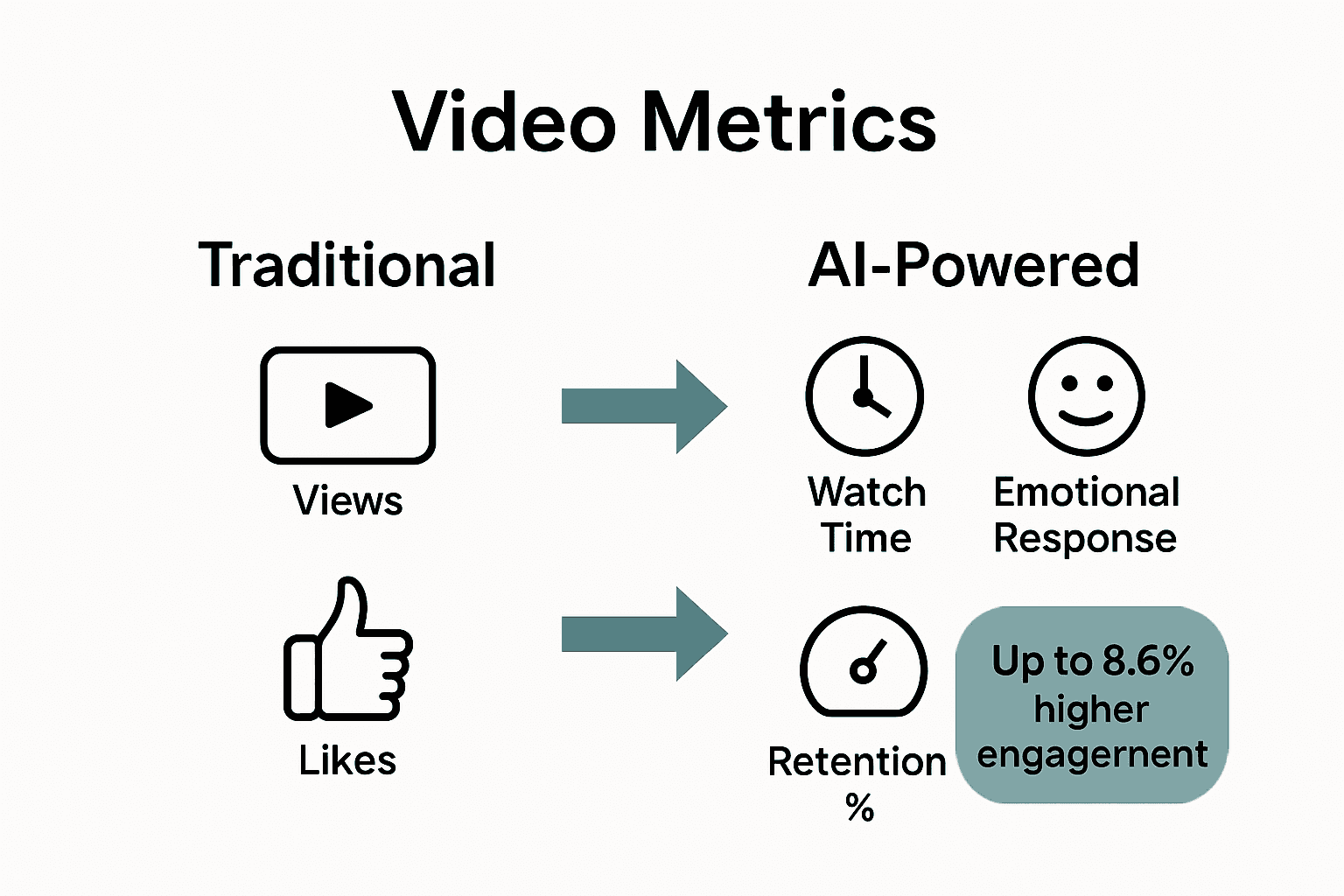
Traditional view counts won't tell the whole story. Instead, focus on more nuanced metrics that reveal true audience connection. Online video analytics research suggests tracking metrics like watch time, interaction rates, and emotional response. For instance, a 30 second video with high viewer retention might be more valuable than a 5 minute video most people abandon.
Break down your engagement metrics into specific categories:
Here's a comparison of key engagement metrics and their impact on AI video success:
| Metric | What It Measures | Why It Matters |
|---|---|---|
| Viewing Duration | Watch time per viewer | Shows content relevance |
| Click Through Rate | Actions taken (e.g., links) | Tracks conversion and follow-through |
| Social Sharing Frequency | Shares on social platforms | Indicates content's viral potential |
| Comments & Reactions | Viewer responses | Reflects emotional connection |
| Viewer Retention % | Audience staying power | Reveals quality and engagement clarity |
- Viewing duration
- Click through rates
- Social sharing frequency
- Comments and reactions
- Viewer retention percentage
Pro Tip: Personalization is key. The DIGITWISE research demonstrated that adaptive models can increase engagement by up to 8.6% when accounting for individual viewer preferences.
As you move forward, remember that engagement metrics are not static. You'll want to continuously refine your tracking approach as you generate more AI video content and understand your audience better. Prepare to experiment and adjust your measurement strategy.
Ready to dive deeper into creating compelling AI video content that truly resonates with your audience?
Step 2: Craft Compelling Prompts and Storyboards
Your ability to create engaging AI video content hinges on crafting precise prompts and strategic storyboards. This step transforms your creative vision from abstract concept to actionable visual narrative.
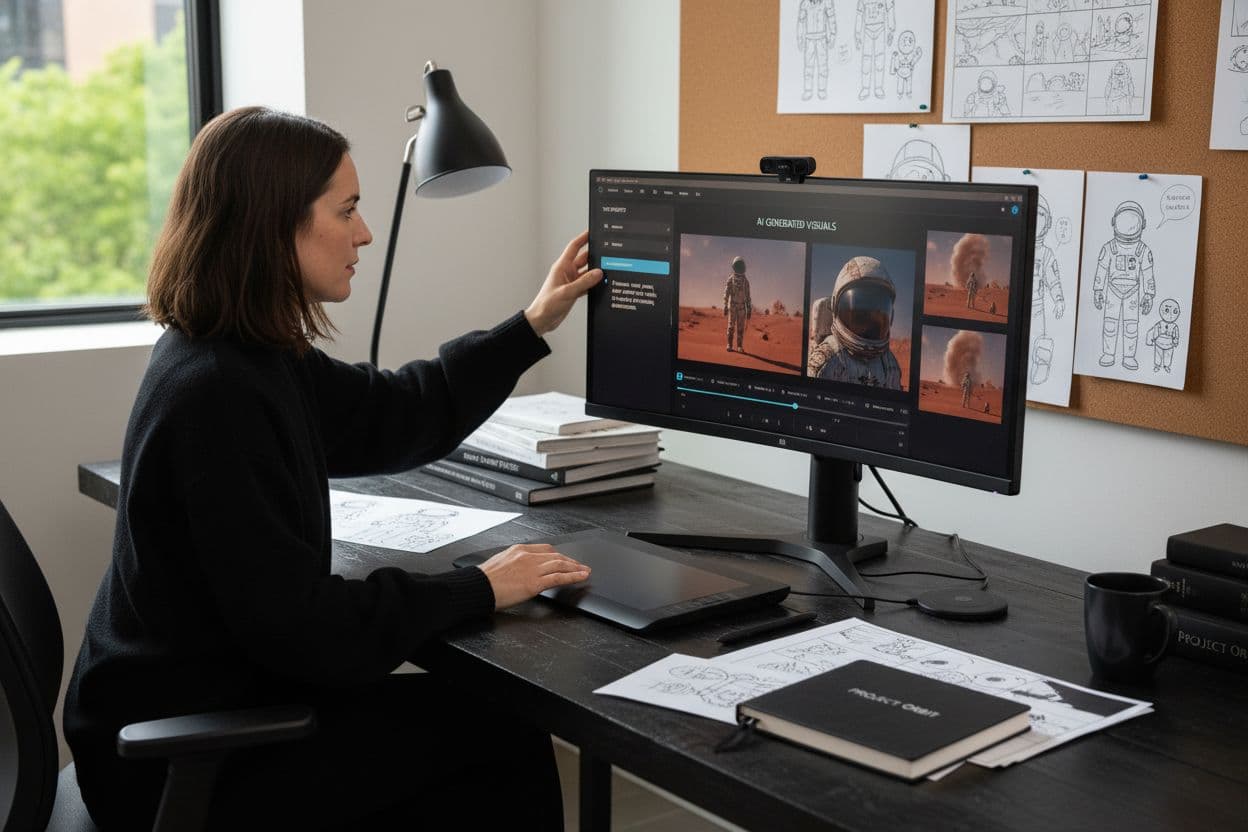
According to StoryClip's AI video prompt guide, successful prompts require specific details that paint a vivid picture. Think beyond generic descriptions and inject emotional depth into your instructions. Instead of saying "create a business video," describe the exact scenario: "A young entrepreneur presenting her innovative tech solution in a minimalist startup office with natural lighting and confident body language."
When developing your storyboard, ReelMind recommends starting with a clear narrative arc that includes:
- A defined beginning that captures viewer attention
- A compelling middle section with progression
- A meaningful conclusion that reinforces your message
Consider the emotional tone and visual atmosphere you want to create. Are you aiming for inspirational? Professional? Dramatic? Each mood requires different visual and narrative cues. Your prompt should communicate these subtle nuances.
Pro Tip: Use multi image references to maintain visual consistency across your AI generated video scenes.
Experiment with negative prompts to help the AI understand what you do not want. For instance, if creating a corporate video, specify "avoid cliche business stock imagery" to push the AI toward more authentic representations.
As you refine your approach, remember that prompt crafting is an iterative process. Each attempt teaches you more about communicating effectively with AI video generation tools. Your first draft will rarely be perfect—embrace the learning curve.
Ready to transform your creative vision into a compelling visual story?
Step 3: Leverage AI Tools for Dynamic Scene Generation
AI powered scene generation transforms your creative vision from static storyboards into living visual narratives. This step enables you to breathe life into your video concepts with unprecedented precision and creativity.
According to insights from LTX Studio, modern AI video generation tools can convert text prompts directly into fully realized scenes with integrated camera controls. Think of these tools as your digital cinematographer translating written instructions into visual storytelling.
The key is providing granular instructions that guide the AI's scene generation. Instead of broad commands, specify exact details like camera angle, lighting mood, character positioning, and emotional undertone. For example, replace "show two people talking" with "capture a tense conversation between two colleagues in a dimly lit conference room with side profile shots emphasizing their conflicting body language."
Research from the Spatial Temporal Transformer demonstrates how advanced neural networks can now understand complex scene relationships. This means your AI tool can intelligently interpret nuanced instructions about spatial dynamics and character interactions.
When generating scenes, consider these strategic approaches:
- Provide reference images for visual consistency
- Specify exact emotional states for characters
- Describe precise environmental details
- Include camera movement instructions
- Define lighting and color palette preferences
Pro Tip: Treat AI scene generation as a collaborative process. Your first attempt might not be perfect but each iteration teaches you more about effective communication with the technology.
Experiment with different prompt styles and levels of detail. Some AI tools respond better to highly structured instructions while others appreciate more creative latitude. Learn your specific tool's strengths and adapt your approach accordingly.
Ready to see your creative vision come alive through intelligent scene generation?
Step 4: Customize Formats and Interactive Elements
Transforming passive video viewing into an engaging interactive experience can dramatically boost audience connection and retention. This step helps you design videos that don't just communicate but actively involve your viewers.
According to research from Moldstud, interactive video elements can increase viewer retention by an impressive 60%. Users overwhelmingly prefer content that allows them to participate rather than simply watch.
Start by considering different interactive elements that align with your content goals. These might include:
- Embedded polls that gather viewer opinions
- Branching narrative paths where viewers make choices
- Quiz segments that test viewer understanding
- Clickable hotspots revealing additional information
- Integrated social media sharing triggers
Research from Firework reveals compelling statistics about interactive video potential. These formats can generate 66% more engagement, 29% more social shares, and up to 11 times higher click through rates compared to traditional linear videos.
Pro Tip: Design interactions that feel natural and add genuine value. Forced or gimmicky interactions can frustrate viewers instead of engaging them.
When customizing formats, think about your specific audience. A tech tutorial might benefit from interactive code demonstrations, while a marketing video could include product exploration hotspots. The key is matching interactive elements to your content's core purpose.
Consider the technical capabilities of your AI video generation platform. Some tools offer more sophisticated interactive features than others. Experiment with different approaches to find what resonates most with your audience.
Ready to turn viewers from passive observers into active participants?
Step 5: Monitor Results and Optimize Future Videos
The journey of AI video creation doesn't end when you hit publish. This final step transforms your initial video into a learning opportunity that continuously improves your content strategy.
Online video analytics provides powerful tools to capture granular viewer behavior. Think of these metrics as a detailed roadmap showing exactly how your audience interacts with your content. Pay attention to more than just view counts. Track precise data points like watch duration, interaction rates, and specific moments where viewers drop off.
According to the DIGITWISE research, understanding viewer engagement goes beyond surface level metrics. Their digital twin modeling demonstrates how you can predict and enhance future content performance by analyzing current viewer responses.
Focus on these key performance indicators:
- Total watch time
- Viewer retention percentage
- Interaction rates
- Emotional response indicators
- Sharing and social amplification
Pro Tip: Create a consistent tracking dashboard that allows you to compare performance across different AI generated videos.
Dont treat each video as an isolated project. Look for patterns and trends across your content. Maybe certain storytelling approaches generate more engagement or specific visual styles resonate more with your audience.
Consider running small experimental variations. Try different prompt approaches, scene compositions, or interactive elements to see what drives the most meaningful engagement. Your AI video generation is a continuous learning process where each video provides insights for the next.
Ready to turn your video analytics into a strategic content improvement engine?
Unlock Higher AI Video Engagement With Palmedor.ai’s Seamless Platform
Are you struggling to bridge the gap between your creative vision and actual viewer engagement? The article highlights how defining metrics, creating vivid prompts, and integrating interactive elements are essential—yet time-consuming—for generating impactful AI video content. At Palmedor.ai, we recognize these challenges and have built powerful tools designed to help content creators and professionals conquer them with ease.

Transform your AI video creation process with just a few clicks. Use our smart script generation and advanced scene management to craft stories that keep your audience hooked. Say goodbye to complex workflows and hello to an all-in-one platform where you can upload images, describe your ideas, and let our AI handle every step—from prompt refinement to cinematic editing and export in multiple formats. Ready to set new engagement records on your next project? Visit our platform now and experience how quickly you can turn insight into eye-catching results. Don’t just measure engagement—drive it today with Palmedor.ai.
Frequently Asked Questions
How can I define audience goals for my AI video content?
Start by identifying what you want viewers to achieve after watching your video, such as increasing brand awareness or generating leads. Map out these goals clearly, and then select engagement metrics that align with each objective to track their effectiveness.
What engagement metrics should I focus on to measure success in AI video content?
Concentrate on metrics like viewer retention percentage, watch time, and interaction rates. By analyzing these metrics, you can gain insights into how well your content resonates with your audience and make necessary adjustments for future videos.
How do I craft compelling prompts for creating AI video content?
Create specific prompts that include details such as the emotional tone, visual style, and scene context. For example, instead of simply requesting a video about a product, describe the scene in detail to guide the AI in producing relevant visuals and narratives.
What are effective interactive elements to include in AI videos?
Consider incorporating interactive elements such as polls, quizzes, and clickable hotspots that encourage viewer participation. This can elevate engagement significantly—research shows that interactive videos can boost viewer retention by up to 60%.
How can I monitor and optimize my AI video content after publication?
Utilize viewer analytics to monitor key performance indicators such as total watch time and emotional response indicators. Analyze this data to identify patterns and trends, and adjust your future content strategy accordingly to improve engagement rates.
Why is personalization important in AI video content?
Personalization can significantly enhance engagement, as tailored content resonates more with viewers' individual preferences. By adapting your video strategy to include personalized elements, you could potentially increase engagement by up to 8.6%.