Editing Video Basics: Empowering AI-Driven Creators
Editing video basics explained for social storytellers: key concepts, editing types, essential workflow, common pitfalls, and AI-powered production tips.
Editing Video Basics: Empowering AI-Driven Creators
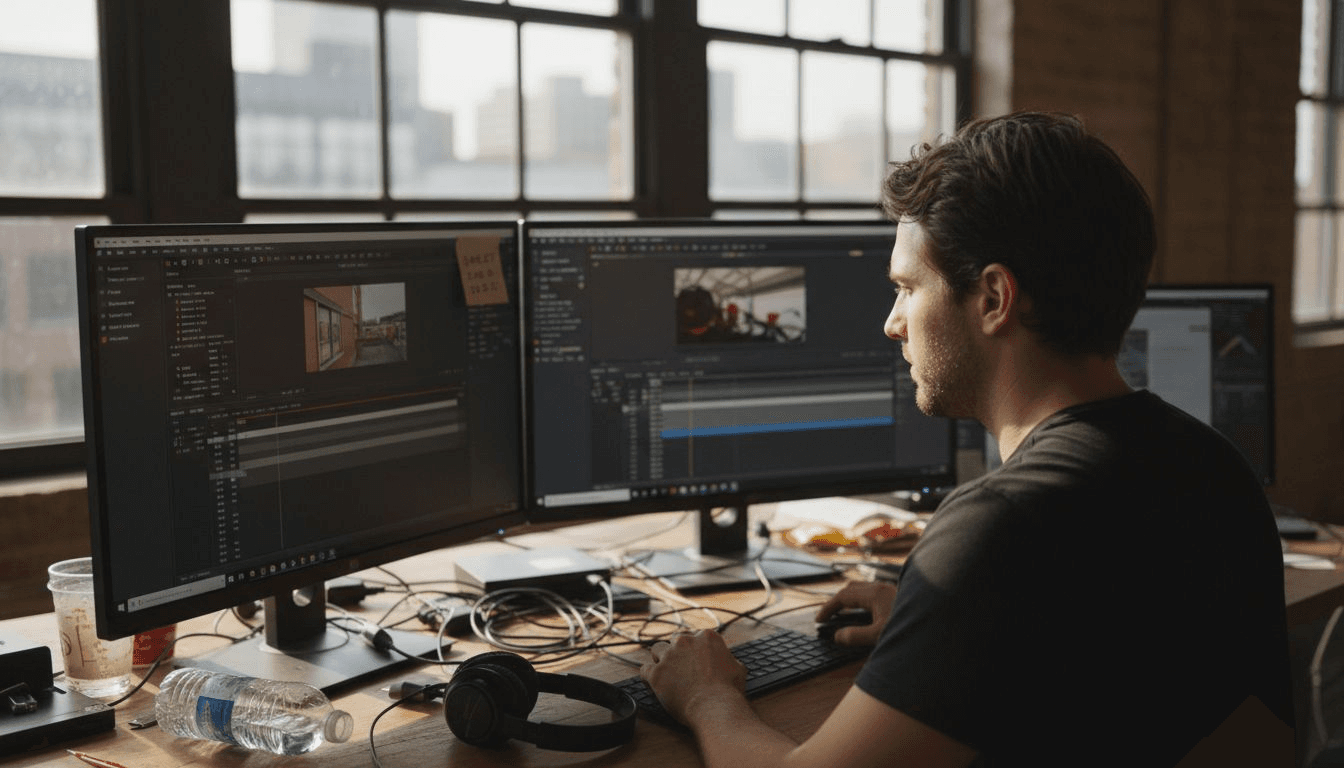
Mastering video editing is now the difference between standing out and blending in across fast-paced social media feeds. For independent filmmakers and content creators, understanding core video editing concepts shapes every frame, cut, and transition into stories that truly connect. As editing evolves from analog roots to powerful AI tools, learning the essentials and advanced techniques unlocks creative freedom and supports every step of production, whether for cinematic films or quick mobile content.
Table of Contents
- Defining Video Editing and Core Concepts
- Types of Video Editing Tools and Methods
- Essential Steps in an Editing Workflow
- Integrating AI for Creative Storytelling
- Avoiding Common Mistakes in Video Editing
Key Takeaways
| Point | Details |
|---|---|
| Understanding Video Editing | Video editing is the process of transforming raw footage into engaging narratives. |
| Types of Tools | Choose editing tools based on project complexity, budget, and skill level for best results. |
| Workflow Steps | Follow a systematic workflow from organization to quality control to optimize editing. |
| Avoid Common Mistakes | Be mindful of pacing, audio consistency, and technical details to enhance video quality. |
Defining Video Editing and Core Concepts
Video editing is the creative art and technical process of manipulating visual storytelling through strategic arrangement of video footage. At its core, editing transforms raw visual material into compelling narratives that engage audiences across multiple media platforms.
The fundamental landscape of video editing encompasses several critical components. Clips represent individual video segments, while the timeline serves as the primary workspace where these segments are arranged, trimmed, and synchronized. Modern editing involves techniques like cutting (removing unnecessary footage), transitions (smooth visual shifts between scenes), and integrating visual effects to enhance storytelling impact. Professionals use these techniques to control pacing, emotional tone, and narrative progression.
Historically, video editing has dramatically transformed from linear analog methods to sophisticated digital nonlinear workflows. Contemporary creators now leverage powerful software tools that provide unprecedented flexibility in manipulating visual content. Advanced editing concepts now include multi-track audio integration, color grading, motion graphics, and complex visual effect compositing.
This reference table clarifies essential video editing concepts:
| Term | Definition | Role in Editing |
|---|---|---|
| Clip | Individual segment of video footage | Basic building block |
| Timeline | Workspace to arrange video and audio | Organizes storytelling flow |
| Transitions | Visual effects between two clips | Smooth scene progression |
| Color Grading | Adjusting visuals for mood and style | Ensures visual consistency |
Pro tip: Always organize your raw footage into clearly labeled folders before beginning any editing project to streamline your workflow and reduce potential file management headaches.
Types of Video Editing Tools and Methods
Video editing tools and methods represent a diverse ecosystem of technologies designed to transform raw visual content into polished storytelling experiences. These tools range from professional desktop software to intuitive mobile applications, each offering unique capabilities for creators with different skill levels and project requirements.
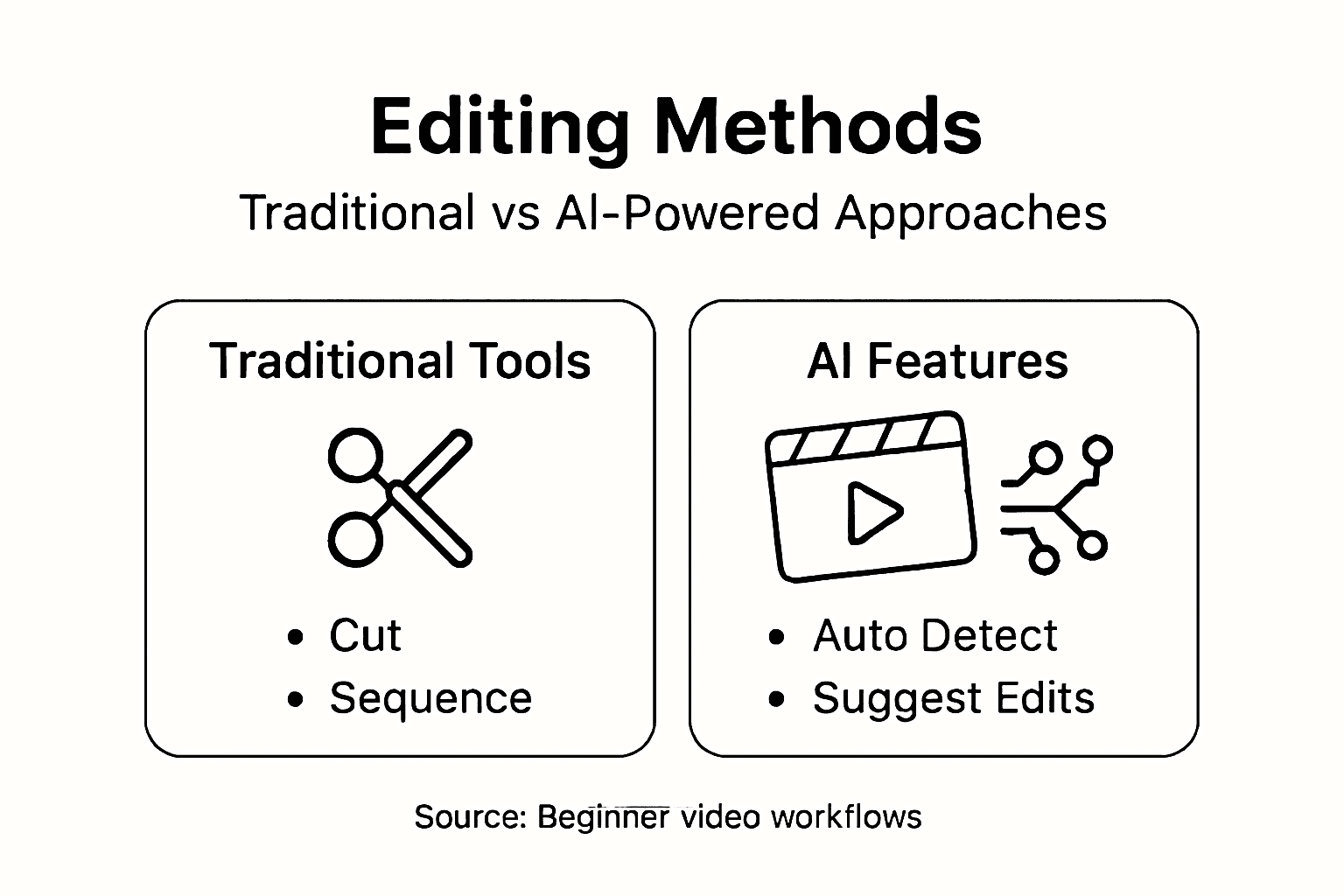
The landscape of video editing technologies can be broadly categorized into three primary platforms. Desktop Software represents the most comprehensive option, providing advanced features like multi-track editing, complex effects, and precise color grading. These professional-grade tools such as Adobe Premiere Pro and Final Cut Pro enable filmmakers and advanced content creators to execute intricate post-production workflows. Mobile Apps offer more lightweight alternatives, allowing quick edits, simple transitions, and social media content creation directly from smartphones. Online Platforms have emerged as versatile solutions, enabling collaborative editing, cloud storage, and web-based video production without requiring extensive software installation.
Here's a summary comparing major types of video editing tools:
| Platform Type | Typical Users | Key Strength | Example Use Case |
|---|---|---|---|
| Desktop Software | Professional editors | Advanced controls | Feature film post-production |
| Mobile Apps | Casual creators | Ease of use | Social media video editing |
| Online Platforms | Remote collaborators | Cloud access | Team-based web content |
Technically, video editing methods are traditionally classified into two primary approaches: linear and nonlinear editing systems. Linear editing, reminiscent of analog tape-based workflows, involves sequential modifications where changes happen chronologically. Nonlinear digital editing, now the industry standard, provides unprecedented flexibility, allowing creators to manipulate video segments independently, rearrange clips instantaneously, and experiment with multiple creative iterations without degrading source material quality.
Pro tip: Select video editing tools based on your specific project complexity, budget constraints, and personal skill level to maximize efficiency and creative potential.
Essential Steps in an Editing Workflow
Video editing is a systematic process that transforms raw footage into compelling visual narratives through a carefully structured workflow. While each project may have unique requirements, professional creators typically follow a consistent sequence of steps designed to maximize efficiency and creative potential.
The editing workflow typically begins with footage organization - a critical preparatory phase where raw video files are imported, labeled, and categorized. Creators meticulously review and select the most promising clips, creating a preliminary selects reel that highlights the strongest visual moments. Next comes the rough cut stage, where selected clips are arranged into a preliminary sequence, establishing basic narrative structure and pacing. Editors focus on fundamental storytelling elements during this phase, determining the overall flow and emotional trajectory of the final product.
Advanced editing workflows incorporate several refined stages of refinement. After establishing the rough cut, creators move into fine-tuning, which involves precise clip trimming, adding transitions, and implementing subtle visual enhancements. Color grading adjusts the visual aesthetic, creating consistent mood and tone across different shots. Audio mixing becomes crucial, balancing dialogue, background sounds, and musical elements to create a cohesive auditory experience. The final stage involves meticulous quality control - reviewing the entire edit for technical consistency, checking color balance, audio levels, and ensuring smooth narrative progression.
Pro tip: Always create multiple backup copies of your project files and maintain a systematic folder structure to prevent potential data loss during complex editing processes.
Integrating AI for Creative Storytelling
AI technologies are revolutionizing video editing by introducing unprecedented capabilities for content creators. The intersection of artificial intelligence and visual storytelling represents a transformative frontier where machine learning algorithms augment human creativity, enabling more sophisticated and efficient production workflows.
AI-powered editing tools provide remarkable capabilities across multiple production dimensions. Automated scene detection allows instant identification of meaningful visual moments, dramatically reducing manual review time. Intelligent clip suggestion algorithms analyze footage and recommend optimal sequences based on narrative flow, emotional context, and visual coherence. Advanced AI can now generate smooth transitions, recommend color grading techniques, and even suggest narrative restructuring that enhances storytelling potential. These technologies do not replace human creativity but instead serve as powerful collaborative tools that amplify a creator's artistic vision.
The most groundbreaking AI integrations extend beyond technical optimization into creative interpretation. Machine learning models can now analyze emotional undertones, detect subtle performance nuances, and provide insights into narrative pacing that might escape human editors. Some cutting-edge AI systems can generate preliminary edit suggestions, create rough narrative structures, and even predict audience engagement based on historical viewing data. This computational approach transforms editing from a purely manual craft into a dynamic, intelligently assisted creative process where human intuition and machine efficiency work in remarkable synergy.
Pro tip: Experiment with AI editing tools as collaborative assistants, not replacements, and always maintain your unique creative perspective while leveraging their computational insights.
Avoiding Common Mistakes in Video Editing
Video editing requires precision, creativity, and a strategic approach to transform raw footage into compelling narratives. Understanding and preempting common pitfalls can significantly elevate the quality of creative productions, helping creators maintain professional standards and audience engagement.
One of the most prevalent mistakes creators encounter involves pacing and rhythm. Inexperienced editors often make critical errors such as cutting too quickly, which can disorient viewers, or maintaining shots for too long, causing audience disengagement. Effective editing requires a nuanced understanding of emotional flow, ensuring that each clip contributes meaningfully to the narrative arc. Another frequent misstep is inconsistent audio levels, where dialogue, background sounds, and musical elements clash or fluctuate dramatically. Professional editors meticulously balance sound to create a seamless auditory experience that complements visual storytelling.
Technical oversights can dramatically undermine video quality. Color inconsistency represents a significant challenge, where different shots appear mismatched due to improper color grading or white balance settings. Creators must maintain visual coherence by using color correction tools strategically, ensuring smooth transitions and a unified aesthetic. Similarly, neglecting resolution and aspect ratio compatibility can result in unprofessional-looking content that appears stretched, compressed, or poorly formatted across different viewing platforms. Careful attention to technical details distinguishes amateur productions from professional-grade content.
Pro tip: Always review your edit with fresh eyes after a short break, and consider getting feedback from someone not involved in the project to identify potential editing blind spots.
Elevate Your Video Editing with AI-Powered Innovation
Video editing demands creative precision and efficient workflows to bring your stories to life. This article highlights core challenges like managing complex editing workflows, achieving seamless pacing, and integrating advanced techniques such as color grading and transitions. If you want to overcome those common hurdles and harness AI-driven tools that enhance your creative control while reducing technical workload, you are on the right path.
Unlock the potential of artificial intelligence to transform your video production process with Palmedor.ai. Our platform offers smart presets, automated scene management, and intuitive script generation so you can focus on your vision without getting lost in technical details. Whether crafting brand films or social clips, Palmedor.ai’s streamlined AI tools help you maintain consistent audio levels, professional color grading, and polished pacing across every project.

Ready to simplify your editing workflow and create stunning videos in less time Explore the future of video creation today by visiting Palmedor.ai. Start bringing your ideas to life with cinematic quality powered by AI and enjoy scalable solutions tailored to your unique production needs.
Frequently Asked Questions
What is the importance of organizing footage in video editing?
Organizing footage is crucial as it streamlines the editing process, making it easier to locate and utilize clips effectively. Proper organization helps in reducing management headaches and enhances overall workflow efficiency.
How do AI tools assist in the video editing process?
AI tools enhance video editing by offering automated scene detection, intelligent clip suggestions, and advanced color grading recommendations, which augment a creator's existing skills and improve production efficiency.
What are the essential steps in a video editing workflow?
A typical video editing workflow includes organizing footage, creating a selects reel, producing a rough cut, fine-tuning edits, color grading, audio mixing, and performing quality control to ensure a polished final product.
What common mistakes should be avoided in video editing?
Common mistakes include poor pacing, inconsistent audio levels, color inconsistencies, and resolution issues. Paying attention to these aspects can significantly elevate the quality of the final video.