Best creative video content platforms – Expert Comparison 2025
Explore the top creative video content platforms in 2025, comparing 4 market-leading tools to enhance your video creation process.
Best creative video content platforms – Expert Comparison 2025

Imagine turning ideas into stunning videos with just a few clicks. Creative work is moving faster than ever and new tools are making it easier for anyone to produce polished films and brand content without the need for big teams or long hours behind editing software. The promise is tempting. You start with a script or some simple prompts and end up with finished videos that look professional and fit your vision. Each tool claims to make video creation simpler, faster, or more versatile. Some focus on cinematic quality, others on rapid turnaround or advanced features for team projects. Curious which approach really fits your creative process? You are about to discover how these options compare and what sets each one apart.
Table of Contents
Palmedor AI
At a Glance
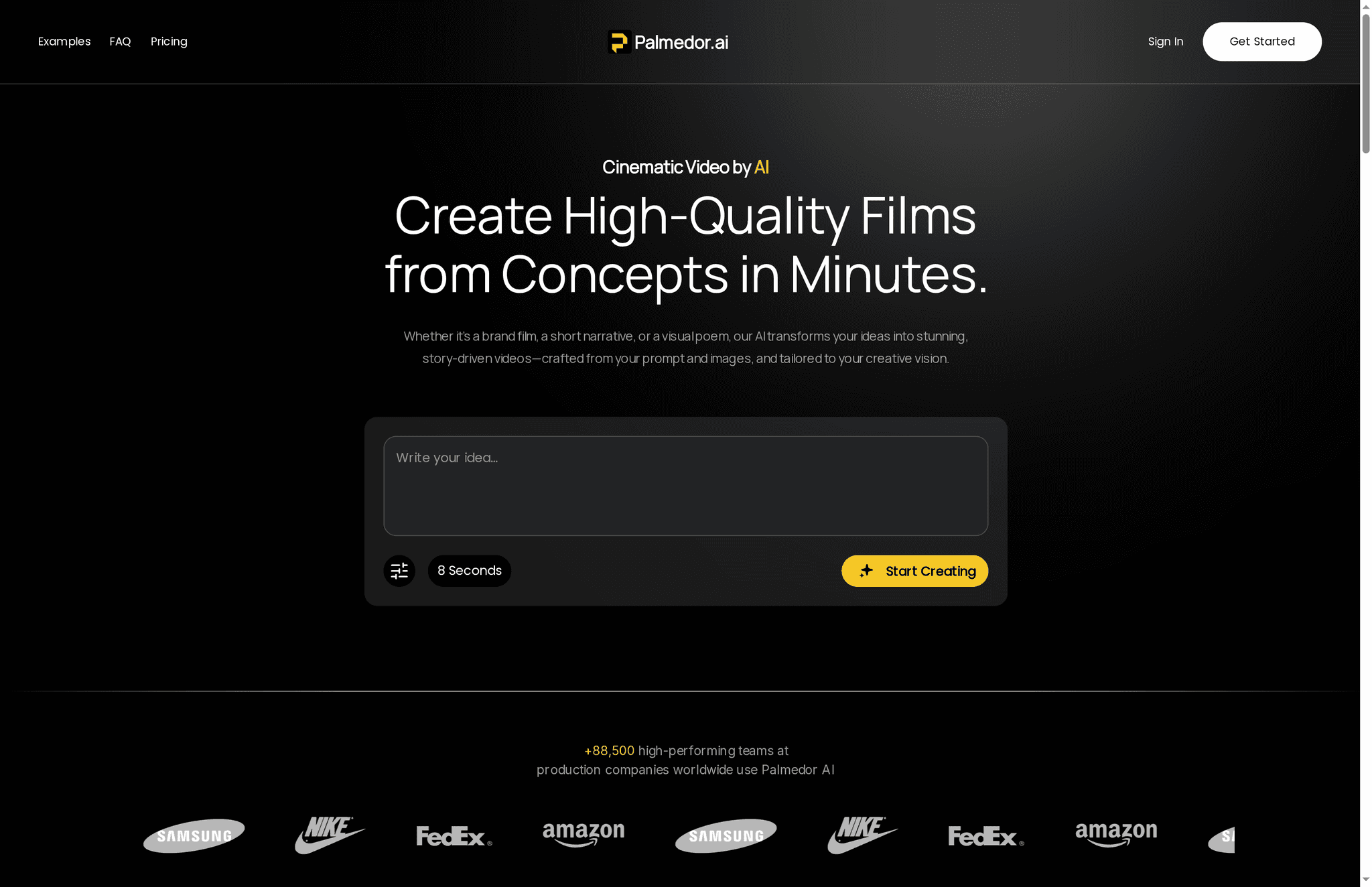
Palmedor AI turns ideas into cinematic videos quickly and reliably, bridging the gap between concept and production for creators and teams. Its AI-driven approach handles script generation, scene assembly, and production-grade rendering, so you can move from prompt to polished output in minutes. There are trade-offs—best results come from creators who understand visual storytelling, and processing is cloud-dependent—but those are deliberate design choices that favor accessibility and speed over deep, manual tinkering.
Core Features
Palmedor AI offers AI-driven cinematic video creation from prompts and images, combined with built-in script generation and editing so you can refine narrative direction before production. Scene management tools let you fine-tune timing and visual elements, while production-grade rendering produces realistic characters and cinematic quality. The platform also exports multiple output formats and resolutions optimized for different platforms, making it straightforward to create brand films, social clips, visual poems, short narratives, and training videos.
Pros
- User-friendly platform that simplifies video production: The workflow reduces technical friction so creators can focus on story and brand instead of codec settings.
- Fast generation times from idea to video: Quick turnaround helps marketing teams and social creators iterate faster and test concepts in days, not weeks.
- High-quality cinematic output: Production-grade rendering produces realistic characters and filmic visuals suitable for commercials and branded content.
- Flexible editing and customization options: Script editing and scene management let you refine pacing and visuals without leaving the platform.
- Affordable subscription plans: Tiered plans give creators and producers predictable costs aligned to project scale.
Who It's For
Palmedor AI is ideal for content creators, filmmakers, marketers, and production teams who need efficient, high-quality video production without assembling full crews or steep software learning curves. If you produce branded promotional videos, social ads, storyboards, or training content and want professional-looking results fast, Palmedor AI fits naturally into your workflow. Independent filmmakers and creative agencies will appreciate the speed; brand teams will like the cost predictability. Note: creators who prefer deep manual control over every frame may find some advanced editing details intentionally abstracted to keep the experience streamlined.
Unique Value Proposition
Palmedor AI’s core advantage is its end-to-end focus on converting simple prompts and images into fully realized cinematic videos with minimal manual overhead. Unlike traditional pipelines that require separate tools for scripting, storyboarding, and rendering, Palmedor unifies script generation, scene management, smart presets, and production-grade rendering in one environment. That consolidation shortens production cycles, reduces reliance on large crews, and lowers per-minute costs—especially for teams producing frequent short-form or mid-length content. For agencies and marketing teams, that means faster A/B testing, predictable budgets, and a repeatable creative engine that scales from social clips to brand films.
Real World Use Case
A marketing team uses Palmedor AI to generate branded promotional videos from simple prompts and reference images. The team drafts a script inside the platform, fine-tunes scene timing, and exports campaign-ready assets in multiple resolutions—cutting traditional production time and cost while retaining cinematic polish.
Pricing
Starting at $28/month for the Creator plan (200 seconds of video per month). The Producer plan starts at $184/month (300 seconds per month, priority support, higher resolution, and additional features).
Website: https://palmedorai.com
CinemaFlow AI

At a Glance
CinemaFlow AI converts scripts into cinematic visual stories with a single click, aiming to collapse weeks of production into minutes. Its strength is end-to-end automation—one-click full video creation, AI-driven scene selection, and AI-powered cinematography—so you get polished results with minimal manual effort. That said, the platform’s reliance on AI interpretation can limit niche creative choices, and pricing positions it toward professionals and teams rather than solo hobbyists. Bottom line: powerful, fast, and ideal when speed and cinematic polish matter most.
Core Features
CinemaFlow AI bundles automated scene selection, customizable templates across genres, AI-enhanced cinematography for shot composition, and an editing suite with smart suggestions. The platform provides one-click full video creation from scripts, real-time previews to iterate quickly, and a state-of-the-art rendering engine that supports varying resolution outputs. Collaborative tools and multiple pricing plans round out the offering, making it a full pipeline from script to rendered asset.
Pros
- Easy and quick video creation with minimal manual effort: The one-click workflow and automated scene interpretation let teams turn scripts into videos fast, cutting hands-on editing time.
- High level of customization and control over videos: Templates and AI-powered editing controls allow you to tweak style and composition rather than accept a single automated outcome.
- Wide variety of styles and templates for diverse needs: Genre-specific templates and customizable presets support marketing clips, training videos, and cinematic pieces.
- Collaborative tools for team projects: Built-in collaboration features help creative teams and marketing departments iterate without fragmented toolchains.
- Fast rendering with high-quality output: The platform’s rendering engine is designed for rapid production while maintaining cinematic fidelity.
Cons
- Potential limitations in creative flexibility depending on the AI's understanding: The AI-driven decisions can miss nuanced creative intents, forcing manual fixes for very specific artistic choices.
- Pricing may be high for individual creators or small teams: Starter and pro tiers are available, but monthly and annual rates may feel steep for solo creators on tight budgets.
- Specific features and effectiveness depend on ongoing updates: Because capability is tied to evolving AI models, some workflows may vary in quality until the platform iterates.
Who It's For
CinemaFlow AI is aimed at filmmakers, content creators, marketing teams, educators, and organizations that need fast, automated, and high-quality video production. If you manage a content calendar, produce promotional assets at scale, or need cinematic-looking training materials without a full production crew, this platform accelerates that work. If you’re a solo hobbyist on a strict budget, however, the cost and AI-driven constraints may be limiting.
Unique Value Proposition
CinemaFlow AI’s unique value lies in collapsing complex production steps into an automated pipeline: script input, scene selection, cinematography, editing suggestions, and fast rendering. You trade traditional manual sequences for AI-smoothed workflows—faster turnaround, consistent cinematic style, and fewer technical hurdles.
Real World Use Case
A marketing team feeds campaign scripts into CinemaFlow AI, iterates with real-time previews, and produces multiple promotional cuts within hours instead of weeks—reducing production costs while retaining a cinematic look that performs better on social channels.
Pricing
Starting at $49.99/month (Starter) or $479.88/year; Professional $179.99/month or $1,727.90/year; Enterprise $399.99/month or $3,839.90/year — additional credits billed separately.
Website: https://cinemaflow.ai
Synthesia
At a Glance
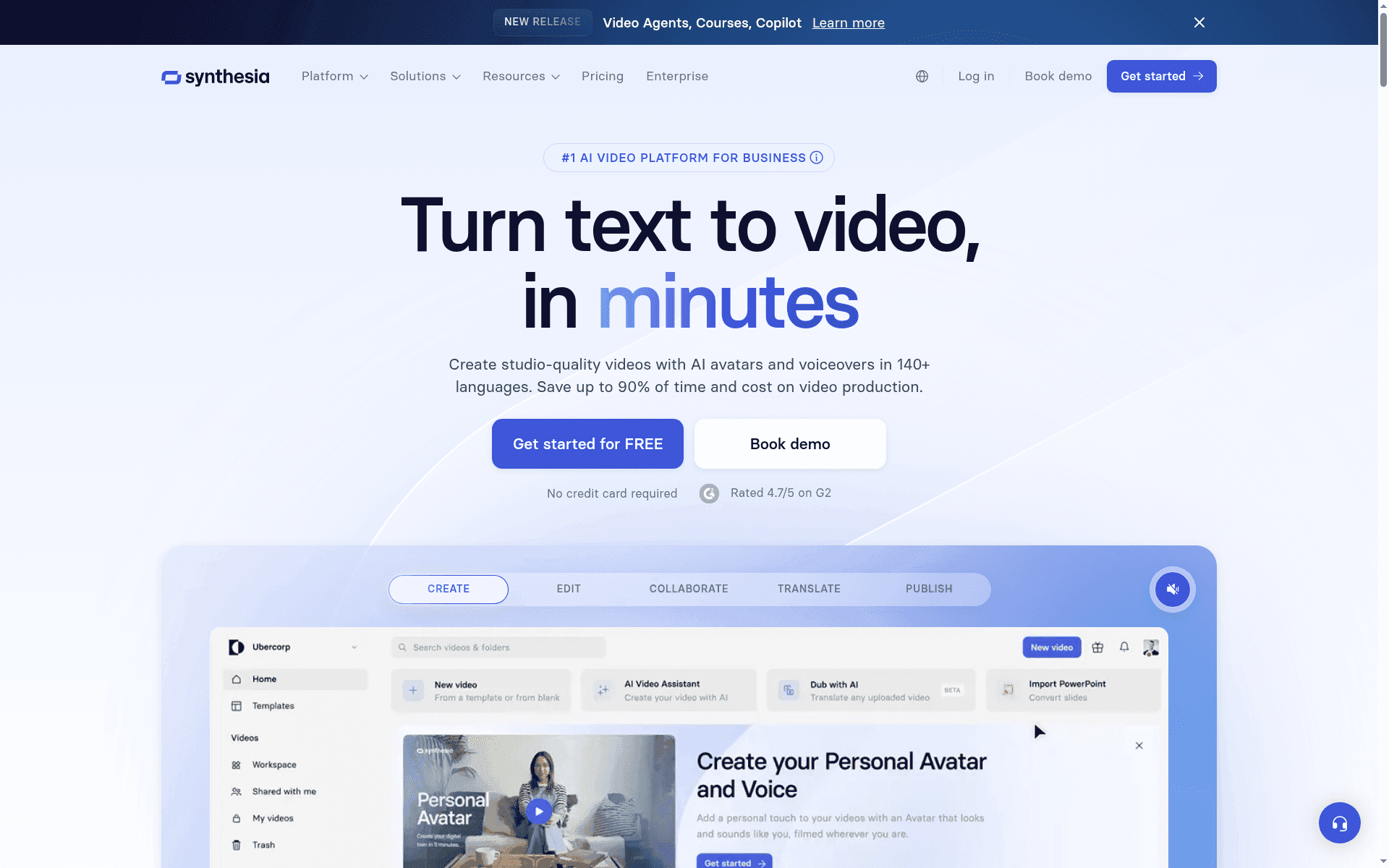
Synthesia is an AI-driven video platform built to help businesses produce studio-quality videos fast, using AI avatars, automated voiceovers, and localization in 140+ languages. Trusted by over 90% of Fortune 100 companies, it’s designed to cut production time and cost for training, marketing, and internal comms. If you need scalable, brand-consistent video at volume, Synthesia delivers — with some trade-offs around advanced customization and pricing complexity.
Core Features
Synthesia converts text and existing content into polished videos with AI avatars and multi-language voiceovers, supporting translation into 140+ languages. The platform includes templates, branded styles, logos, and polished screen recording tools to keep output consistent with brand guidelines. It also supports real-time team collaboration and integrations with LMS systems, which streamlines workflows for distributed teams producing training or announcement content.
Pros
- Fast, scalable production: Synthesia significantly reduces video turnaround, letting teams move from concept to finished video in minutes rather than days. This saves both time and budget.
- Wide localization support: With captions and voiceovers in 140+ languages, the platform makes global rollouts and multilingual training feasible without hiring multiple production teams.
- Enterprise-grade security: Synthesia lists strong security and compliance (SOC 2, GDPR), which is essential for handling internal comms and corporate training content.
- User-friendly: The interface is easy to use and requires minimal training, so non-technical staff can create videos without a steep learning curve.
- Branding and collaboration: Templates, brand styles, and team collaboration features help maintain consistency and speed up review cycles.
Cons
- Complex pricing structure: Plans and add-ons can make overall costs difficult to predict, particularly for teams that need custom avatars or higher usage.
- Limited avatar control on lower tiers: Some plans restrict how much you can customize AI avatar appearance, which may frustrate teams seeking a unique on-screen presence.
- Advanced features gated by enterprise plans: Capabilities like custom avatars and deeper integrations are often only available to enterprise customers, which raises the bar for smaller teams.
Who It's For
Synthesia is aimed at businesses and teams that need to create scalable, engaging, and localized video content quickly and affordably — especially organizations running large-scale training, eLearning, product demos, or global internal communications. If your job involves frequent, repeatable video content with consistent branding, this platform is a strong fit.
Unique Value Proposition
Synthesia’s core value is speed at scale: it turns text and assets into consistent, localized videos quickly while preserving brand identity and meeting enterprise security requirements. That combination of velocity, localization, and governance is compelling for large organizations with heavy video needs.
Real World Use Case
A global company uses Synthesia to produce training modules in multiple languages, cutting production time from weeks to minutes while keeping visual and verbal branding consistent across regions — enabling faster onboarding and more frequent content updates.
Pricing
Starting at $18/month for the Basic plan when billed annually, with higher tiers (Creator, Enterprise) offering additional features and costs.
Website: https://synthesia.io
Runway ML
At a Glance
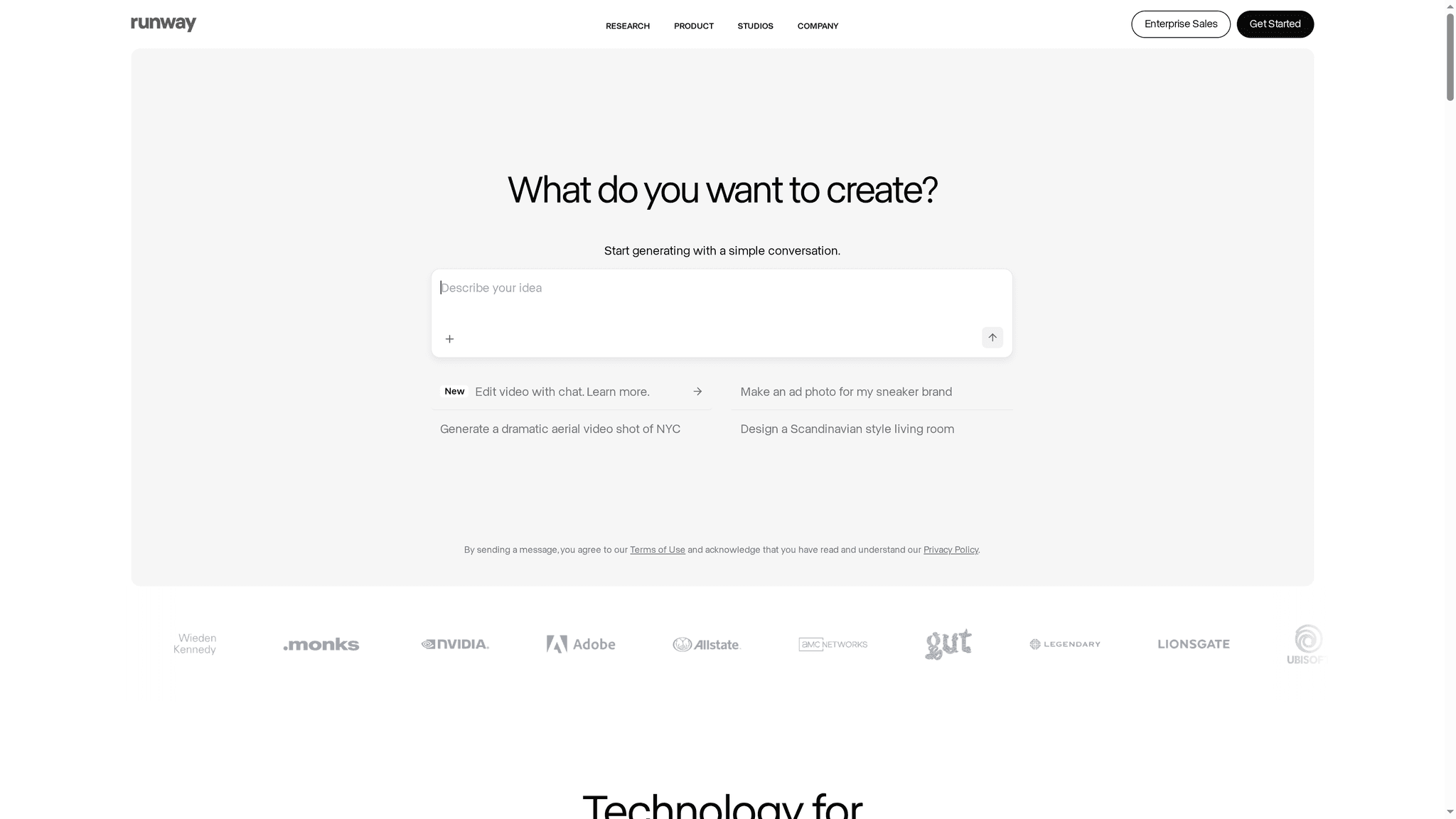
Runway ML is a research-driven AI studio that brings advanced image and video generation into practical content workflows. It combines Gen-4 and Aleph models for real-time text-to-image and image-to-video creation, alongside tools for editing, upscaling, and background removal. For creators who need cinematic or experimental visuals without building models from scratch, Runway is a high-impact option — but expect a learning curve and tiered pricing for heavy professional use.
Core Features
Runway’s core capabilities center on AI-driven content creation and transformation: AI image and video generation, video editing and transformation, image stylization and mood changes, virtual staging and character performance, and real-time text-to-image and image-to-video workflows powered by Gen-4 models. Utility features include background and element removal and video upscaling. The platform also offers ongoing model updates and custom enterprise solutions, which means new creative techniques arrive frequently and can be tailored for larger production needs.
Pros
- Broad, creative toolset: Runway provides a wide range of AI-powered tools that cover everything from generating assets to refining final cuts, which reduces the need to stitch multiple specialized apps together.
- Versatile use cases: The platform supports storytelling, product visualization, virtual staging, and character performance, making it useful across advertising, entertainment, and design workflows.
- Flexible subscription tiers: Individuals and enterprises can choose plans that match their usage level, ensuring teams can scale without immediately committing to custom engineering.
- Active model development: Regular releases like Gen-4 and Aleph mean you get access to state-of-the-art generative models and new features on a steady cadence.
- Enterprise readiness: Runway offers custom solutions for large organizations, which is ideal for studios or brands that require bespoke integrations or higher throughput.
Cons
- Steep initial complexity: The depth and power of tools can be overwhelming for beginners who lack familiarity with AI concepts or advanced editing techniques.
- Cost at scale: While individual plans exist, pricing can become expensive for extensive professional workloads, particularly when rendering large volumes or high-resolution outputs.
- Technical familiarity often required: Some advanced features perform best when users understand underlying AI mechanics or video production principles, which raises the onboarding bar.
Who It's For
Runway ML is best for content creators, video editors, artists, marketing professionals, and production teams that want to accelerate visual production with AI. If you produce narrative content, marketing assets, or experimental visuals and are comfortable investing time to learn AI-driven workflows, Runway delivers capabilities that can dramatically shorten iteration cycles and expand creative options.
Unique Value Proposition
Runway’s unique value lies in packaging cutting-edge generative research into accessible creative tools: real-time Gen-4 text-to-image and image-to-video pipelines, plus practical editing utilities like background removal and upscaling. That combination lets teams prototype high-quality visuals faster than traditional pipelines while retaining pro-level control.
Real World Use Case
Runway has been used in high-profile production contexts — from the series work by House of David for Amazon to visual elements for Madonna’s Celebration tour — demonstrating its ability to support film, television, and live event production at scale.
Pricing
Starting at $12/month; free tier available for initial experimentation, with more advanced enterprise pricing available on contact.
Website: https://runwayml.com
AI Video Production Tools Comparison
This table provides a comprehensive comparison of different AI-driven video production tools, highlighting key features, pros, cons, and pricing to help you make an informed decision.
| Tool | Key Features | Pros | Cons | Pricing |
|---|---|---|---|---|
| Palmedor AI | Cinematic video creation from prompts, script generation, scene management | User-friendly, fast generation, high-quality output | Cloud-dependent, best for those who understand storytelling | From $28/month |
| CinemaFlow AI | One-click video creation, AI-enhanced cinematography, customizable templates | Easy video creation, high customization, fast rendering | Limited AI-driven creativity, high cost for individuals | From $49.99/month |
| Synthesia | AI avatars, automated voiceovers, 140+ languages support | Fast production, wide localization, strong security | Complex pricing, limited avatar control at lower tiers | From $18/month |
| Runway ML | Real-time text-to-image/video creation, editing tools | Broad toolset, versatile uses, active model development | Steep learning curve, high cost at scale | From $12/month |
Discover How to Create Stunning Cinematic Videos Effortlessly
The article "Best creative video content platforms – Expert Comparison 2025" highlights the challenge many creators and marketing teams face when trying to produce high-quality videos quickly without complex workflows or large crews. If you struggle with slow production cycles, technical roadblocks, or unpredictable costs, you are not alone. Many seek tools that simplify script generation, scene management, and video rendering while maintaining a professional look.
Palmedor AI answers this call by transforming your ideas and images into cinematic videos fast and reliably. With features like built-in script editing, smart scene assembly, and production-grade rendering, you gain control without overwhelming technical details. Whether working on social clips or brand films, Palmedor AI brings your vision to life with speed and polish. Explore how you can streamline your video creativity and deliver powerful visual stories today.
Ready to revolutionize your video creation workflow using an AI-powered solution designed for professionals and creators?

Visit Palmedor AI to see how fast your concepts can become cinematic videos. Dive deeper into the process and benefits by visiting the landing page and start crafting stunning videos from simple prompts now.
Frequently Asked Questions
What features should I look for in a creative video content platform?
Focus on script generation, scene management, customizable templates, and high-quality rendering. Assess whether the platform allows for collaboration and supports various export formats for different media.
How can I speed up my video production process using these platforms?
Utilize platforms that offer automated features like AI-driven scene selection and one-click video creation. This can significantly reduce production time, allowing you to go from concept to finished video in minutes instead of weeks.
Are there cost-effective options for small teams needing video content?
Yes, many creative video content platforms offer tiered subscription plans tailored for small teams. Evaluate options that provide pricing aligned with your video production volume, such as packages that include a specific number of production minutes per month.
How do I ensure my videos maintain consistent branding across different platforms?
Select platforms that allow for branding customization, including templates, logos, and style guides. Implement these features consistently to ensure brand identity is maintained across all video outputs.
Can I collaborate with my team using creative video content platforms?
Yes, look for platforms that offer collaborative tools designed for team projects. These features enable real-time editing and feedback, making it easier to iterate on video content together.
How do I choose between multiple creative video content platforms to find the best fit?
Compare features, pricing structures, and user interfaces of each platform. Consider your specific video production needs, such as the type of content you'll create and your team's technical proficiency, before making a decision.