Create Script for YouTube Video Easily with AI Tools
Learn how to create script for youtube video using AI-powered tools, from brainstorming concepts to verifying quality for cinematic results. Step-by-step guide.
Create Script for YouTube Video Easily with AI Tools

Most independent filmmakers and content creators spend countless hours wrestling with pre-production tasks before the camera ever rolls. For creators chasing professional-quality narrative videos across global markets, including the competitive American scene, this process can stall ideas and kill momentum. The rise of AI-powered tools changes everything by letting you generate scripts and scenes in minutes, so you can focus on storytelling instead of paperwork. Discover how a smarter approach helps you define concepts, tailor content, and transform your workflow from start to finish.
Table of Contents
- Step 1: Define Your Video Concept And Target Audience
- Step 2: Select AI-Powered Script Generation Tools
- Step 3: Input Ideas And Images For Scene Creation
- Step 4: Customize Generated Script For Your Format
- Step 5: Review And Refine Script For Quality Assurance
Quick Summary
| Key Point | Explanation |
|---|---|
| 1. Define video concept clearly | Understand your audience and core message to create a focused narrative that resonates. |
| 2. Utilize AI script generation tools | Explore tools that streamline scriptwriting by providing suggestions and aiding creativity effectively. |
| 3. Customize script to match format | Personalize AI-generated scripts to align with your unique voice and industry standards for coherence. |
| 4. Implement quality assurance processes | Review and refine scripts rigorously, seeking feedback and tracking revisions to enhance storytelling quality. |
Step 1: Define your video concept and target audience
Defining your video concept starts with clarity about what you want to achieve and who you want to reach. Your goal is to create a focused, strategic approach that transforms a vague idea into a compelling visual narrative.
Start by understanding your audience through audience segmentation strategies. Break down potential viewers by demographics like age, employment, and interests. Ask yourself key questions: Who needs this content? What problem are they trying to solve? What motivates them? These insights will help you craft a concept that resonates deeply with your intended viewers.
Next, crystallize your video's core purpose. Are you teaching a skill? Showcasing a product? Inspiring action? Creating an effective video concept requires pinpointing precise objectives. Sketch out your central message and imagine how it will connect with your target audience. The more specific you can be about your goals and viewers, the more powerful your final video will become.
Pro tip: Create a simple one-page audience persona document that outlines your ideal viewer's key characteristics, challenges, and aspirations to keep your video concept laser-focused.
Here's a quick overview of audience persona attributes to guide your video concept:
| Attribute | Why It Matters | Example Insight |
|---|---|---|
| Age Group | Influences content style | Teens prefer fast-paced visuals |
| Employment Status | Shapes context relevance | Professionals seek educational value |
| Key Interests | Drives engagement | Fitness fans value practical tips |
| Challenges | Guides problem-solving focus | New parents need time management advice |
| Aspirations | Inspires emotional tone | Entrepreneurs seek motivation |
Step 2: Select AI-powered script generation tools
In this step, you will explore the powerful world of AI script generation tools that can transform your creative process and help you craft compelling narratives quickly and efficiently. These innovative platforms are designed to streamline your scriptwriting workflow and provide intelligent support for your storytelling goals.
Begin by exploring AI scriptwriting tools with diverse capabilities. Look for platforms that offer comprehensive features like dialogue generation, plot outline suggestions, and character development assistance. Some tools specialize in specific genres or formats, so consider your project's unique requirements. Key options range from marketing-focused platforms to screenplay-oriented solutions that can help you maintain consistent tone and style.
When evaluating these tools, pay close attention to how generative AI supports creative script development. Remember that AI is a collaborative partner, not a replacement for human creativity. The most effective approach involves using these tools to generate initial drafts, spark new ideas, and overcome creative blocks. Experiment with different platforms, compare their outputs, and find the one that best complements your unique writing process and artistic vision.

Pro tip: Always save and review multiple AI generated script versions to capture unexpected creative insights and maintain your personal creative control.
Step 3: Input ideas and images for scene creation
With your video concept defined and script generation tools selected, you are now ready to transform your creative vision into visual reality. This step involves leveraging advanced AI technologies to convert your textual ideas and reference images into compelling scene designs that bring your narrative to life.
Start by exploring text-to-image generative AI tools that can help you rapidly prototype visual concepts. Provide detailed, descriptive inputs that capture the mood, setting, and specific visual elements you want in your scene. Be as precise as possible about lighting, color palette, character positioning, and architectural or environmental details. These tools work best when you offer rich, nuanced descriptions that give the AI clear creative guidance.
Consider using an AI scene generation approach that supports language-driven artistic scene creation. This means starting with 2D image generations and then refining them into more complex 3D scene representations. Upload reference images that match your desired aesthetic, and use text prompts to guide the AI in capturing the right visual tone and compositional elements. Experiment with multiple variations to find the most compelling scene designs.
Pro tip: Maintain a library of reference images and carefully curated text descriptions to help AI tools understand your unique creative vision more accurately.
Step 4: Customize generated script for your format
Once you have a foundational script generated by AI, the real artistry begins with personalization and refinement. Your goal in this step is to transform the initial draft into a polished script that perfectly matches your specific video format and creative vision.
Start by exploring AI writing customization tools that allow you to adjust tone, word count, and stylistic elements. Carefully review the generated script and identify areas that need your unique touch. Look for opportunities to inject your personal voice, adjust dialogue to sound more natural, and ensure the script aligns with your original creative concept. Pay special attention to character voices, narrative flow, and emotional nuances that AI might have missed.
Utilize manuscript formatting generators to ensure your script meets industry standards for your specific video type. Whether you are creating a short film, marketing video, or documentary, each format has unique structural requirements. These tools can help you automatically adjust layout, scene headings, dialogue formatting, and overall document structure. Remember that while AI provides an excellent starting point, your human creativity and critical eye are essential in transforming a generic script into a compelling narrative.
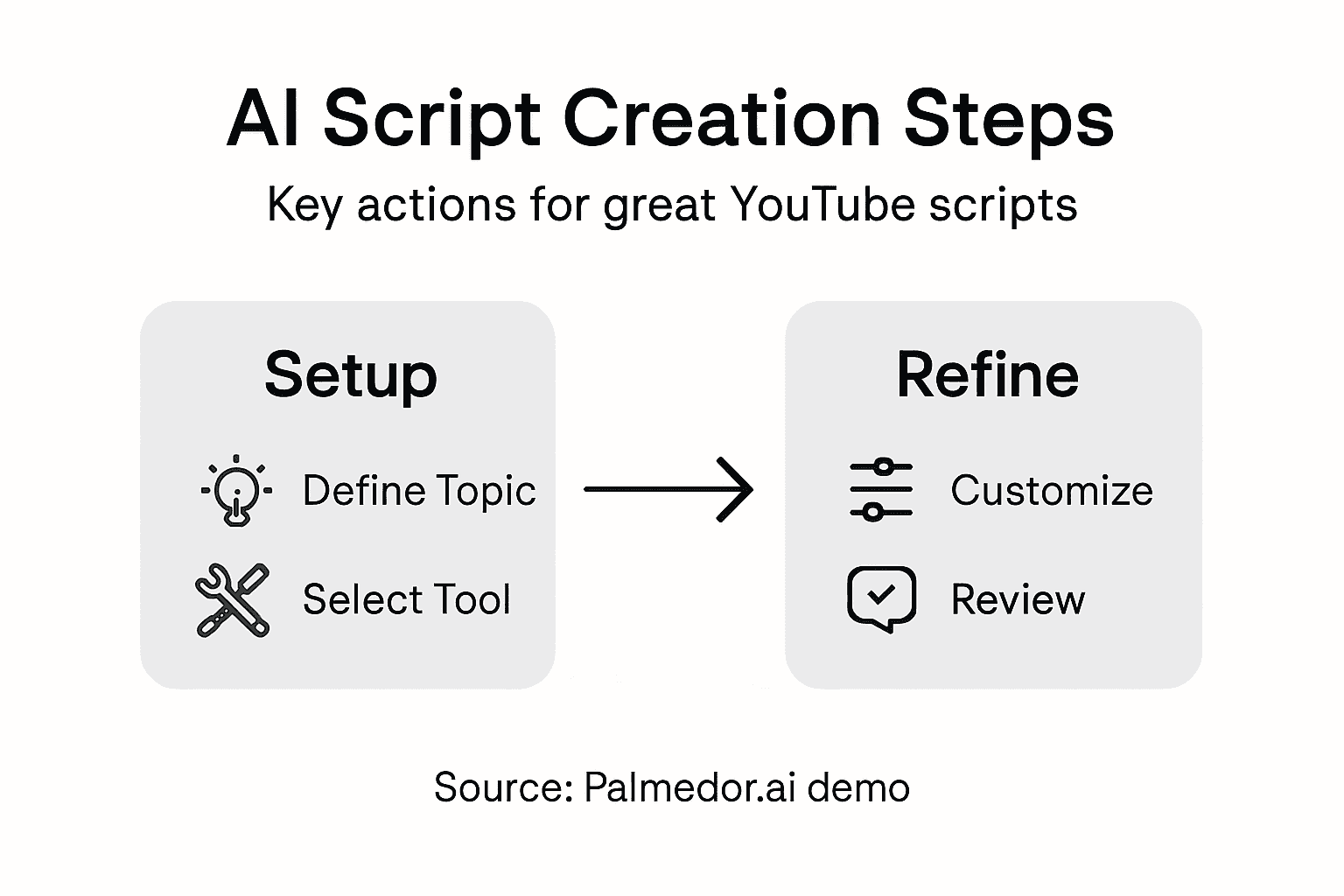
Pro tip: Read your customized script aloud to catch subtle linguistic nuances and ensure the dialogue sounds authentic and engaging.
The following table compares script customization tasks and their impact on video quality:
| Customization Task | Purpose | Positive Impact on Video Format |
|---|---|---|
| Adjusting Tone | Fits target audience | Makes narrative relatable |
| Modifying Dialogue | Ensures natural conversation | Enhances character authenticity |
| Formatting Scenes | Meets industry standards | Improves professional appearance |
| Personalizing Voice | Adds unique perspective | Strengthens emotional connection |
Step 5: Review and refine script for quality assurance
With your AI generated script now customized, you enter the critical phase of quality assurance where human expertise transforms good content into exceptional storytelling. This step is about meticulously evaluating every aspect of your script to ensure it meets professional standards and captures your creative vision.
Begin by implementing systematic quality management processes to critically assess your script. Create a comprehensive review checklist that covers dialogue authenticity, narrative coherence, character development, and emotional depth. Pay close attention to pacing, plot logic, and whether each scene advances your storytelling objectives. Listen for natural speech patterns and ensure character voices sound distinct and genuine.
Apply rigorous review and continuous improvement strategies to elevate your script. Consider seeking feedback from trusted peers or writing groups who can provide objective perspectives. Look for potential plot holes, inconsistent character motivations, or areas where the narrative might feel forced or unnatural. Be prepared to make multiple rounds of revisions, understanding that great scripts are rarely perfect in their first iterations.
Pro tip: Create a separate document to track script revisions and note specific improvements to maintain a clear evolution of your creative process.
Unlock Effortless YouTube Video Script Creation with Palmedor.ai
Creating engaging YouTube videos often starts with a well-crafted script yet many creators struggle with defining concepts clearly, generating authentic dialogue, and customizing scripts for their unique video format. This article highlights challenges like turning vague ideas into focused narratives and refining AI-generated drafts to capture natural tone and emotional depth. If you have faced creative blocks, inconsistent pacing, or difficulty transforming your vision into a polished script, these are common pain points that can slow your video production process and hinder your content’s impact.
Palmedor.ai is designed to turn these challenges into strengths by offering an AI-powered platform that takes your simple prompts, reference images, and ideas to generate full video scripts aligned with your target audience and objectives. From script generation to scene management and output customization, Palmedor.ai provides smart presets and tools to help you easily tailor the narrative voice, dialogue, and pacing for your YouTube videos. You no longer need to spend hours on revisions or worry about maintaining creativity flow because our platform streamlines each step while preserving your unique vision.
Experience seamless video creation and boost your content quality today with Palmedor.ai, the all-in-one solution that empowers creators to produce cinematic results with minimal effort. Discover how you can transform ideas into compelling scripts and professional-grade scenes by visiting our video creation platform. Ready to take your YouTube channel to the next level with AI assistance? Explore our comprehensive tools and user guides and start crafting your standout video now.
Turn your next big idea into a captivating video — fast, simple, and creative with Palmedor.ai.
Create your script and video today.

Frequently Asked Questions
How can I define my target audience for my YouTube video?
To define your target audience, break down potential viewers by demographics like age, employment, and interests. Use audience segmentation strategies to ask key questions about who needs your content and what problems they are trying to solve.
What are the best AI tools for script generation?
The best AI tools for script generation offer features like dialogue generation, plot outline suggestions, and character development assistance. Explore various tools and select one that matches your project’s specific requirements, such as marketing or screenplay writing.
How do I customize an AI-generated script for my video format?
To customize your AI-generated script, review and refine it to inject your personal voice and ensure it aligns with your video format. Use AI writing customization tools to adjust elements like tone and dialogue while ensuring it meets industry standards for structure and layout.
What steps should I take for quality assurance of my video script?
For quality assurance of your video script, create a comprehensive review checklist that includes narrative coherence and emotional depth. Seek feedback from peers to identify areas for improvement and prepare to make multiple revisions to enhance your script’s quality.
How do I convert my video concept into compelling scenes using AI?
To convert your video concept into scenes using AI, provide descriptive text and reference images to text-to-image generative tools. Be precise about lighting, character positioning, and environmental details to better guide the AI in creating visually appealing scenes.
What common mistakes should I avoid when creating scripts with AI?
Common mistakes when using AI for script writing include neglecting to personalize the generated content and overlooking narrative flow. Always make sure to add your unique perspective and review the dialogue for authenticity before finalizing the script.