Create Engaging Animated Video Scripts Easily Online
Learn how to create an animated video script step-by-step with simple preparation, AI-powered tools, and final checks for professional results.
Create Engaging Animated Video Scripts Easily Online

Most american social media managers and independent filmmakers struggle to turn creative ideas into animated marketing videos without technical expertise. Crafting engaging scripts is crucial for standing out in crowded digital feeds and capturing audience attention. Discover actionable steps that simplify video script creation, helping you deliver clear, captivating animated content that resonates—whether your audience is in Europe, Canada, or anywhere else.
Table of Contents
- Step 1: Define Key Objectives And Target Audience
- Step 2: Develop Story Structure And Visual References
- Step 3: Refine Dialogue And Scene Actions With AI Tools
- Step 4: Optimize Script Format For Video Generation
- Step 5: Review And Test Script Quality Before Production
Quick Summary
| Key Point | Explanation |
|---|---|
| 1. Set Clear Objectives | Define specific goals for your animated video to ensure it connects meaningfully with your audience. |
| 2. Understand Your Audience | Conduct thorough research to create a detailed audience persona that informs your video’s tone and content. |
| 3. Use AI for Script Refinement | Leverage AI tools to enhance dialogue and scene descriptions for improved clarity and engagement. |
| 4. Format Your Script Properly | Organize your script into clear sections with specific details to facilitate efficient production communication. |
| 5. Review with Feedback | Create animatics and gather diverse feedback to assess and improve the script's effectiveness before production. |
Step 1: Define key objectives and target audience
Crafting an animated video script starts with crystal clear objectives and understanding exactly who you want to reach. This foundational step determines whether your video will connect powerfully with viewers or get lost in digital noise.
Start by pinpointing your specific goals. Are you explaining a complex process? Promoting a product? Sharing a brand story? Defining clear project objectives helps you maintain laser focus throughout script development. Consider measurable outcomes you want to achieve. Want viewers to learn something new? Take a specific action? Remember key information? Write these down explicitly.
Next, dive deep into understanding your target audience. Detailed audience research means going beyond basic demographics. What motivates them? What challenges do they face? What language and tone will resonate? Create a vivid mental picture of your ideal viewer. If you're making a video for young professionals, their communication preferences will differ dramatically from corporate executives or teenagers.
Pro tip: Create a one-paragraph audience persona that captures their core characteristics, challenges, and communication preferences to guide your script development.
Step 2: Develop story structure and visual references
Transforming your animated video script into a compelling visual narrative requires strategic planning and creative thinking. In this crucial stage, you will map out the storytelling journey and establish the visual language that will bring your concept to life.
Start by breaking down your script into a sequence of key scenes. Developing a strong story structure means translating your narrative into a visual roadmap. Sketch out rough storyboard images that capture critical actions, emotional beats, and narrative transitions. Think of this as creating a comic strip that represents your entire video. Each scene should connect logically while maintaining viewer engagement.
Next, focus on visual references that will define your animation's aesthetic. Detailed visual directions help guide animators and establish a consistent visual tone. Create style frames that outline your color palette, character designs, typography, and overall visual atmosphere. Consider the mood and message you want to communicate. A tech tutorial might require sleek minimalist designs, while a children's story could demand vibrant colors and playful illustrations.
Pro tip: Create a mood board with 10 to 15 visual references that capture your desired style, helping both you and potential animators understand the visual direction instantly.
Compare how visual references influence animated video styles for different audiences:
| Audience Type | Suggested Visual Direction | Common Style Elements |
|---|---|---|
| Young Professionals | Minimalist, modern look | Cool colors, simple graphics |
| Corporate Executives | Sleek, professional | Subtle tones, precise typography |
| Children | Playful, vibrant | Bright colors, dynamic characters |
Step 3: Refine dialogue and scene actions with AI tools
Artificial intelligence has transformed script refinement, offering powerful tools that can elevate your animated video script from good to exceptional. This step focuses on leveraging AI technology to polish your dialogue, enhance scene descriptions, and optimize overall storytelling effectiveness.

AI powered scriptwriting tools can analyze your script with remarkable precision, identifying areas for improvement in language clarity, emotional impact, and narrative flow. Input your draft and let the AI suggest refinements that make your dialogue more engaging and your scene actions more dynamic. These tools can highlight redundant phrases, recommend more impactful word choices, and ensure your script maintains a consistent tone that resonates with your target audience.
When using AI script refinement tools, approach the process collaboratively. The AI provides suggestions, but you remain the creative director. Optimize script interactions by carefully reviewing each recommendation. Look for improvements in pacing, emotional nuance, and narrative coherence. Some AI tools can even simulate audience engagement metrics, giving you insights into how viewers might respond to different dialogue variations or scene transitions.
Pro tip: Run multiple AI refinement passes on your script, comparing suggestions and selecting the most compelling improvements that maintain your original creative vision.
Step 4: Optimize script format for video generation
Converting your creative vision into a professional video script requires strategic formatting that speaks the language of animators, voice actors, and production teams. This step transforms your raw storytelling into a precise blueprint that guides every aspect of video creation.
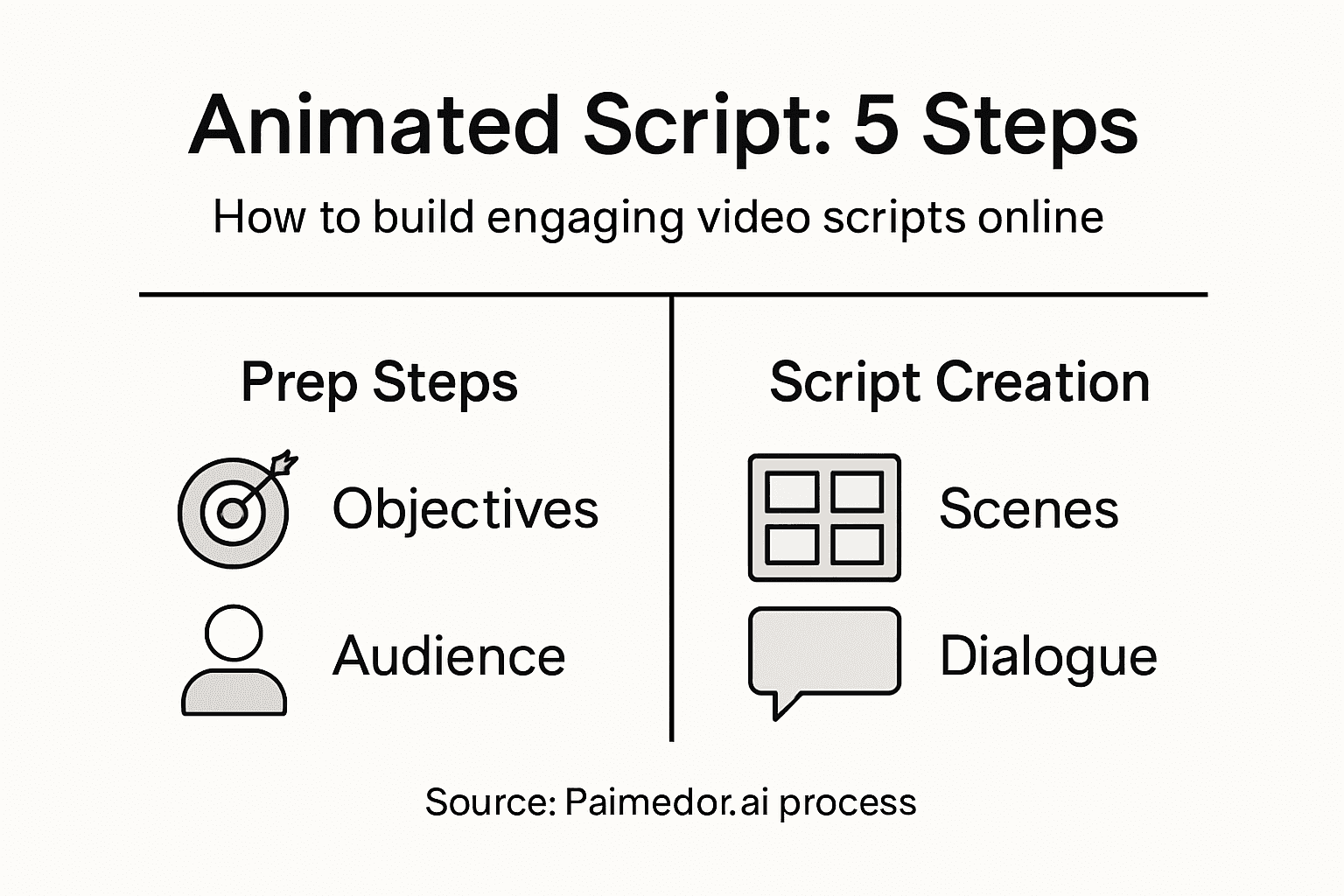
Structured script formatting is critical for seamless video generation. Break your script into clear sections that include scene headings, dialogue blocks, and visual directions. Each scene should specify camera angles, character movements, emotional tones, and precise timing. Think of your script as a roadmap where every detail matters. Include timestamps, transition descriptions, and specific animation cues that help your production team understand exactly what happens in each moment.
Pay careful attention to technical details that facilitate smooth video production. Effective script communication means creating a document that allows different team members to understand their specific roles. Use consistent formatting for dialogue lines, action descriptions, and scene transitions. Indicate voice-over pacing, emotional inflections, and background sounds. Your goal is to create a comprehensive guide that eliminates guesswork and ensures every team member shares the same creative vision.
Pro tip: Use a standardized script template with predefined sections for scene descriptions, dialogue, and visual directions to maintain professional formatting consistency.
Step 5: Review and test script quality before production
Before diving into full animation production, you need a comprehensive review process that transforms your script from a promising concept to a polished storytelling experience. This critical stage helps you catch potential issues, validate your narrative, and ensure your video will truly resonate with your target audience.
Creating script animatics provides an essential preview of your video's potential. Develop timed storyboards with placeholder audio to assess narrative flow, pacing, and overall clarity. These rough drafts allow you to visualize how scenes connect, identify potential awkward transitions, and gauge the overall storytelling rhythm. Think of animatics as a low-fidelity blueprint that reveals your script's strengths and weaknesses before investing significant time and resources into full animation.
Comprehensive script feedback involves gathering insights from multiple perspectives. Invite stakeholders, potential audience members, and trusted colleagues to review your script. Create a structured feedback process that focuses on key metrics like comprehension, engagement, and alignment with original objectives. Pay attention to how different viewers interpret your narrative, emotional beats, and key messages. Look for areas where the script might confuse viewers or lose their interest. This iterative approach helps you refine your script, making it more compelling and clear before moving into full production.
Pro tip: Develop a standardized feedback template with specific questions that help reviewers provide actionable insights about your script's clarity, emotional impact, and narrative effectiveness.
Here's a concise summary of the five steps for creating an effective animated video script:
| Step | Focus Area | Main Goal | Key Benefit |
|---|---|---|---|
| 1 | Objectives & Audience | Define project goals | Targeted message delivery |
| 2 | Story & Visuals | Structure narrative | Strong visual engagement |
| 3 | AI Refinement | Polish language | Improved script clarity |
| 4 | Format Optimization | Script organization | Streamlined production workflow |
| 5 | Review & Testing | Quality control | Enhanced audience impact |
Elevate Your Animated Video Script Creation Effortlessly
Creating engaging animated video scripts demands clear objectives, vivid story structures, and polished dialogue to truly captivate your audience. If refining scene actions, optimizing script format, and ensuring seamless production feel overwhelming, Palmedor.ai is here to transform your creative process. Say goodbye to tedious manual scripting and embrace AI-powered solutions that generate cinematic-quality videos from your simple prompts or images. This platform empowers you to develop professional brand films or social clips with minimal technical expertise, streamlining every step from script generation to final rendering.

Take control of your animated storytelling today and simplify your workflow with Palmedor.ai. Discover how AI can help you define your video objectives clearly, craft compelling scene management, and polish dialogue effortlessly by visiting Palmedor.ai. Don’t wait to bring your vision to life with precision and ease—start creating your engaging videos now.
Frequently Asked Questions
How do I define key objectives for my animated video script?
To define key objectives, start by identifying what you want to achieve with your video. Write down specific goals, such as explaining a process or promoting a product, and ensure they are measurable to guide the script development.
What should I consider when identifying my target audience for an animated video?
When identifying your target audience, go beyond basic demographics. Consider their motivations, challenges, and preferred communication styles to create a vivid persona that will inform your script’s tone and content.
How can I structure my animated video script for maximum engagement?
To structure your animated video script effectively, break it down into key scenes that flow logically. Create a storyboard to visualize the narrative, including important emotional beats and transitions, which will keep viewers engaged.
What role do AI tools play in refining my animated video script?
AI tools can help you refine your script by analyzing language clarity and narrative flow. Use these tools to polish dialogue, enhance descriptions, and suggest impactful word choices, making your script more engaging and dynamic.
How should I format my animated video script for production teams?
To format your animated video script, organize it into clear sections with scene headings, dialogue blocks, and visual directions. Ensure every detail is specified, such as camera angles and emotional tones, to create a comprehensive guide for the production team.
What steps should I take to review and test my animated video script?
Review your animated video script by creating animatics to examine narrative flow and pacing. Gather feedback from trusted individuals to refine your script, focusing on clarity and engagement, ensuring it resonates with your target audience.