Best 4 ai video tools for studios – Expert Comparison 2025
Explore the top 4 ai video tools for studios with a detailed comparison to enhance your video production in 2025.
Best 4 ai video tools for studios – Expert Comparison 2025

Imagine coming up with a video idea in the morning and watching it come to life before lunch. New AI-powered video creation tools are changing how stories get made. With just a prompt or a script, anyone can turn concepts into high-quality videos for social media, branding, or filmmaking. Each platform has its own style, features, and approach to automation. Some focus on speed, some on control, and some find a balance in between. Curious which one fits your needs best? The differences can be surprising.
Table of Contents
Palmedor AI

At a Glance
Palmedor AI is a cutting-edge AI-powered video creation platform that converts simple prompts and images into high-quality, cinematic videos in minutes. It streamlines production with automated script generation, scene management, and production-grade rendering so teams can focus on story rather than technical overhead. If you need repeatable, professional output for brand films, short narratives, or social clips, Palmedor AI delivers a fast, reliable workflow without demanding deep editing expertise.
Core Features
Palmedor AI centers on prompt-driven video creation and a comprehensive pre-production-to-rendering pipeline. Key capabilities include full script generation and in-platform editing, a scene management interface that lets you reorder and refine beats, and production-grade rendering with realistic characters and cinematic quality. Flexible export options cover multiple formats and resolutions, including social media-optimized outputs, enabling direct delivery to campaign channels. Together these features reduce back-and-forth between concept and final cut.
Pros
- User-friendly platform that simplifies video creation: The interface guides you from idea to finished clip, minimizing the learning curve for teams and solo creators.
- Automated script and scene management tools: Palmedor AI generates and organizes scripts and scenes automatically, saving hours of manual structuring and iteration.
- High-quality output that rivals traditional video production: Rendered scenes include realistic characters and cinematic framing, producing results suitable for marketing and narrative work.
- Flexible pricing plans for different levels of usage and needs: Tiered plans and credit top-ups let you scale production without committing to an enterprise budget.
- Supports editing and customization at various stages: You can tweak scripts, adjust scenes, and refine exports, giving creative control without sacrificing automation.
Who It's For
Palmedor AI is built for content creators, filmmakers, marketing teams, and businesses that need fast, polished video content without a full production crew. It suits social media managers pushing frequent posts, agencies prototyping brand films, and indie filmmakers visualizing treatments and moodboards. If you value speed, cinematic quality, and accessible tooling over assembling complex traditional pipelines, this platform is tailored to your workflow.
Unique Value Proposition
Palmedor AI’s unique strength is its end-to-end combination of idea-to-render automation with studio-grade output. Unlike patchwork solutions that force you to stitch separate tools for scripting, storyboarding, and rendering, Palmedor consolidates those stages into a single, prompt-driven environment. The platform’s smart presets and scene management balance automation with editable fidelity, so you get professional cinematic results quickly while keeping creative decisions in your hands. For studios and teams that measure success in turnaround time and consistent visual quality, Palmedor AI reduces production friction, lowers per-minute costs, and accelerates campaign cycles — a decisive advantage over traditional, labor-intensive workflows.
Real World Use Case
A marketing team uses Palmedor AI to turn a campaign brief and moodboard into a 30‑second promotional clip. The team inputs prompts and reference images, refines the generated script and scenes, and exports a social-optimized version — all within a day. The result is a polished asset ready for ad platforms without hiring a full production crew.
Pricing
Creator plan at $28/month for 200 seconds of video; Producer plan at $184/month for 300 seconds of video with 1080p quality; options for credits top-up and custom plans available.
Website: https://palmedorai.com
Cinemaflow AI
At a Glance
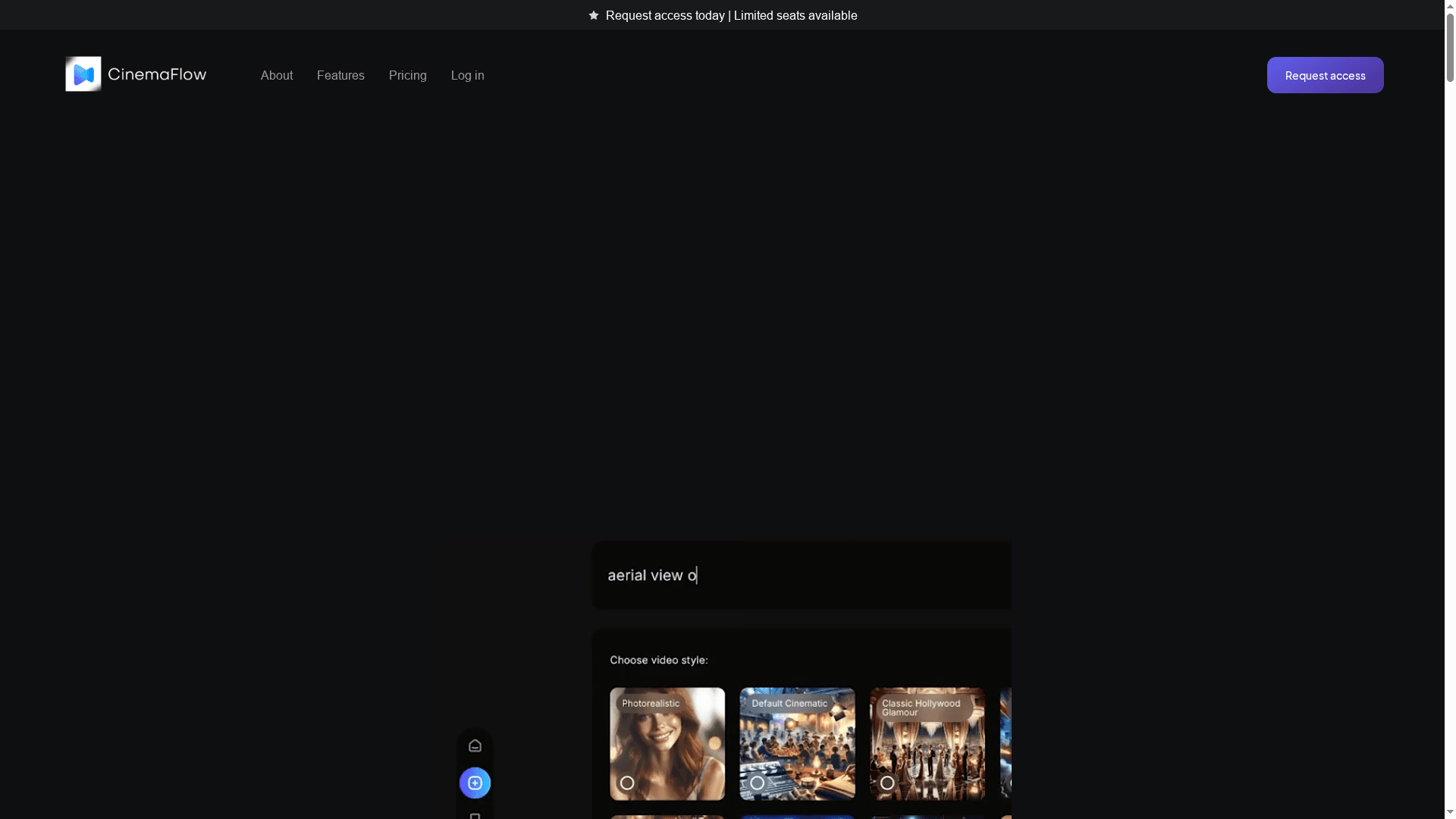
Cinemaflow AI turns a written script into a finished video with one click while giving you hands-on control when you want it. It’s fast, template-rich, and built around cinematic styles, making it a practical choice for teams that need high-quality output without a full production pipeline. Expect a short learning curve for advanced tweaks, but a quick win for promotional, social, and storytelling work.
Core Features
Cinemaflow AI focuses on automating the heavy lifting of video production while keeping creative control within reach. Key capabilities include one-click full video creation from text scripts, automated scene selection driven by script content, and a library of customizable templates across genres. The platform also offers AI-enhanced editing tools like intuitive clip merging and real-time previews, plus an advanced rendering engine that supports smart resolution management and exports in HD and 4K Ultra HD. A community gallery showcases user-created videos for inspiration and reference.
Pros
- Fast and easy video creation process: The one-click workflow and automated scene selection drastically reduce setup time for routine video projects.
- High level of customization and control: Customizable templates and AI editing tools let you refine pacing, transitions, and visual style without starting from scratch.
- Variety of cinematic styles and templates: Multiple genre templates help you match tone quickly, from polished marketing spots to narrative-driven scenes.
- Collaboration tools for team projects: Built-in collaboration features allow teams to iterate faster and keep versions organized during production.
- Low-cost options with flexible subscription plans: Pricing tiers give small teams an affordable entry point while scaling to professional and enterprise needs.
Cons
- Requires internet connection and access to the platform: Offline workflows aren’t supported, so you need stable connectivity for editing and rendering.
- May have a learning curve for new users unfamiliar with video editing or AI tools: Casual creators or those new to AI-driven editing should expect some time to master advanced controls.
- Limited information on the full capabilities without requesting access: Some advanced features and real-world limits are not fully documented publicly, so you may need to trial the platform to evaluate fit.
Who It's For
Cinemaflow AI is aimed at filmmakers, marketers, content creators, educators, and businesses that need professional-looking video quickly. If you produce promotional campaigns, training content, or social clips on a tight schedule and want cinematic polish without a full crew, this platform is a strong match.
Unique Value Proposition
Cinemaflow AI blends end-to-end automation with meaningful creative controls: it turns text into scenes automatically but preserves the ability to tweak templates, edits, and rendering settings for a tailored, cinematic result. That combination shortens production cycles while leaving room for artistry.
Real World Use Case
A marketing team used Cinemaflow AI to produce a campaign video in less than an hour, cutting production costs and turnaround time while maintaining a cinematic look that matched their brand guidelines.
Pricing
Plans start with Starter at $49.99/month (billed annually at $479.88), Professional at $179.99/month (billed annually at $1,727.90), and Enterprise at $399.99/month (billed annually at $3,839.90), with additional credits available for purchase.
Website: https://cinemaflow.ai
VO3 AI
At a Glance
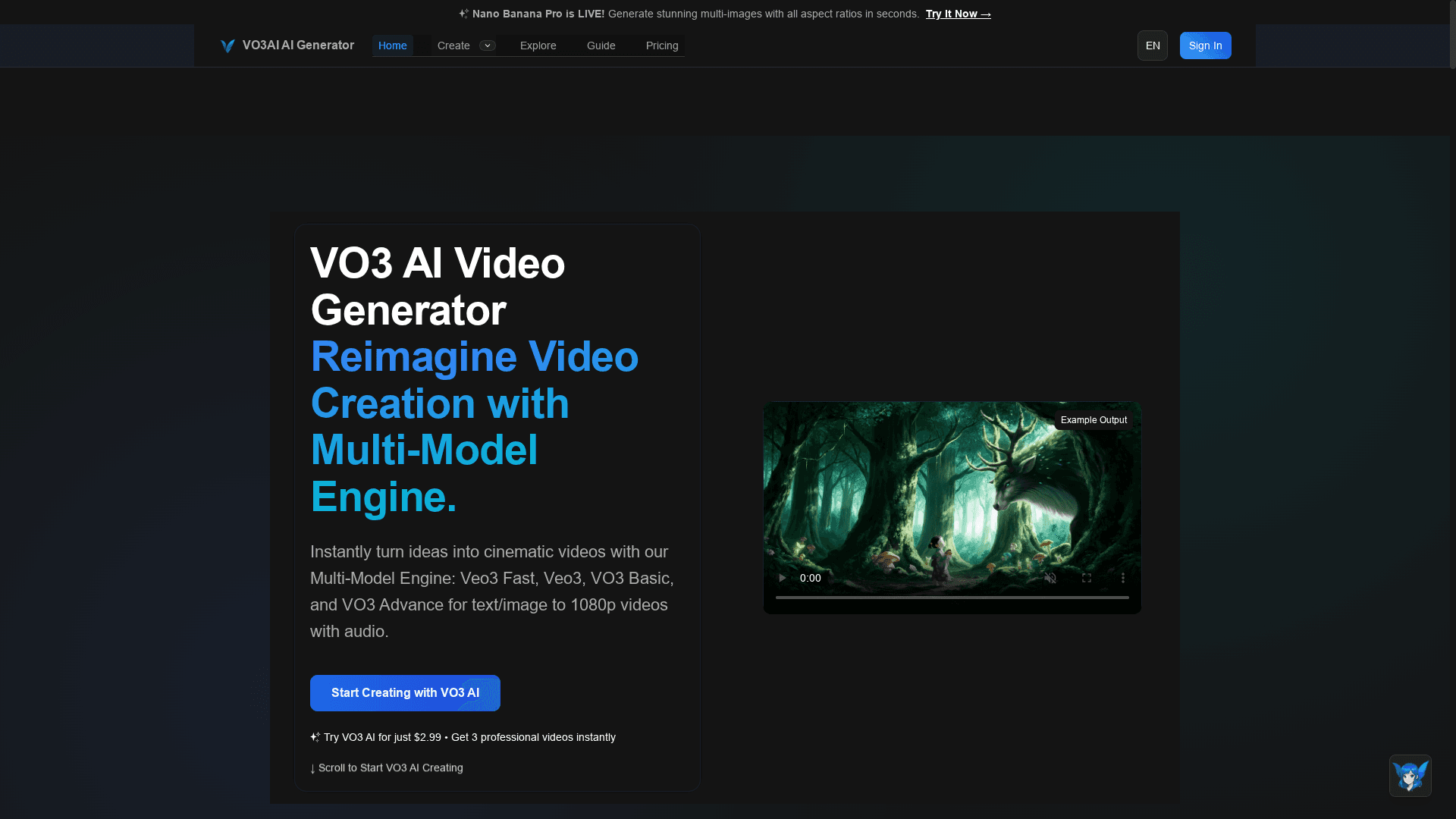
VO3 AI is an advanced, multi-model video creation platform that turns text and images into cinematic videos quickly. It balances speed and quality with distinct models for fast prototyping and high-end cinematic output. The platform is well suited for creators and studios who need batch workflows, scene splitting, and AI-assisted prompt optimization, though pricing tiers and the learning curve may require careful evaluation.
Core Features
VO3 AI centers on a multi-model engine that includes veo3 fast, veo3, vo3 basic, and vo3 advance, letting you pick the tradeoff between speed and fidelity. It supports text-to-video and image-to-video conversions with integrated audio, plus batch generation and scene splitting for efficient production. Smart prompt optimization and an AI assistant help refine inputs, and built-in SEO-optimized sharing and privacy controls make it easier to publish professional content with discoverability in mind.
Pros
- Quick generation of professional quality videos: VO3 AI’s models are designed to produce polished visuals fast, cutting turnaround time for drafts and final renders.
- Versatile model options for different needs: Multiple engines let you choose between rapid iteration and higher cinematic fidelity depending on project goals.
- AI-powered support and prompt optimization: The platform helps tune prompts and workflow steps, reducing guesswork and improving first-pass outputs.
- Global accessibility and multi-language support: VO3 AI is built to serve creators across languages, which simplifies localization and international campaigns.
- Workflow tools like batch and scene splitting: Batch generation and scene management streamline multi-scene projects and repetitive asset creation.
Cons
- Pricing complexity with multiple plans: The variety of subscription options and credit systems can make it hard to choose the most cost-effective plan for your team.
- May require some learning curve for optimal use: Getting consistent, production-ready results demands time to learn model behaviors and prompt best practices.
- Limited details on specific feature set in provided content: The supplied information lacks granular specs about export formats, resolution limits, and collaborative features, so you may need to confirm technical details before committing.
Who It's For
VO3 AI is ideal for content creators, marketers, filmmakers, and businesses that need fast, high-quality video generation with AI assistance. It suits YouTubers, social media teams, and agencies that benefit from batch workflows and prompt optimization, and it scales for studios that want a mix of prototyping speed and cinematic output.
Unique Value Proposition
VO3 AI’s strength is its layered model approach: instead of a one-size-fits-all engine, you pick tools tailored for speed, baseline quality, or advanced cinematic results. Combined with prompt tuning, batch workflows, and SEO-oriented sharing, it offers a production pipeline that bridges ideation to publish-ready assets.
Real World Use Case
A YouTuber drafts scripts and uses VO3 AI to convert scenes into cinematic clips, applying batch generation for multiple episodes and voice-backed audio for narration, which saves hours of production time and raises visual quality without hiring a full crew.
Pricing
Various subscription plans are available, starting with a free basic plan that provides monthly credits, and paid Pro, Business, and Studio plans billed monthly or annually; special Black Friday discounts are sometimes offered. Evaluate credits and render quotas against your project volume before choosing a plan.
Website: https://vo3ai.com
Runway ML
At a Glance
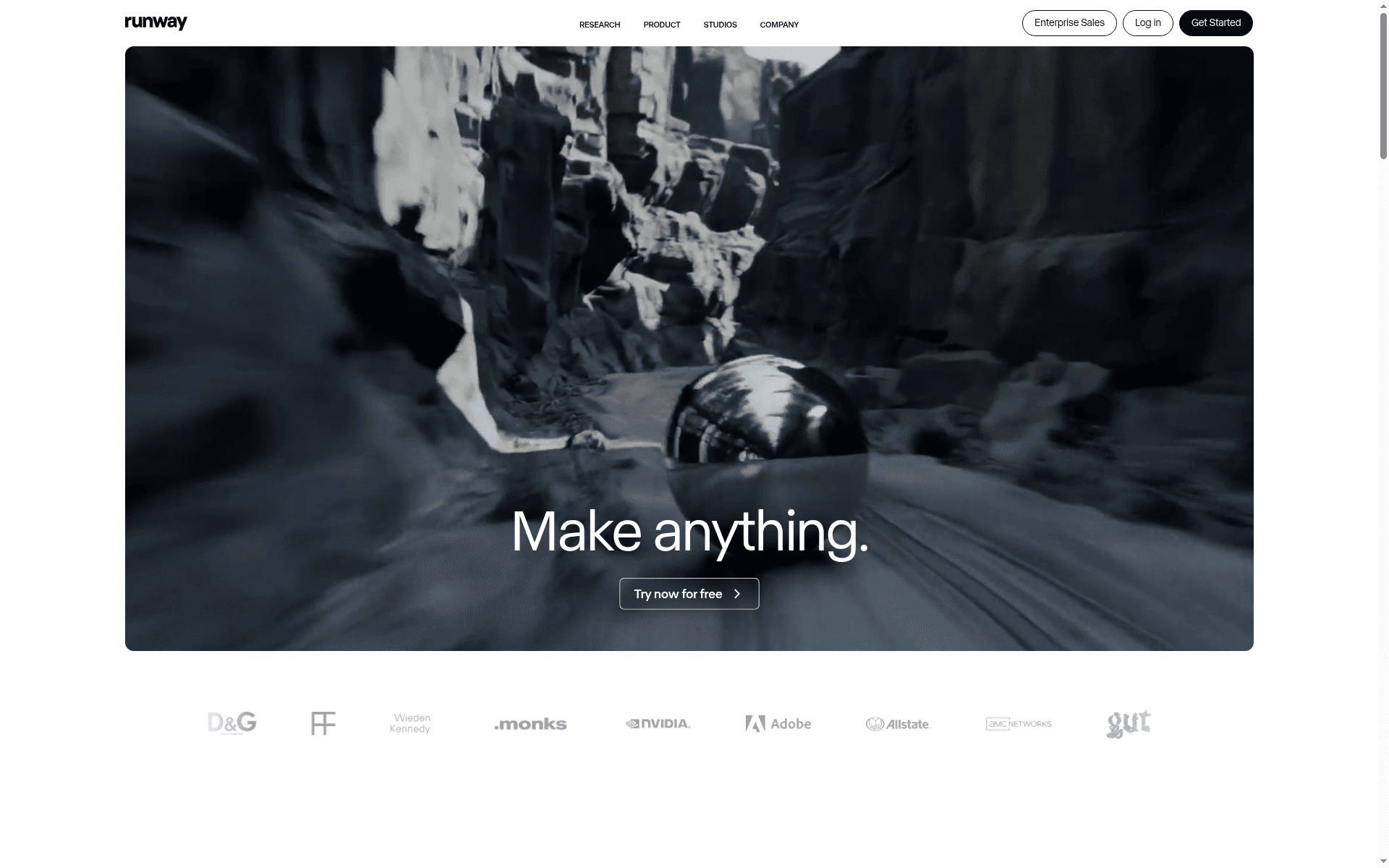
Runway ML is a comprehensive AI-driven creative toolkit that condenses dozens of production tasks—video, image, storyboarding, and character performance—into a single, prompt-driven platform. It’s powerful enough for production teams yet approachable for individual creators who want to experiment without building pipelines from scratch. The bottom line: Runway ML accelerates concept-to-final visuals, but studios should plan for a learning curve and tiered pricing as projects scale.
Core Features
Runway ML centralizes content generation and postproduction: generate videos and images with AI, remove or change elements through prompts, upscale resolution, add dialogue to characters, and transform styles and lighting. It supports chaining multiple models into custom workflows, enabling complex automations—think background replacement, relighting, and style transfer in sequence. Collaboration features and team workflows help distribute tasks across remote teams, and the platform’s breadth covers everything from virtual staging to animatics and design explorations.
Pros
- Extensive creative toolset: Runway ML offers a wide range of AI tools that let you generate, edit, and restyle video and image content without switching platforms.
- Custom workflow support: You can chain multiple models and steps into tailored pipelines, which speeds up repetitive production tasks and preserves creative intent.
- Industry adoption: The platform’s use by major organizations and artists demonstrates real-world reliability and a production-ready feature set.
- Flexible entry point: A free tier with limited credits lets teams experiment before committing to paid plans, lowering the barrier to evaluation.
- Collaboration-ready: Built-in team features enable remote collaboration and versioning, which helps distributed studios coordinate assets and approvals.
Cons
- Cost for smaller users: Pricing can be expensive for individual creators or very small teams if you need higher credits or pro-level features.
- Learning curve for complex tools: Many of the platform’s advanced features and model chains require setup and experimentation, which can slow initial adoption.
- Support and onboarding details sparse: The product description lacks detailed information on structured onboarding and dedicated support, which may concern teams that need hands-on migration help.
Who It's For
Runway ML is best suited to creative professionals, production teams, and organizations that need scalable AI-assisted content creation. If you manage advertising campaigns, visual effects, or episodic content and want to compress prototyping and iteration times, Runway gives you practical tools to prototype looks, animate characters, and finalize shots without rebuilding pipelines.
Unique Value Proposition
Runway ML’s unique value is its all-in-one approach: instead of stitching together multiple specialized apps, you get generation, editing, and workflow automation inside a unified environment. That reduces handoff friction, preserves creative continuity, and accelerates experimentation from moodboard to final render.
Real World Use Case
Studios have used Runway ML to produce large-scale projects—transforming archival footage for documentary sequences, creating virtual elements for commercials, and even supporting episodic production workflows—demonstrating both creative flexibility and production robustness.
Pricing
Multiple plans are available: a free tier with limited credits for exploration, and professional and enterprise plans with additional features and support, billed monthly or annually.
Website: https://runwayml.com
AI Video Creation Tools Comparison
This table provides a comprehensive comparison of AI-powered video creation platforms, highlighting their features, pros, cons, and pricing to help you make an informed decision.
| Platform | Key Features | Pros | Cons | Pricing |
|---|---|---|---|---|
| Palmedor AI | Prompt-driven creation, script generation, scene management, export options | User-friendly, automated tools, high-quality output, flexible plans, customization | None explicitly mentioned | $28/month Creator, $184/month Producer |
| Cinemaflow AI | One-click creation, scene selection, customizable templates, community gallery | Fast process, customization, variety of styles, collaboration tools | Requires internet, learning curve for new users, limited public information | Starter $49.99/month, Professional $179.99/month, Enterprise $399.99/month |
| VO3 AI | Multi-model engine, text/image conversion, batch workflows, prompt optimization | Quick generation, versatile model options, AI support, global accessibility | Complex pricing, learning curve, limited feature details | Free basic plan, Pro, Business, and Studio plans with Black Friday discounts |
| Runway ML | AI-driven content generation, model chaining, collaboration features | Extensive toolset, workflow support, industry adoption, free tier | Cost for small users, learning curve, sparse support details | Free tier with credits, professional and enterprise plans |
[Markdown table adapted to fit content requirements in English]
Discover How Palmedor AI Solves Your Studio Video Creation Challenges
The expert comparison highlights a shared struggle among studios and creators: producing cinematic, professional videos quickly without juggling multiple tools or demanding complex technical skills. If you want to cut down on technical overhead while maintaining creative control over scripts, scenes, and final output quality, Palmedor AI is designed exactly for that. Its prompt-driven interface and smart presets automate script generation and scene management so you can focus on storytelling rather than tedious manual editing.
Stop wasting time on complicated workflows and start producing polished brand films, social clips, or narratives with a platform built to empower professionals and creators alike. Explore how Palmedor’s blend of automation and creative flexibility can help your team meet tight deadlines and scale video production efficiently.
Experience the future of video creation today. Visit Palmedor AI to learn more about our cutting-edge video creation platform and transform your concepts into stunning cinematic videos effortlessly. Take the next step and see how our affordable pricing plans let you produce professional-quality content without the overhead of a full crew.
Frequently Asked Questions
What are the key features to look for in AI video tools for studios?
AI video tools for studios should offer features like automated video editing, customizable templates, and collaborative workflows. Prioritize tools that provide high-quality output and streamlined processes to enhance productivity and creativity in your projects.
How can I choose the best AI video tool for my studio's specific needs?
Evaluate each AI video tool based on your studio's workflow requirements and the types of content you produce. Start by listing essential features such as rendering quality, ease of use, and integration with your existing tools, then compare the top options side by side.
What factors affect the pricing of AI video tools for studios?
Pricing for AI video tools often depends on features offered, subscription tiers, and usage limits. To get the best value, assess your studio's needs and volume of production, and consider whether a monthly or annual plan would be more cost-effective for your specific use case.
How quickly can I produce videos using AI video tools?
Many AI video tools allow for rapid production, enabling you to create videos in a matter of minutes to hours, depending on their complexity. To maximize efficiency, input clear prompts and utilize templates that are suitable for your project's requirements.
Are there any limitations to using AI video tools for professional productions?
While AI video tools can significantly speed up production, they may have limitations in customizability and specific creative controls compared to traditional methods. To work around these limitations, become familiar with the tool's advanced features and establish a balance between automation and manual adjustments.