Adobe Pro Video Editing: Boosting Creative Workflow
Adobe Pro video editing empowers creators with powerful tools, advanced effects, and time-saving AI—learn workflow essentials and real-world applications.
Adobe Pro Video Editing: Boosting Creative Workflow

Every independent filmmaker faces the challenge of balancing creative vision with technical workflow. As deadlines tighten and expectations rise, finding tools that deliver both versatility and precision becomes essential. Adobe Premiere Pro stands out as a powerhouse for editing high-quality video content, letting professionals worldwide craft stunning stories while maintaining efficiency. Whether you create documentaries or digital ads, understanding Premier Pro’s advanced features can elevate your projects and simplify even the most complex editing tasks.
Table of Contents
- Adobe Pro Video Editing Defined and Debunked
- Key Tools and Workflow Essentials Explained
- Popular Effects, Presets, and Integrations
- Real-World Applications for Filmmakers and Creators
- Common Pitfalls and Time-Saving Solutions
Key Takeaways
| Point | Details |
|---|---|
| Advanced Features | Adobe Premiere Pro offers high-resolution support and advanced tools that enhance video editing quality and efficiency. |
| Workflow Optimization | Efficient project management through media organization and custom workspace presets can significantly speed up production time. |
| Integration Capabilities | The software seamlessly integrates with other Adobe applications, enhancing creative workflows and streamlining post-production processes. |
| Common Challenges | Identifying and addressing common pitfalls in video editing can save time and improve overall editing performance. |
Adobe Pro Video Editing Defined and Debunked
Adobe Premiere Pro represents a sophisticated video editing platform that has transformed digital content creation for professionals worldwide. Developed as part of the Adobe Creative Cloud, this powerful software enables creators to produce high-quality visual narratives across multiple industries.
The software stands out through its comprehensive toolkit designed for sophisticated video manipulation. Key capabilities include:
- Advanced resolution support up to 10,240 × 8,192 pixels
- 32-bit color depth processing
- Seamless integration with other Adobe creative applications
- Professional-grade editing and effects management
- Cross-platform compatibility for diverse workflow needs
Video professionals rely on Adobe Premiere Pro because of its nuanced approach to content creation. From Hollywood filmmaking to marketing production, the software provides robust tools that transform raw footage into compelling visual stories. Its generative AI features and sophisticated editing capabilities make it a top choice for creators seeking precision and creative flexibility.
Understanding the software requires recognizing its evolution from early digital editing platforms to today's comprehensive creative suite. Originally introduced in 1991, Adobe Premiere Pro has consistently adapted to changing technological landscapes, incorporating cutting-edge features that empower creators to push artistic boundaries.
Pro Tip: Invest time in learning keyboard shortcuts to dramatically increase your editing efficiency and workflow speed.
Key Tools and Workflow Essentials Explained
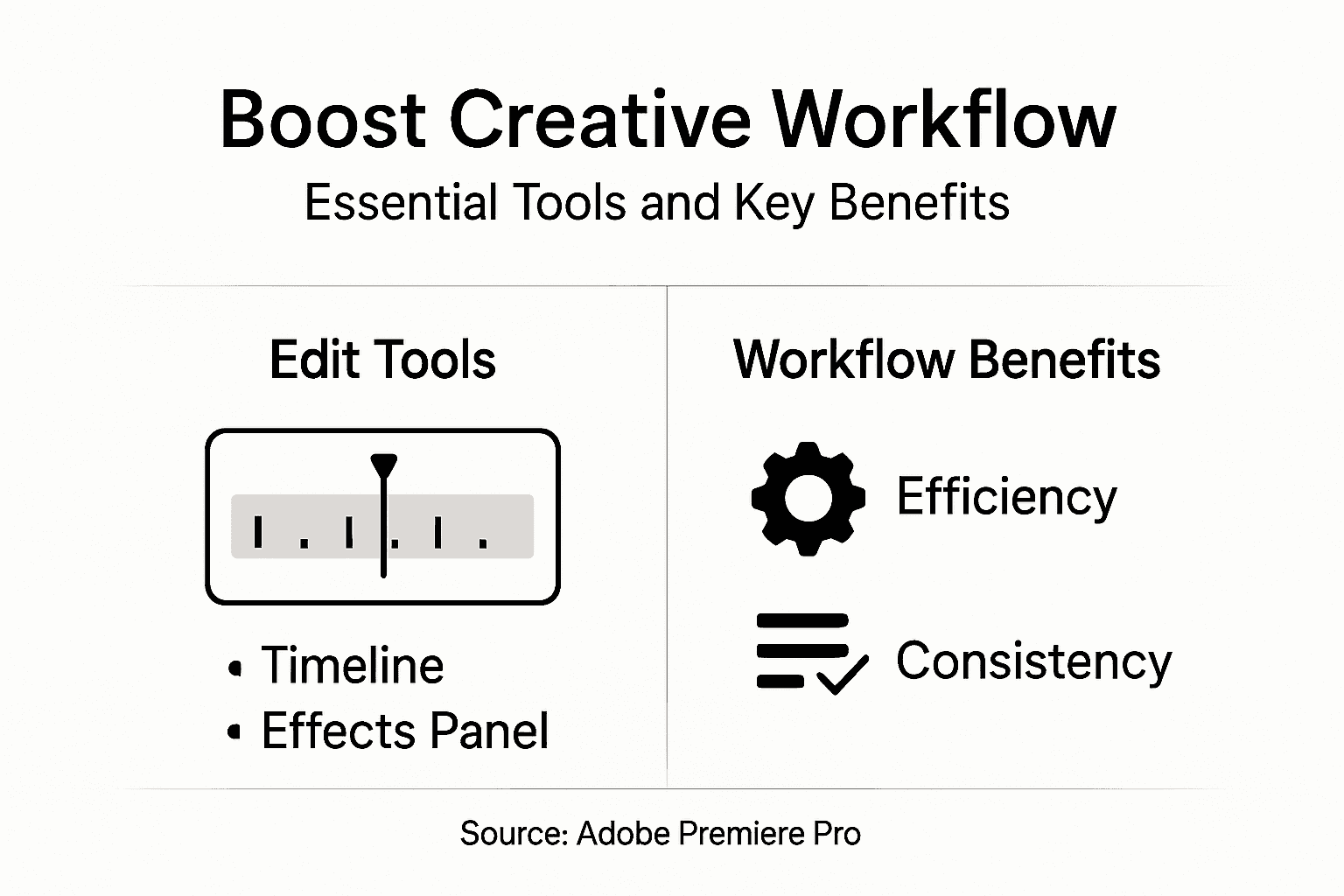
Adobe Premiere Pro presents a complex ecosystem of tools designed to streamline video production from concept to final cut. Comprehensive workflow techniques enable creators to transform raw footage into polished visual narratives with remarkable efficiency.
The software's core workflow essentials include several critical components:
- Project Organization
- Media bin management
- Folder structure creation
- Asset tagging and metadata management
- Sequence Editing
- Multi-track timeline manipulation
- Precise clip placement
- Advanced trimming techniques
- Color Grading
- Integrated color correction tools
- Preset and custom color management
- Luminance and saturation controls
Professional video editing requires mastering these interconnected tools. Each component plays a crucial role in transforming scattered visual elements into cohesive storytelling experiences. The platform's intuitive design allows creators to seamlessly transition between organizational, editing, and finishing stages.

Advanced users recognize that workflow efficiency stems from understanding not just individual tools, but their strategic integration. By developing a systematic approach to project management, editors can dramatically reduce production time and enhance overall creative output.
Pro Tip: Create custom workspace presets tailored to specific project types to instantly optimize your editing environment.
Popular Effects, Presets, and Integrations
Adobe Premiere Pro transforms raw video content through an extensive arsenal of creative tools and seamless application integrations. Professional-grade filters and effects empower creators to elevate visual storytelling with unprecedented precision and artistic expression.
The software's rich ecosystem of effects and presets encompasses multiple creative domains:
- Visual Effects
- Cinematic color grading presets
- Motion graphics templates
- Advanced compositing tools
- Chroma key and green screen capabilities
- Audio Enhancement
- Noise reduction filters
- Audio mixing presets
- Sound design integration
- Transition Effects
- Smooth cut transitions
- Dynamic motion transitions
- Advanced keyframe animations
Creative professionals leverage these integrated tools to streamline complex post-production workflows. The platform's ability to synchronize with other Adobe Creative Cloud applications like After Effects and Audition creates a comprehensive multimedia environment where artists can seamlessly transfer and enhance their projects.
Understanding and mastering these effects requires strategic exploration and continuous learning. Creators who invest time in experimenting with different presets and understanding their nuanced applications can dramatically transform their video production capabilities.
Pro Tip: Create a personal effects and preset library to maintain consistent visual branding across multiple projects.
Real-World Applications for Filmmakers and Creators
Video production spans diverse industries, with Adobe Premiere Pro emerging as a versatile tool that adapts to complex creative challenges. Professional editing capabilities enable creators to transform raw footage across multiple professional domains.
The software's real-world applications encompass several critical creative sectors:
- Film and Documentary Production
- Feature film editing
- Documentary narrative construction
- Independent film post-production
- Commercial and Marketing Content
- Brand storytelling videos
- Product demonstration reels
- Corporate communication materials
- Digital Media and Online Content
- Social media video production
- YouTube and streaming platform content
- Educational and tutorial video creation
Multimedia professionals leverage Premiere Pro's robust toolset to craft compelling narratives across various platforms. The software's flexibility allows seamless adaptation from cinematic productions to quick social media content, supporting high-resolution projects and emerging technologies like virtual reality and HDR workflows.
Here's a summary of how Adobe Premiere Pro impacts different creative industries:
| Industry Sector | Main Use Case | Unique Advantage | Typical Output |
|---|---|---|---|
| Film & Documentary | Storytelling & Editing | Precision timeline control | Feature films, documentaries |
| Marketing & Commercial | Branded video creation | Integrated graphics tools | Ad spots, promos |
| Digital Media | Social/content videos | Fast export for web formats | YouTube, tutorials, education |
| Corporate | Training & comms | Collaboration features | Internal videos, presentations |
Creative adaptation remains key for modern content creators. By understanding the software's comprehensive features, filmmakers can develop unique visual languages that transcend traditional editing boundaries, transforming technical limitations into opportunities for innovative storytelling.
Pro Tip: Develop a consistent project template to standardize your workflow and reduce setup time for recurring video projects.
Common Pitfalls and Time-Saving Solutions
Video editing requires strategic planning and technical expertise to avoid common workflow disruptions. Comprehensive editing strategies help creators navigate potential challenges and maintain efficient production processes.
Common pitfalls that derail video editing workflows include:
- Project Management Issues
- Disorganized media asset storage
- Inconsistent file naming conventions
- Lack of backup protocols
- Performance Bottlenecks
- Insufficient computer hardware
- Unoptimized project settings
- Large file management challenges
- Technical Workflow Errors
- Inefficient rendering techniques
- Overuse of complex effects
- Neglecting proxy file generation
Professional editors understand that preventing workflow disruptions requires proactive management and strategic system configuration. By implementing systematic approaches to project organization, hardware optimization, and resource management, creators can significantly reduce editing time and minimize technical complications.
Compare common pitfalls in video editing to time-saving strategies that can resolve them:
| Pitfall | Workflow Impact | Time-Saving Solution |
|---|---|---|
| Unorganized assets | Slow project setup | Use media bins and tagging |
| Outdated hardware | Laggy performance | Upgrade RAM and GPU |
| Complex effects overuse | Lengthy render times | Simplify effects and use proxies |
| No backup system | Risk of data loss | Create automated backups |
Mastering Premiere Pro's advanced features demands continuous learning and adaptive problem-solving. Successful creators develop robust troubleshooting skills, experiment with different techniques, and remain flexible in their approach to technical challenges.
Pro Tip: Create a standardized project template with pre-configured settings to dramatically reduce setup time and maintain consistent quality across different projects.
Elevate Your Adobe Premiere Pro Workflow with AI-Powered Video Creation
Struggling with complex project management or time-consuming editing in Adobe Premiere Pro can slow down your creative process. This article highlights challenges like organizing media assets, optimizing workflow efficiency, and mastering effects to produce professional-grade videos. At Palmedor.ai, we understand these hurdles and offer an AI-powered platform that transforms your ideas into cinematic videos with minimal effort. Our smart presets, scene management, and script generation tools streamline your editing journey so you can focus on storytelling instead of technical bottlenecks.

Discover how Palmedor.ai can boost your creative productivity by automating complex edits and simplifying your output customization. Whether you are crafting brand films or social clips, leverage cutting-edge AI technology designed to complement your Adobe Premiere Pro skills. Ready to save time and elevate your video projects today Visit Palmedor.ai and turn your vision into reality with AI-driven ease.
Frequently Asked Questions
What are the key features of Adobe Premiere Pro?
Adobe Premiere Pro includes advanced resolution support, 32-bit color depth processing, professional-grade editing tools, seamless integration with other Adobe applications, and cross-platform compatibility.
How can I improve my workflow efficiency in Premiere Pro?
Investing time in learning keyboard shortcuts and creating custom workspace presets can dramatically enhance your editing efficiency and help streamline your workflow.
What types of projects are best suited for Adobe Premiere Pro?
Adobe Premiere Pro is versatile and can be used for various projects, including feature films, documentaries, marketing videos, social media content, and educational tutorials.
What are common pitfalls in video editing using Premiere Pro, and how can I avoid them?
Common pitfalls include disorganized media assets, performance bottlenecks, and neglecting backups. To avoid these, use media bins for organization, optimize project settings, and establish a backup protocol.